The most popular advice about LinkedIn scheduling is to pick a tool, fill your calendar, and stay consistent. That skips the difficult part. A scheduler moves a post to a later time. It doesn't give you a useful opinion, a credible example, or an opening that sounds like you.
Your drafts matter more than your publishing calendar. If you struggle to explain what you know, buying a bigger social media dashboard adds another place to stare at an empty text box. If you already write comfortably, though, a lightweight queue might be all you need.
Timing still deserves attention. LinkedIn's marketing guidance cites approximately 13–16% higher average engagement for posts published on Tuesdays and Thursdays around 7–9 a.m. compared with less favorable times. Treat that as a starting point, not a promise about your particular audience.
Choose a scheduler for the work you still need to do after pressing Schedule, not for the length of its feature list.
For a text-led LinkedIn presence, the useful questions are straightforward: Does the app help you publish specifically for LinkedIn? What happens to the bill when you add accounts or collaborators? And does maintaining the workflow make sense for a solo professional, a small team, or an agency?
Those differences matter more than whether every tool has a calendar.
1. RedactAI
Best for professionals whose bottleneck is writing LinkedIn posts, not choosing publication times. RedactAI combines personalized drafting with scheduling and performance review, rather than treating the draft as something you'll supply from somewhere else.
Our personalized AI uses your LinkedIn profile and posting history, including your last 100 posts, to reflect your background and writing style. You can start with keywords, notes, or expertise, then choose between three versions of a post. Inspiration tools provide live LinkedIn post examples and niche-specific ideas when you need a starting point.
The practical advantage is continuity. You can develop an idea, edit the draft, preview it, schedule it, and review its performance without moving through separate writing and publishing tools.
What still needs your attention
Personalization doesn't remove editorial responsibility. Check that a draft accurately represents your experience, replace vague claims with concrete details, and remove any opinion you wouldn't defend in a conversation.
- For solo publishing: Our Essential plan includes scheduling, post preview and styling, an idea generator, and statistics and insights.
- For repurposing: You can turn blog posts or YouTube material into LinkedIn content, then recycle successful posts with updated examples.
- For delegated publishing: Our Done For You service includes weekly content creation, publishing, profile optimization, and monthly reporting.
The trade-off is specialization. This is a LinkedIn-centered workflow, not a substitute for a broad multichannel inbox or an agency approval system.
Subscription prices aren't established here, so there's no honest price comparison to make. Judge the fit by how much editing your drafts need and whether the combined writing-to-scheduling workflow removes work you currently do manually.
2. Buffer
If your drafts are already good, Buffer is a sensible lightweight shortlist choice. It supports LinkedIn profiles and pages alongside other social networks, with drafts, queues, a visual calendar, and scheduled publishing.
Its appeal is straightforward: write the post, choose its destination, and put it in the queue. You don't need an elaborate content operation to benefit from that.
For a consultant publishing on LinkedIn and maintaining other channels, this approach keeps planning manageable. Buffer's AI Assistant can help with ideas and rewriting, but it isn't a LinkedIn-specific personalized writing platform.
Where the simplicity helps
Use Buffer when you want less administrative work around posts you can already write. Keep a separate LinkedIn version of shared ideas rather than sending an identical caption everywhere.
- Useful fit: Individual professionals and small teams with a modest account portfolio.
- Growth consideration: Per-channel pricing means each additional channel affects the bill.
- Team limitation: Collaboration and approval features depend on the paid plan you choose.
After scheduling, your main upkeep is reviewing the queue, checking relevance, and making time for replies. The calendar won't tell you whether an anecdote sounds like you or whether a client example needs permission.
I'd favor Buffer over a larger suite when publishing is the job, not a department-wide process. If writing is still the hardest part, its clean queue won't solve that by itself.
3. Later
A creator with a library of images and videos has a different scheduling problem from an executive writing text posts. Later suits the former more naturally, with visual planning and scheduling across LinkedIn and other mainstream networks.

Say you're adapting a product demonstration into a LinkedIn update and other social content. Planning the assets together makes sense, provided you rewrite the LinkedIn post around a professional takeaway rather than reuse an image caption.
The trade-off is that visual planning may be unnecessary overhead for text-first publishing. An attractive calendar doesn't necessarily improve an argument, sharpen an opening, or preserve an executive's tone.
Test the text workflow too
Later offers AI content ideas and caption-writing assistance depending on the plan. Treat those as drafting support, not proof that the resulting post is ready for a professional audience.
- Good match: Creators and teams whose LinkedIn content draws from an existing visual production process.
- Plan pressure: Lower-tier publishing limits and higher-tier collaboration features can influence the eventual cost.
- Trial priority: Test a text-only post as carefully as an image or video post.
After scheduling, check the copy and asset together. If the image communicates one point and the text makes another, reorganizing the calendar won't fix the mismatch.
4. Hootsuite
Hootsuite makes more sense when publishing is only part of your social media workload. Its scheduling tools sit alongside inbox, monitoring, reporting, and team-management functions.

For an organization coordinating company updates across networks, that breadth can be useful. The person scheduling a LinkedIn announcement may also need to monitor responses, route questions, and report on the campaign.
A solo executive has a narrower requirement. If you only need to publish thoughtful text posts, you may spend time configuring functions you won't use.
Buying rule: Pay for a broader management suite when someone owns the work beyond publishing, not because you might need it someday.
Hootsuite's content calendar and bulk scheduling support organized publishing, but neither replaces a named editor. For executive content, assign someone to check whether scheduled opinions still reflect the author's position.
Cost deserves attention as collaborators join. Per-user pricing can increase the bill, while feature availability varies by tier. Price the workflow you need, including reporting and team access, rather than comparing entry plans alone.
I'd shortlist it for a team managing several networks and ongoing engagement. For a solo LinkedIn presence, I'd need a clear reason to choose this much software over a lighter post scheduling app.
5. Metricool
Start with Metricool if your recurring question is what to change after publication. It combines scheduling with analytics and reporting, making it relevant to freelancers and agencies that need to explain results as well as produce posts.
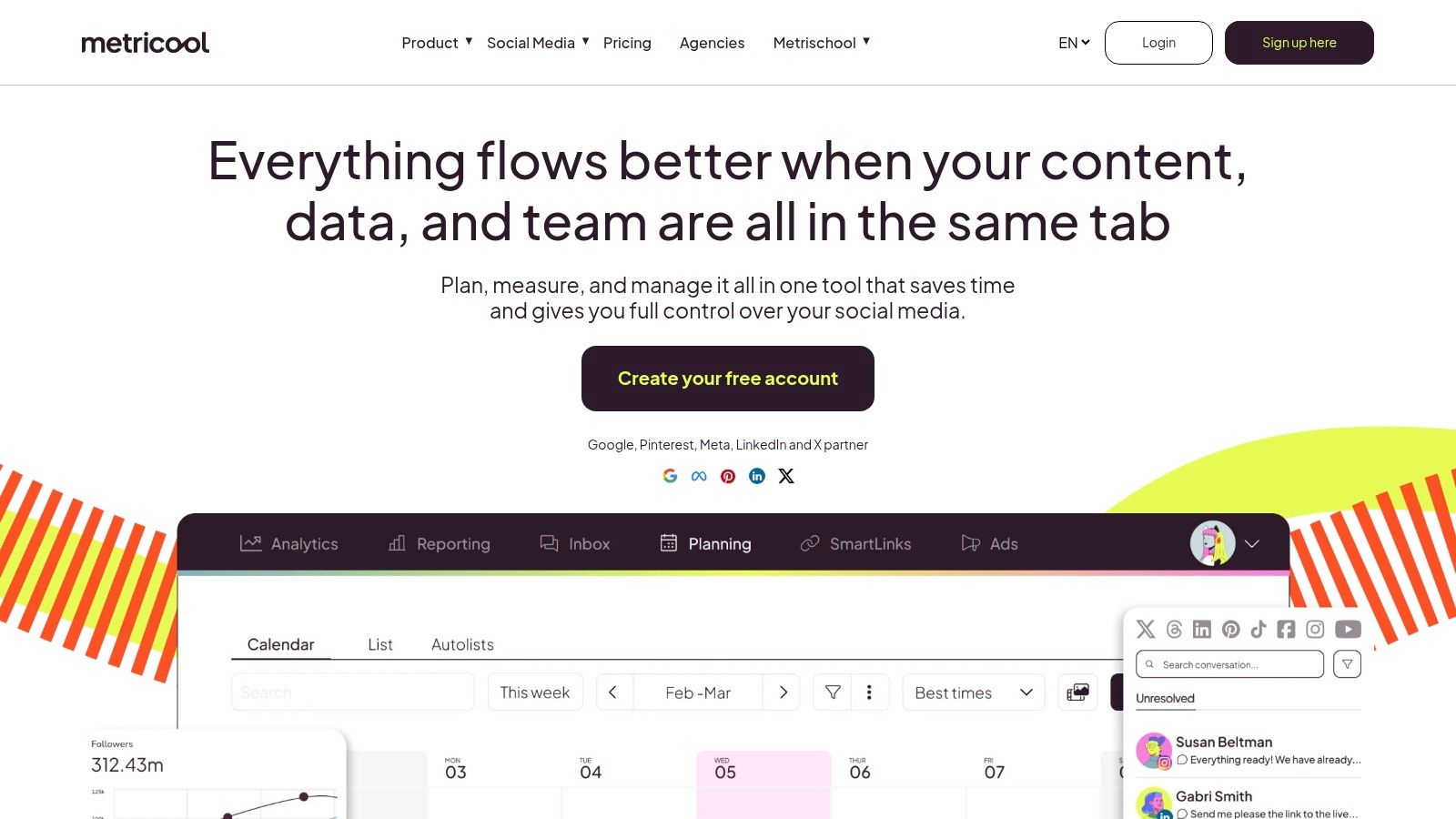
Its calendar handles planned publishing, while analytics, competitor tracking, and report exports support the review process. LinkedIn requires a paid plan, so the free option isn't a way to test LinkedIn publishing itself.
Make reporting change your next draft
For a ghostwriter, useful analysis should lead to an editorial decision. Did a practical explanation attract relevant questions? Did a broad opinion get reactions but little evidence of interest from the intended audience?
Record those distinctions alongside the reporting. Don't assume a high-performing format deserves repetition without checking what people responded to.
- Strong fit: Professionals who need publishing and repeatable client reporting in the same workflow.
- Cost consideration: Brand count and plan features affect what you pay.
- Collaboration caveat: Advanced team management and approvals require an appropriate plan.
Metricool won't make a generic draft personal merely because you can measure it afterward. Its value depends on whether you use the feedback to improve topics, examples, and timing.
I'd choose it for an analytics-led workflow before a writing-led one. During evaluation, build the report you'd send a client, not just a dashboard you enjoy looking at.
6. SocialBee
An empty queue isn't always an ideas problem. Sometimes you already have useful material but keep rebuilding the schedule manually. SocialBee addresses that with content categories, recurring queues, and evergreen recycling.
For a recruiter, categories might separate hiring advice, candidate guidance, and employer updates. For a consultant, they might distinguish practical explanations from service-related content.
That structure can help you maintain variety without manually deciding every slot. It also takes setup, which may frustrate someone who just wants to schedule a finished draft.
Recycling needs an editorial owner
Evergreen doesn't mean permanently accurate. Before recycling a post, check its examples, links, recommendations, and references to current conditions. Use expiration controls for material that shouldn't remain in circulation.
- Works well for: Professionals with an established library of reusable content.
- Requires upkeep: Category balance, post expiration, and periodic reviews of recycled material.
- Scaling concern: Profiles, users, workspaces, and higher-tier features can affect cost.
SocialBee supports LinkedIn profiles and company pages, along with other networks. Its AI assistance and bulk-upload options can help populate a workflow, but filling categories shouldn't become the goal.
For text-led LinkedIn publishing, reuse the underlying insight more readily than the exact wording. Add a fresh example or explain what has changed. Otherwise, you've reduced scheduling work without giving returning readers another reason to pay attention.
7. Planable
A ghostwriter can finish a draft and still spend more time chasing approval than writing it. Planable is built around that review problem, making it a strong fit for client-facing publishing.
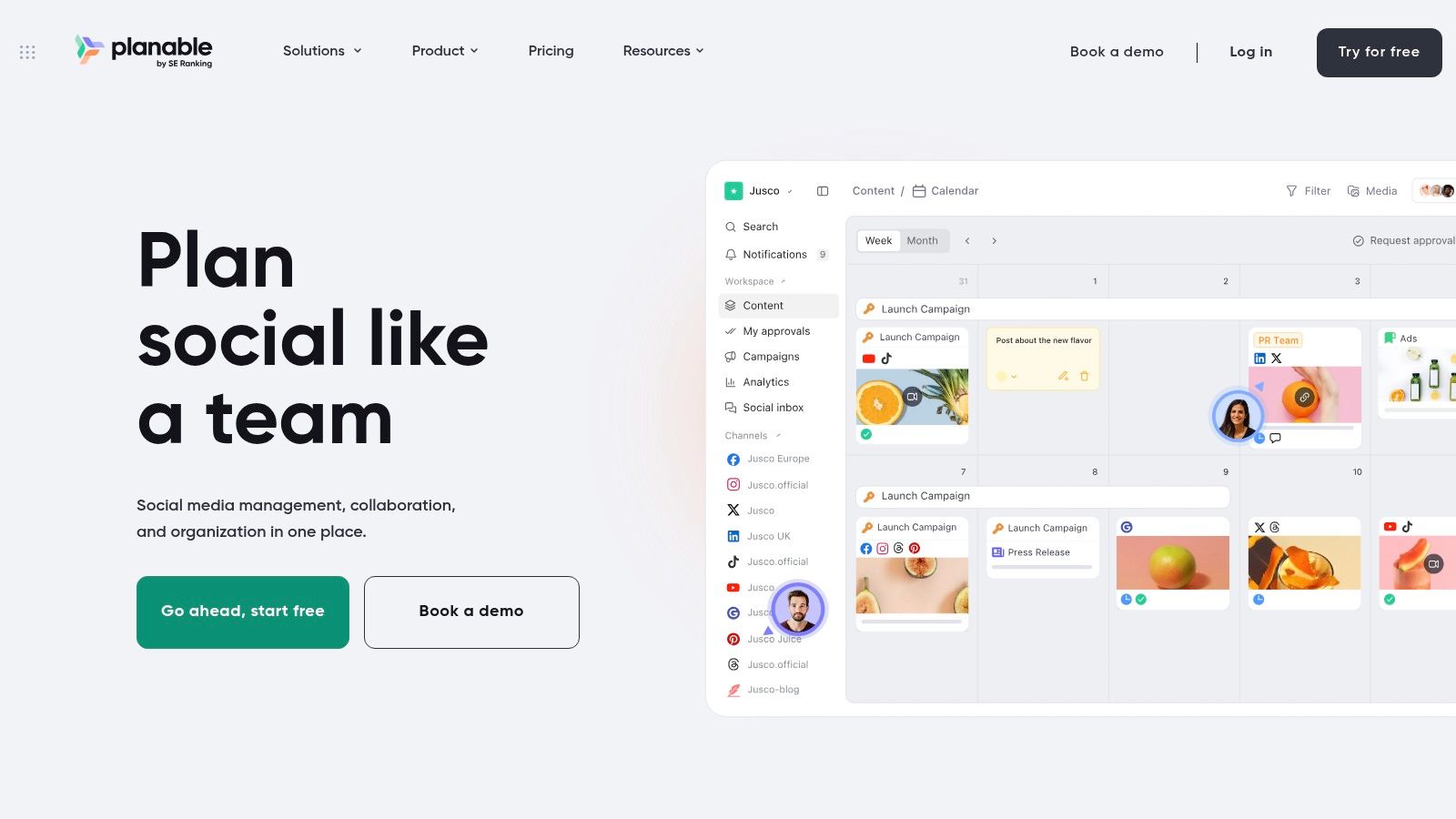
Calendar, feed, and grid views support planning, while workspaces organize brands or clients. Approval workflows, including required approvals on eligible plans, help distinguish a finished draft from an authorized post.
For executive LinkedIn content, that distinction matters. An editor can improve the wording, but the executive still needs to confirm that the experience, opinion, and implied commitments are theirs.
A scheduled draft isn't approved just because nobody objected to it in an email thread.
Planable's advantage is coordination, not automatic authenticity. Ask reviewers to comment on substance as well as wording. A vague “looks good” is less useful than confirmation that the example is accurate and appropriate to publish.
Listed workspace plans include unlimited users, which can help when several stakeholders review content. However, workspace costs, monthly post limits, and analytics or inbox add-ons need to be included in the comparison.
For solo professionals who approve their own work, this may be more process than necessary. For agencies managing client feedback, a clear approval trail can be more valuable than additional AI writing features.
8. Sendible
Sendible belongs on an agency shortlist when account organization is becoming a daily chore. Scheduling, bulk posting, monitoring, and replying sit within a workflow designed around multiple brands or clients.
Separate workspaces are useful when you're moving between clients with different audiences, tones, and publishing calendars. The practical task is keeping those boundaries clear while still making the overall workload manageable.
For LinkedIn ghostwriting, don't let bulk scheduling encourage bulk thinking. Similar professional topics still need different examples and positions for different authors.
Evaluate the client handoff
Test the full sequence from draft preparation to client review, publication, and follow-up. Confirm how the plan you're considering handles the people and profiles involved, rather than assuming every agency-oriented feature is included.
- Best fit: Consultants and agencies coordinating several account portfolios.
- Growth consideration: Workspace and profile capacity can affect costs as clients join.
- Solo drawback: The broader account-management workflow may exceed what an individual author needs.
After scheduling, someone still needs to check client-specific context. A leadership post that was suitable when drafted might need revision after an internal announcement.
The useful comparison is administrative effort per client. If organizing accounts saves meaningful work, Sendible deserves consideration. If you manage only your own LinkedIn profile, prioritize a simpler workflow unless you also need its broader management tools.
9. Loomly
A small team doesn't always need an enterprise suite. It may need a shared place to decide what's going out and who has signed it off. Loomly fits that middle ground with calendars, scheduling, approvals, roles, and creation tools.
Its AI Assistant and content inspiration can help start a draft. For LinkedIn, the team should still supply the argument and evidence rather than accept a polished but interchangeable post.
Say a startup marketer drafts a founder update. The founder checks the opinion and examples, while another colleague confirms that product references are ready for public discussion.
Structure without unnecessary ceremony
That workflow benefits from shared visibility, but it doesn't need endless review stages. Assign clear responsibilities so colleagues don't keep revising the same sentence for different reasons.
- Good fit: Small in-house teams that want planning, review, and publishing together.
- Growth limit: Account and user caps can become restrictive as the team expands.
- Upgrade consideration: Advanced branding and custom workflow controls require a higher tier.
Check billing terms as well as features, particularly if considering an annual subscription paid upfront. A useful calendar today isn't a reason to commit before testing the review process.
Loomly is worth considering when coordination is your main friction. If your primary problem is writing credible personal posts, test its drafting support separately from its calendar.
10. Sprout Social
Sprout Social is for teams that need publishing connected to engagement, customer care, and reporting. It's harder to justify if your requirement ends when a LinkedIn post goes live.
Its publishing calendar and collaboration tools sit alongside a consolidated inbox, analytics, keyword monitoring, and review management. Broader workflows, reporting, and integrations depend on the plan, with some capabilities available through higher tiers or add-ons.
For an established organization, those connections can matter. A scheduled company post may generate questions that need routing and responses, not just a reaction count.
Buy it for the surrounding work
Before evaluating the calendar, name the people who will use the inbox, reports, and management features. If nobody owns those tasks, you're comparing a broad suite against a much smaller requirement.
- Strong fit: Established teams managing publishing and audience interactions together.
- Cost pressure: Per-seat pricing increases the bill as team members join.
- Poor fit: Solo professionals seeking an economical LinkedIn-only scheduling workflow.
Sprout Social is a higher-priced option, so compare the complete plan against the work it would replace. Don't assume listening, advanced reporting, or every integration is included.
It won't remove the need for an author's editorial judgment. A reporting workflow can tell your team what happened after publication, but someone still needs to decide whether the next draft says something useful in the right voice.
How the 10 post scheduling apps compare on free access, best-fit users, team features, and trials
| Item | Free option | Best for | Team features | Trial |
|---|---|---|---|---|
| RedactAI | Free starting option; no credit card required | Personalized LinkedIn writing and growth | Managed content service with publishing and reporting | Free option available; trial details not specified |
| Buffer | Up to 3 channels and 10 scheduled posts per channel | Individuals and small teams managing a few accounts | Collaboration and approvals on the Team plan | Not specified |
| Later | Not specified | Visual planning for image- and video-heavy content | Approvals and inbox on higher-tier plans | 14 days |
| Hootsuite | Not specified | Organizations managing multiple networks and workflows | Team workflows and reporting vary by plan | Not specified |
| Metricool | Limited publishing; LinkedIn is excluded | Professionals and agencies focused on analytics and reporting | Team management and approvals on advanced plans | Free plan available; trial not specified |
| SocialBee | Not specified | Professionals and agencies using recurring evergreen content | Multiple workspaces on agency plans; approvals on higher plans | Not specified |
| Planable | Up to 50 posts | Teams and agencies that need content review and approval | Approval workflows and workspaces; listed plans include unlimited users | Free access available; trial not specified |
| Sendible | Not specified | Agencies and consultants managing multiple clients | Client workspaces; unlimited users on standard plans | 14 days; no card required |
| Loomly | Not specified | Small teams wanting a shared calendar and structured publishing | Approvals, roles, and shared calendars | Free trial; no credit card required |
| Sprout Social | Not specified | Established businesses needing publishing, engagement, and reporting | Collaboration, inbox, and advanced workflows vary by plan | 30 days |
Pick the Tool That Matches How You Actually Write
The best post scheduling app is the one that removes your actual bottleneck without creating another maintenance job. For a solo professional, that might mean help turning notes into a publishable draft. For an agency, it might mean getting a client's approval without chasing scattered messages.
If drafts are the problem, evaluate writing support first. Compare how much rewriting you need before a post sounds like you, including the opening, examples, and conclusion. Reject drafts that invent experience, exaggerate certainty, or turn a specific insight into generic advice.
Authenticity deserves that attention. Reporting from PPC Land cites LinkedIn findings that 81% of B2B marketing leaders said authentic voices are more important than ever. Treat writing assistance as support for your expertise, not a substitute for it.
Run a real publishing trial
Shortlist a couple of tools, or add another if the trade-offs remain unclear. Use the same real content in each: an original opinion, a practical explanation, and a repurposed piece that needs updating.
- Solo professionals: Compare editing effort, preview quality, scheduling steps, and how easily you can revise the queue.
- Small teams: Test feedback, shared calendars, required approvals, and ownership of last-minute changes.
- Agencies: Price your expected workspaces, profiles, seats, reports, and add-ons as the client list grows.
Don't judge only the moment you press Schedule. Reopen the draft, change its publication time, request a revision, and try pausing the queue. Check image descriptions and captions where supported, readable formatting, link context, and time-zone settings.
Final test: Could you confidently leave this queue alone, and could you quickly stop it if circumstances changed?
For distributed audiences, review local working hours and holidays rather than treating a recommended time as universally appropriate. Name the person responsible for checking scheduled content when company news or industry events make an old draft unsuitable.
Then compare the work left over. How much editing does each draft still need? How much coordination happens outside the app? How often must someone repair or reorganize the workflow?
Choose the smallest tool that handles those responsibilities well. More features are useful only when they remove work you have.
RedactAI combines personalized LinkedIn drafting with scheduling, performance insights, and content recycling, so you can work on the post and its publishing plan together. Visit RedactAI and test it with your own notes, then compare how much editing you need before you're comfortable scheduling the result.