
Stop posting into the void. More LinkedIn posts won't fix unclear positioning, a weak profile, or content that gives people no reason to care. Copying a viral format can produce activity, but it rarely builds the professional reputation, relationships, or opportunities you want.
A practical LinkedIn best practice is to treat the platform as a connected operating system. First, make your profile discoverable and clarify what you want to be known for. Then build a useful content mix, choose formats people can consume quickly, participate in conversations, and create a publishing routine you can maintain. Finally, recycle strong ideas and use analytics to decide what deserves more attention.
You don't need to implement every tactic today. Start with a focused profile, two or three clear content themes, and two or three sustainable posts per week. The sequence matters more than any isolated hack. Here are ten LinkedIn best practices that work together rather than competing for your attention.
1. Optimize Your LinkedIn Profile for Discoverability
Your profile is the landing page behind every comment, post, search result, and introduction. If a prospect sees a useful post and clicks your name, they should understand what you do, who you help, and why your experience matters without having to decode a generic job title.
Write your headline around the problem you solve or the audience you serve. “Marketing Director” tells people where you sit. “Helping B2B software teams turn complex products into clear demand-generation content” gives visitors a reason to remember you. Use relevant terms naturally in the headline, About section, experience descriptions, and skills. Avoid stuffing keywords into awkward sentences.
A complete profile also supports visibility. LinkedIn grew from 100,000 members in December 2003 to more than 6 million by the end of 2005, then passed 500 million members in April 2017, according to LinkedIn's published platform history. The platform is no longer a small directory. It functions as a large professional graph, so your profile needs to work for people who don't know you yet.

Make the profile support the next action
Use your About section to explain your perspective, the situations you handle, and the kind of conversation you welcome. Add selected work samples, relevant media, and a clear invitation, such as an invitation to discuss a project, role, or collaboration. Review the profile whenever your offer or professional focus changes.
A practical profile pass should include:
- Headline: State your audience, problem, or distinctive value instead of repeating your job title.
- About section: Write in the first person, include the terms your audience uses, and explain how you work.
- Experience: Describe outcomes, responsibilities, and problems solved, not just tasks completed.
- Featured section: Add useful proof, such as an article, presentation, interview, or project.
- Banner image: Reinforce your current focus rather than using an unrelated decorative image.
For a more detailed process, use this guide to optimize your LinkedIn profile. Your profile should make your content more credible, not force every post to explain who you are.
2. Align Content with Your Professional Goals and Positioning
Random visibility creates a random reputation. Before drafting, choose the professional outcome your content should support. You might want to become known for a specialist topic, attract better-fit clients, demonstrate expertise for a future role, support recruitment, or create demand for a company. Those objectives require different examples and calls to action.
A recruiter who wants to attract senior engineering candidates shouldn't publish generic productivity advice one day, restaurant recommendations the next, and hiring commentary after that. A stronger approach would focus on hiring quality, team design, candidate experience, and lessons from building technical organizations. The audience can quickly connect the content to the person's professional value.
Define two or three content pillars. Keep most posts connected to those themes, while leaving room for timely observations, personal stories, and experiments. A freelance content strategist might use pillars such as B2B messaging, editorial operations, and lessons from client work. A sales leader might focus on buyer education, account strategy, and team coaching.
Your positioning statement can stay simple:
Practical rule: If a reader sees several of your posts, they should be able to describe what you know and who benefits from that knowledge.
Review your themes when your role, offer, or target audience changes. Don't let an old content plan keep attracting the wrong conversations. A useful personal branding strategy connects your profile language, examples, comments, and posts so they reinforce the same professional identity.
Taja's LinkedIn content playbook is also useful for thinking through themes and distribution. The key is not publishing inside a narrow box. It's making your flexibility understandable.
3. Master the Art of Value-First Content
Value-first content earns attention by helping someone answer a question, make a decision, or take a practical next step. The commercial benefit follows when readers can see how your expertise applies to their work.
Start with a narrow problem, not a broad promise. “Improve your marketing” gives a reader nowhere to begin. “Before rewriting a landing page, ask five recent customers which phrase made the offer clear” offers a testable action. Strong teaching posts often come from a client question, a repeated mistake, a failed assumption, or a decision you now handle differently.
Use professional judgment as the differentiator. A product marketer might show how sales-call language becomes a messaging brief. An HR leader could share an interview debrief structure that separates evidence from impressions. A consultant might explain how to diagnose a stalled project before recommending a new tool. Each example teaches a method and shows when that method is appropriate.
A useful post should answer three questions:
- What problem does the reader recognize?
- What can they try today?
- Where does the advice stop working?
Add evidence from a credible source or identify the point as your own experience. That distinction protects trust, especially when the post addresses complex decisions. A clear invitation can then extend the discussion. Ask for an example, objection, or related question only when the response will improve the conversation.
Teach before you pitch
Commercial intent has a place in the content system. Explain the method, demonstrate its use, and then offer a relevant next step, such as a conversation, resource, or service. A pitch attached to a useful argument feels connected. A pitch without useful substance feels like an interruption.
Turn one subject into a short series when it deserves more room. A cybersecurity consultant could publish separate posts about access reviews, incident preparation, and executive communication instead of compressing all three into one update. This approach supports educational content creation while keeping each post focused enough to read and discuss. Review responses and follow-up questions, then use them to refine the next post.
4. Use Carousel Posts and Visual Content for Higher Engagement
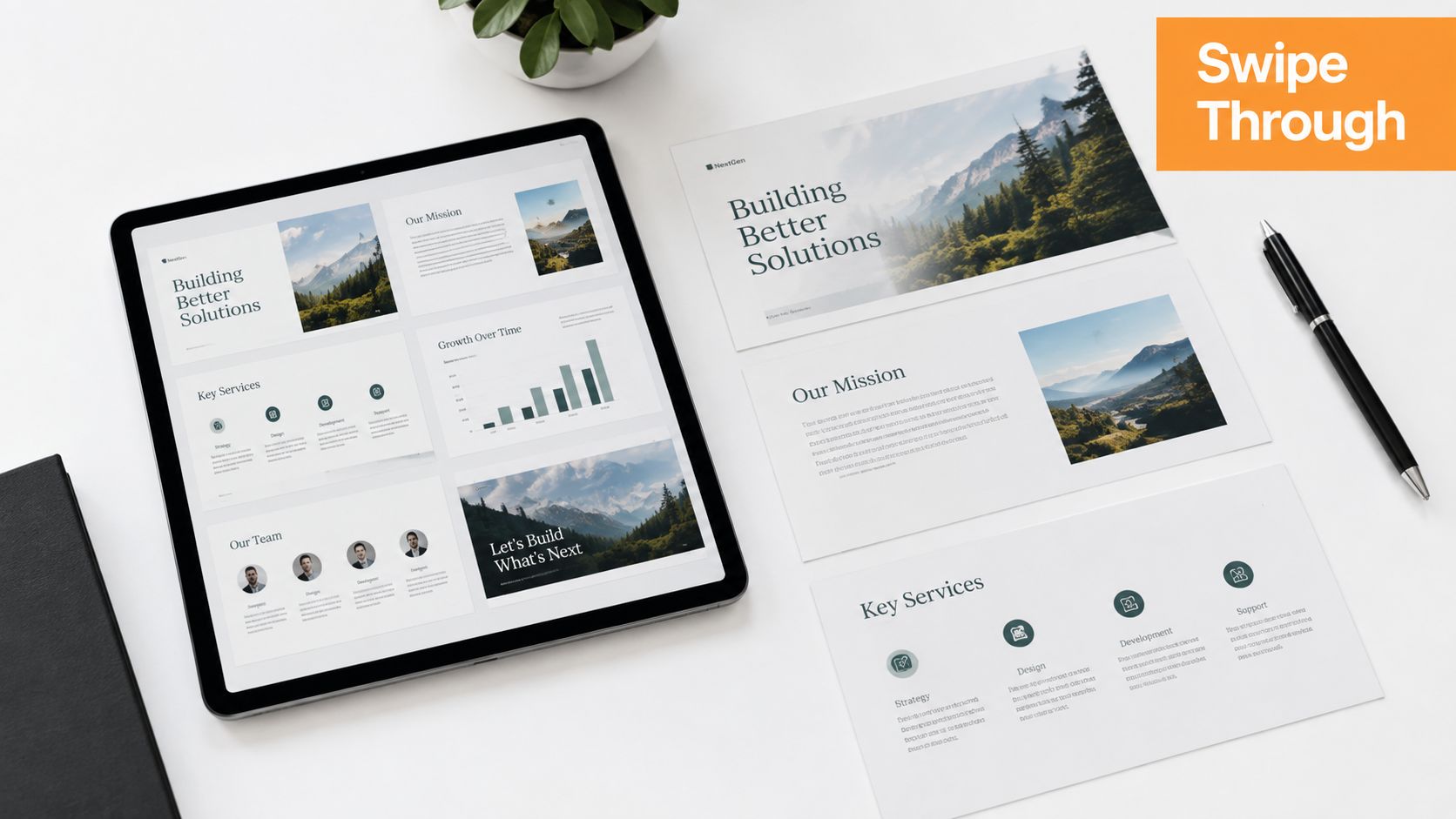
Choose the format that matches the idea. A text post can carry a sharp opinion or a concise observation. A photo can add context to a conference lesson or behind-the-scenes story. A document or carousel can make a process easier to follow because the reader moves through the explanation step by step.
LinkedIn benchmark data analyzed by Socialinsider reports an average engagement rate of 5.20% across 1.3 million business posts, with native document posts at 7.00% and multi-image posts at 6.90%. You can review the LinkedIn benchmark methodology and format comparisons, but don't treat those averages as a promise for your account. They're a signal to test document-based teaching when interaction is the objective.

Build for the swipe
A useful carousel has one job. It might explain a process, challenge a common assumption, or summarize a framework. Put the promise on the opening slide, give each following slide one clear point, and finish with a practical action or thoughtful invitation. Don't turn every slide into a miniature article.
Keep design simple enough to read on a phone. Use consistent typography, strong contrast, and meaningful headings. If the visual contains dense text, the reader may save it but never absorb it. If it contains only decorative branding, it adds production work without improving comprehension.
Video can be the right choice for demonstrations, interviews, or personal delivery. It isn't automatically the best choice for every idea. Socialinsider's broader LinkedIn best-practice analysis reports that native documents rose 14% year over year, text posts rose 12%, and video engagement rose 7%, while video views fell 36% across page sizes. That supports a format-specific testing approach. Measure saves, comments, and meaningful responses, not just reach.
Here's a short visual-content walkthrough you can use as a prompt for your own format tests:
5. Optimize Posts for Engagement with Strategic Formatting
Formatting determines whether a useful idea gets read or skipped. LinkedIn readers often scan between meetings, so the structure should reveal the argument before they commit to every sentence.
Start with the point that earns attention. Use a specific observation, a recurring mistake, a useful question, or a tension your audience recognizes. Avoid generic openings such as “Today I want to talk about…” because they offer no reason to continue.
Then match the format to the job of the post. A three-stage onboarding process is clearer as numbered steps. A professional lesson may need short narrative paragraphs. A comparison works better with explicit labels. Lists should clarify steps or choices, not hide vague claims.
Make the post easy to scan
Edit for movement. Keep paragraphs short, add a line break when the thought changes, and place the strongest sentence where it will not disappear in the middle. Use emphasis sparingly, highlighting the decision, lesson, or action that matters.
A quick pre-publishing check:
- Opening: Does the first line create curiosity without exaggeration?
- Structure: Can a busy reader find the main point while scanning?
- Paragraphs: Does each block develop one idea?
- Emphasis: Is the practical takeaway visible?
- Accessibility: Is image text readable, and does the visual have descriptive alt text?
Emojis can mark transitions, but precision matters more, particularly in regulated or technical fields. Plain text often works when the writing has a clear point of view. A polished template cannot compensate for an ordinary idea, and repeating one format can make a content system predictable rather than useful.
Test formatting as part of the wider publishing system. Compare saves, comments, and meaningful replies across formats, then keep the structures that help the right readers understand and respond.
6. Use Storytelling to Build Emotional Connection
A professional story earns attention when it turns experience into a lesson. Choose a real moment, explain the challenge, show the decision you made, and end with an action another professional can apply. Confidential work can still provide useful insight without revealing sensitive details or dramatizing routine tasks.
A project manager notices that a launch keeps slipping. A generic post says, “Communication matters in complex projects.” A more useful version describes the meeting where three teams used the same word to mean different things, explains how the manager created a shared definition, and shows how that changed the next planning conversation. The reader sees the situation, the problem, and the practical response.
Keep each story narrow. One post should carry one event or lesson, rather than an entire career history. Specific details make the experience credible, so include the setting, decision, or constraint that shaped the outcome. Remove identifying information when permission has not been given.
Use a clear arc without making it theatrical
Build the draft around four questions:
- Situation: What was happening?
- Tension: What failed, or what did you misunderstand?
- Action: What did you try, change, or decide?
- Lesson: What should the reader do differently?
Use paraphrase when exact wording is unavailable. Invented dialogue can make a post sound vivid while weakening trust. Avoid forcing every failure into a tidy success story. A candid account of a trade-off, unresolved constraint, or partial lesson can be more useful because it reflects the decisions professionals typically face.
End with a step that connects your experience to the reader's work. “I learned to ask for alignment” stays abstract. “Before the next planning meeting, ask each team to define the deliverable in one sentence and compare the answers” gives the reader something to try. That final step converts emotional interest into professional usefulness.
7. Engage Authentically in Comments and Conversations
Publishing is only half of LinkedIn participation. Comments let you demonstrate how you think when someone else sets the topic, which is often more persuasive than repeating your own prepared message.
Avoid comments such as “Great post” or “Absolutely agree.” Add a useful distinction, example, counterpoint, or question. If a finance leader writes about forecasting, you might explain how the same issue appears in sales capacity planning and ask how their team handles changes in assumptions. That creates a real professional exchange instead of a public compliment.
Reply to comments on your own posts with substance. Acknowledge the specific point, add context, and ask a follow-up question only when you want the answer. You don't need to respond to every comment with the same formula. Some comments call for a short thank-you, while others open a deeper discussion.
Conversation rule: Treat comments as a working room, not a scoreboard. The aim is to develop ideas and relationships, not to collect empty reactions.
Set aside a repeatable block for engagement. Before publishing, read a few relevant discussions and contribute where you have something useful to say. After publishing, return to your post while the conversation is active. Pay attention to who asks detailed questions, shares a related experience, or visits your profile. Those signals can reveal peers, prospects, hiring contacts, and potential collaborators.
Don't bait arguments just to create activity. A provocative claim may attract attention while weakening trust with exactly the audience you want to influence.
8. Maintain Consistent Publishing Cadence
Consistency is a production decision, not a personality trait. Choose a schedule that matches your workload, subject matter, and ability to participate after publishing. A consultant with frequent client observations may sustain several posts each week. An executive with limited writing time may do better with fewer, more considered posts and regular comments.
A large analysis of more than 2 million LinkedIn posts found that publishing 2 to 5 times per week delivered the highest average impressions and engagement for individual creators, with roughly 1,182 more impressions per post than posting once a week, according to the published cadence analysis. The same analysis reports higher average impressions at more frequent cadences. That benefit has a cost: publishing more often can reduce quality and leave less time for meaningful replies. Edit every post before it goes live.
Begin with two or three posts per week and keep the routine long enough to learn from it. Capture questions from client calls, mistakes you notice, useful resources, and opinions you can defend. Batch outlining reduces production time, while leaving room for timely industry conversations keeps the system responsive.
Build a routine that survives busy weeks
Use a calendar for broad themes, not for scripting every sentence. Schedule posts for days when you will be unavailable, then reserve time for replies. If a client question becomes relevant to your audience, replace a planned topic when the timing improves the conversation.
A practical workflow:
- Capture: Save ideas after meetings, calls, or research.
- Shape: Turn each idea into one clear claim and useful takeaway.
- Draft: Write several posts during one focused session.
- Schedule: Place them across the week, with space for timely content.
- Review: Compare topics, formats, responses, and business outcomes.
Review the cadence as part of the wider LinkedIn system. If posts attract impressions but no useful conversations, revisit the positioning or content mix. If quality drops, publish less often. Cadence should make strong ideas repeatable, not turn publishing into a quota.
9. Use Data, Statistics, and Research to Build Credibility
A number earns attention only when readers can check its meaning. Before adding a statistic, identify the source, the population or sample it covers, and the decision it should influence. A sourced figure without context can still mislead.
Use primary research where possible. Link to the report, state its scope when that information is available, and separate the reported result from your interpretation. Benchmarks describe a reference point, not a promise. Audience, format, objective, and execution all affect LinkedIn performance.
Socialinsider reports that its LinkedIn dataset includes 1.3 million business posts and records an average engagement rate of 5.20%. That benchmark can help you frame a test. It cannot show whether a document, video, or text post will create better results for your audience. Check your own analytics, especially the quality of conversations and business outcomes that follow a post.
Use this test before publishing a data-led claim:
- Source: Can readers reach the original report or dataset?
- Measure: Does the figure describe impressions, engagement, clicks, saves, or conversions?
- Scope: Who or what does the research cover?
- Decision: What should a reader test, compare, or change?
- Interpretation: Which part is documented fact, and which part is your conclusion?
A practical LinkedIn example is a post about content format. Instead of claiming that one format always wins, cite the relevant benchmark, explain how the study measured performance, then compare that result with your own posts. If your audience responds differently, report the difference and explain the limits of the comparison.
Credibility also depends on restraint. Weak, outdated, or unverifiable research does not become persuasive because it includes precise figures. Replace unsupported numbers with a qualified observation, or leave the claim out. Readers trust evidence more when you show both what it demonstrates and where it stops.
10. Repurpose and Recycle High-Performing Content
A successful LinkedIn post should inform the next part of your content system. Review posts that generated thoughtful comments, useful questions, profile visits, or relevant business conversations. Identify the problem, audience, and format that created that response before producing another topic.
Start with the core lesson, then rebuild it for a different way of consuming information. A five-point post could become a carousel, several focused posts, a short video outline, or a newsletter article. A personal story could become a practical framework. A data-backed post could become an explanation of what the finding means for a specific audience. This guide to repurposing LinkedIn content provides further ideas for developing one useful topic into a broader content system.
Change more than the opening line. Adjust the angle, evidence, audience, and format. A post about what went wrong might become a checklist for preventing the problem. Advice written for founders could be adapted for operators or team leads. Replace time-sensitive research and examples before publishing the revised version.
Recycle with judgment
Likes alone are a weak reason to repeat a post. Look for signs that the idea helped the intended audience. Did readers request examples? Did someone explain how they applied the advice? Did the post attract potential clients, peers, or candidates, rather than broad attention with no useful follow-up?
Use this content map:
- Original lesson: State the central idea in one sentence.
- Audience variation: Adapt it for another role or industry context.
- Format variation: Convert the material into a document, story, visual, or discussion prompt.
- Evidence update: Replace old examples or research with current, verifiable material.
- Follow-up: Answer the strongest question from the original conversation.
Good recycling extends an argument. It gives scheduling a purpose, reduces pressure to invent topics, and creates connected posts that move readers from an insight to an application. Review the response to each version, then use those findings to choose the next angle and format.
10-Point LinkedIn Best Practices Comparison
| Item | 🔄 Implementation Complexity | ⚡ Resource Requirements | 📊 Expected Outcomes (⭐) | Ideal Use Cases | 💡 Key Advantages |
|---|---|---|---|---|---|
| Optimize Your LinkedIn Profile for Discoverability | Medium, detailed one-time setup | Medium, time, photos, keyword research | ⭐⭐⭐⭐, higher search visibility & profile views | Job seekers, creators, executives | Boosts discoverability and credibility; include 5–8 natural keywords |
| Align Content with Your Professional Goals and Positioning | High, strategy and alignment work | Medium, planning time, occasional research | ⭐⭐⭐⭐, clearer brand, better-qualified leads | Thought leaders, niche specialists, founders | Focuses audience and increases conversion efficiency; define 2–3 pillars |
| Master the Art of Value-First Content | Medium, ongoing content quality needed | Medium, expertise and research time | ⭐⭐⭐⭐, stronger trust, sustained engagement (long-term) | Consultants, educators, agencies | Builds authority and organic reach; share one actionable tip per post |
| Use Carousel Posts and Visual Content for Higher Engagement | Medium–High, design and production skills | High, design tools, templates, possible video setup | ⭐⭐⭐⭐⭐, 3–5x engagement vs text posts | Marketing teams, data-driven posts, listicles | Highly shareable and memorable; start with a strong first slide |
| Optimize Posts for Engagement with Strategic Formatting | Low–Medium, learn formatting best practices | Low, time, basic editing; mobile-focus | ⭐⭐⭐⭐, improved readability, higher time-on-post | All creators, mobile-first audiences | Improves scanability and CTR; use hook + line breaks and 1–2 emojis |
| Leverage Storytelling to Build Emotional Connection | Medium, craft narrative arc well | Low–Medium, writing time and reflection | ⭐⭐⭐⭐, deeper engagement, memorability | Founders, leaders, recruiters | Humanizes brand and increases shares; end with clear takeaway |
| Engage Authentically in Comments and Conversations | Medium, consistent daily effort | High, daily time commitment | ⭐⭐⭐⭐, better algorithmic reach and relationships | Networkers, sales pros, community builders | Builds community and surfaces content ideas; reply within 24 hrs |
| Maintain Consistent Publishing Cadence | Medium, requires planning and discipline | Medium, content calendar, batching tools | ⭐⭐⭐, improved distribution and audience habits | Active creators and company accounts | Signals activity to the algorithm; batch content to reduce churn |
| Use Data, Statistics, and Research to Build Credibility | Medium–High, requires sourcing & verification | High, access to studies, time to validate | ⭐⭐⭐⭐, greater credibility and shareability | Analysts, B2B marketers, thought leaders | Strengthens claims and attracts media; always cite sources |
| Repurpose and Recycle High-Performing Content | Low–Medium, tracking and variation strategy | Low, editing time, reuse across formats | ⭐⭐⭐⭐, maximizes ROI; saves content creation time | Busy creators, content teams, evergreen topics | Efficient use of top content; wait 2–3 months before recycling |
Turn These Practices Into a Repeatable System
The ten practices work best as a sequence. Start with the profile because every post, comment, and connection can lead someone there. Then clarify your positioning so the profile and content point toward the same professional identity. Without those foundations, higher publishing volume may only increase the number of people who misunderstand what you do.
Next, choose two or three content pillars and build a sustainable mix. Include value-first teaching for usefulness, story-led posts for context and personality, data-backed analysis for credibility, and visual formats when they improve comprehension. Don't assign every format to every topic. A personal lesson may need a photo or plain text, while a framework may deserve a document post.
Reserve time for conversation as part of publishing, not as an optional extra. Read relevant posts, write comments that add a real perspective, and return to your own posts to answer thoughtful responses. In these interactions, visibility becomes relationship-building. A follower who remembers a useful exchange is more valuable than a passive impression.
Use scheduling to reduce operational friction, but keep human judgment in the loop. A calendar can protect consistency, yet it shouldn't publish outdated advice, tone-deaf commentary, or a post that no longer matches the day's context. Review every draft before it goes live.
A practical rollout
You can put the system in place gradually:
- First, audit the profile: Rewrite the headline, About section, experience descriptions, and Featured section around the audience you want to reach.
- Then choose the themes: Write down two or three problems you can discuss from direct experience.
- Build the mix: Plan educational, story-led, data-backed, and visual ideas without forcing equal volume.
- Set the cadence: Begin with two or three posts per week and protect time for comments.
- Review the signals: Compare formats, topics, saves, comments, profile actions, direct messages, and relevant opportunities.
- Recycle intelligently: Expand strong ideas into new formats and address questions your audience keeps asking.
Analytics should help you make decisions, not turn LinkedIn into a daily performance test. Compare patterns over time and weigh surface engagement against meaningful outcomes. A post with fewer reactions may still attract the right client conversation or hiring contact.
RedactAI can support this operating system by analyzing your profile, helping draft posts in a personalized style, suggesting content ideas, scheduling updates, and recycling existing content. It can reduce the blank-page problem and help maintain a cadence, but human review remains essential. Your judgment, experience, and voice are what keep the content credible.
The right LinkedIn best practice isn't a single trick. It's a system that connects discoverability, positioning, useful ideas, readable formats, conversation, publishing operations, and measurement. Build the system slowly, keep the promises you make to your audience, and let real responses guide what you develop next.
RedactAI helps professionals turn their LinkedIn profile, experience, and ideas into personalized post drafts, with tools for formatting, scheduling, analytics, and content recycling. Visit RedactAI to start building a more consistent LinkedIn workflow while keeping final editorial control in your hands.



























































































































































































