A native LinkedIn document post can reach a 7.00% average engagement rate, according to 2026 benchmark data covering 1.3 million posts from 16,645 business pages, while overall LinkedIn engagement averaged 5.20%. Socialinsider's LinkedIn benchmark also reports that document engagement rose 14% year over year.
That finding changes the usual advice. The question isn't limited to, “What's the best LinkedIn format?” It's, “What job does this post need to do?” A document can earn saves, a video can build familiarity, and a text post can establish authority quickly. Strong LinkedIn posts best practices start with that distinction.
Introduction to LinkedIn Posts Best Practices
You publish after a busy day, check LinkedIn later, and see little interaction. The post was useful, the wording was polished, and the topic mattered to your audience. Yet the feed moved on.
This happens because generic advice treats every post as if it has the same purpose. “Use carousels,” “post daily,” and “add hashtags” sound actionable, but they don't tell you which choice fits a thought-leadership post, a lead-generation post, or a relationship-building update.
A better approach is to connect four decisions:
- Choose the format based on the intended outcome.
- Build a structure that makes the post easy to read.
- Use a hook and CTA that invite the right response.
- Measure post-level results, then adjust your mix.
You'll find practical examples and adaptable templates throughout this guide. Tools such as RedactAI can also help turn your ideas into structured drafts while leaving room for your personal experience, judgment, and voice.
The aim isn't to chase every change in the feed. It's to build a repeatable system that helps the right people understand, remember, and respond to your ideas.
Understanding the Key Concepts
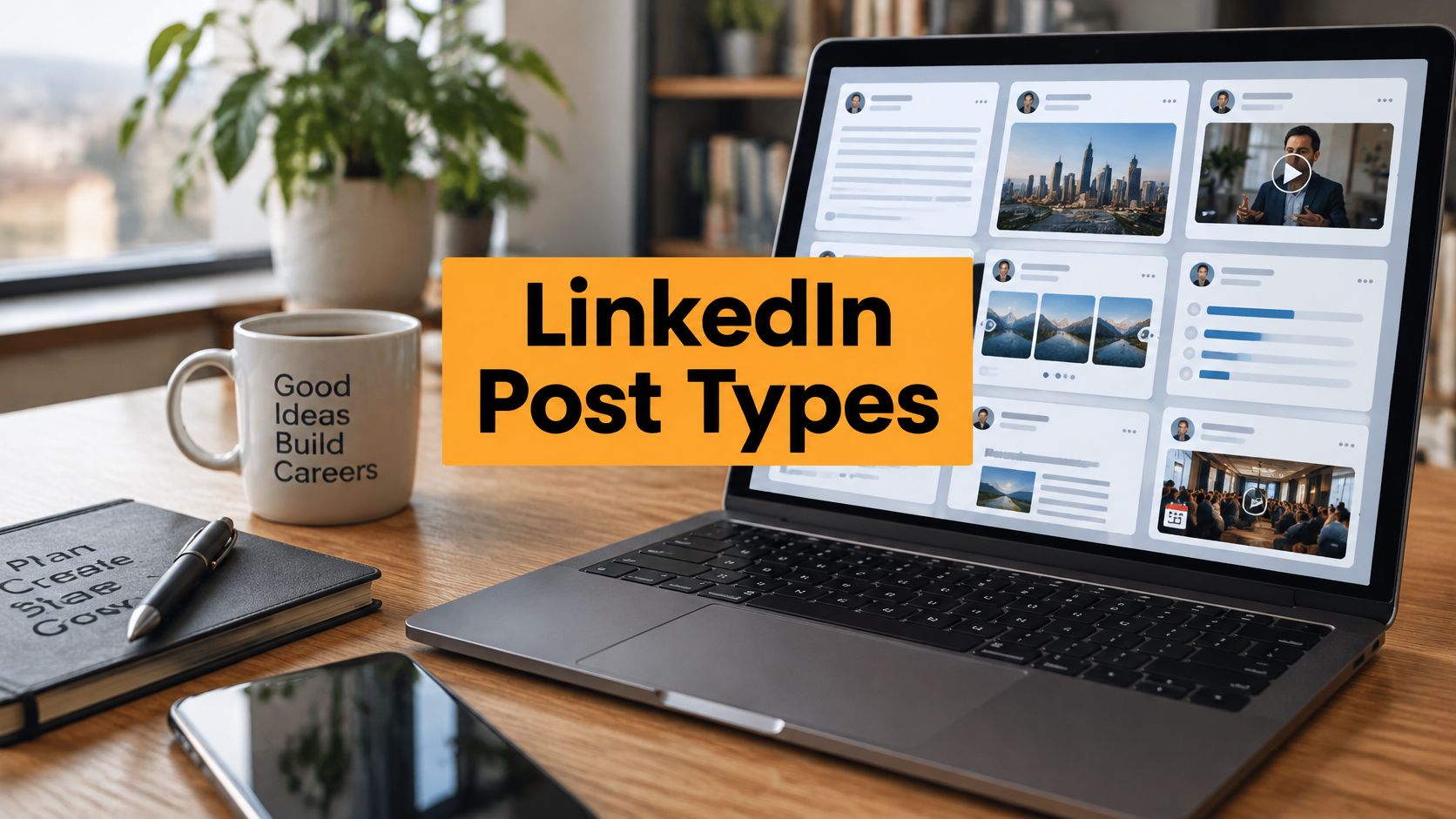
LinkedIn gives you several native formats, and each one supports a different communication task.
Native document posts work well when readers need a framework, checklist, presentation, or detailed explanation. Image posts help readers understand an idea quickly through a visual. Video adds movement, voice, and personal presence. Text posts are useful for opinions, questions, observations, and fast responses to industry conversations.

The data supports a mixed strategy rather than dependence on one format. In the 2026 benchmark covering 1.3 million LinkedIn posts, native documents led at 7.00% engagement, while overall LinkedIn engagement averaged 5.20%. Text, image, and video engagement also increased, which reinforces the value of testing a content mix instead of assuming that one format will solve every distribution problem. See the full LinkedIn benchmark data from Socialinsider.
Reach and interaction aren't the same
Impressions tell you how many times LinkedIn displayed a post. They don't tell you whether readers found it useful, remembered it, saved it, or started a conversation. Engagement rate, comments, saves, and clicks reveal more about the post's practical effect.
LinkedIn's own guidance encourages creators to review analytics by format. That makes post-level comparison more useful than judging an entire profile from a single total.
For example, a document may produce fewer impressions than a video but generate more saves from the specific buyers you want to reach. If your goal is authority, a thoughtful text post may create stronger conversations than a visually polished asset.
For teams building a repeatable publishing process, operational support can also make a difference. Approved Lux Personal Assistant's insights offer useful context on how virtual assistance can support social media workflows without replacing professional judgment.
Building Post Structure that Works
A strong LinkedIn post behaves like a guided conversation. The first lines earn attention, the middle delivers a clear idea, and the ending gives readers a natural next step.
Large-scale analyses report that posts between 180 and 350 words outperform shorter updates. Posts around 1,500 or more characters averaged 49% more engagement than posts under 300 characters, according to LinkedIn's post-length analysis.

Use this structure:
- Opening: State the tension, mistake, question, or insight immediately.
- Context: Explain why the issue matters to your audience.
- Value: Give the method, lesson, framework, or example.
- Conclusion: Summarize the practical point.
- CTA: Ask for one relevant action.
Short paragraphs help readers scan on mobile. Line breaks create visual pauses, while bullets make a process easier to follow. Avoid placing every sentence in a separate line, though. Excessive spacing can make a post feel artificial and slow the reader down.
A useful opening might be:
Most professionals don't have a content problem. They have a content-purpose problem.
The body can then explain how format selection affects the intended outcome. Finish with a focused prompt such as, “Which format helps your audience use your expertise most easily?”
For longer ideas, turn the post into a native document. Put the full framework in the asset, then use the caption to explain the problem, highlight one insight, and invite readers to save or discuss it. RedactAI's formatting features can help organize draft text, but you should still add the specific experience that makes the post yours.
Writing Hooks and CTAs that Drive Engagement
A weak hook announces the topic. A strong hook creates a reason to continue.
Compare these openings:
- Weak: “Some thoughts on content marketing.”
- Stronger: “Your most detailed LinkedIn post may be failing before readers reach the useful part.”
- Weak: “We launched a new service.”
- Stronger: “The launch taught us that buyers needed a checklist, not another product overview.”
Questions, surprising data, and personal anecdotes each serve a different purpose.
- Questions work when you sincerely want a professional discussion.
- Surprising facts create contrast and give readers a reason to reconsider an assumption.
- Anecdotes make expertise easier to trust because they show how the lesson emerged.

Your CTA should match the value you just provided. “Learn more” is vague because it doesn't tell readers what to do or why. “Save this checklist for your next content planning session” gives the reader a clear reason to act. “Which of these steps causes the most friction for your team?” invites a specific response.
A 2025 peer-reviewed study found that hashtag effects are curvilinear, meaning selective use performs better than indiscriminate tagging. The same research identified relevant user mentions as a strong lever for reactions and comments. Review the research context on LinkedIn posting.
Mention a colleague only when the post relates directly to their expertise or contribution. Tagging unrelated people can make the post feel transactional, while a relevant mention can bring the right voice into the conversation.
Use the LinkedIn post hook generator when you have a useful idea but haven't found the right entry point.
Choosing Frequency and Hashtags
Consistency beats a burst of activity followed by silence. Rival IQ's 2024 benchmark found that the average brand published 3.3 LinkedIn posts per week, or roughly 13 posts per month, and described that cadence as median behavior among active brands. Fresh summaries place a practical range at 2 to 5 posts per week for many professionals. Read Rival IQ's LinkedIn benchmark report.
Treat that range as a planning reference, not a quota. A specialist sharing detailed analysis may need more production time than an executive posting short observations. Your sustainable cadence is the one you can maintain without repeating ideas or publishing work you don't stand behind.
Build a manageable calendar
Assign each publishing slot a job:
- Authority: Share an informed opinion or lesson from your work.
- Education: Explain a process, mistake, checklist, or framework.
- Conversation: Ask a focused question or respond to a current professional concern.
- Proof: Show how your approach works through an experience, result, or behind-the-scenes lesson.
Choose formats after assigning the job. A document can support education, while text may suit a quick authority post. Video can add a human explanation when the topic benefits from voice or demonstration.
A practical calendar also leaves room for replies and revisions. Publishing isn't complete when the post goes live. Read the comments, answer useful questions, and record recurring objections for future content.
For a clearer explanation of how to design a sustainable schedule, use this guide to understand posting cadence.
Hashtags should narrow relevance, not decorate the post. Select terms that describe the subject, audience, or professional context. If a tag doesn't help the right reader understand why the post matters, remove it. Rotate focused tags as your topics change, and compare results instead of assuming that more tags create more discovery.
Measuring Performance and Metrics
Analytics become useful when each metric answers a specific question.
Engagement rate helps you compare interaction relative to exposure. Comments indicate conversation and friction points. Saves suggest that readers see lasting reference value. Clicks show whether the post moved someone toward a resource or next step.
Don't treat every metric as equally important for every goal. A thought-leadership post may succeed through substantive comments, while an educational document may be more valuable when readers save it. A lead-generation post needs click data, but a high click count doesn't prove that the audience was qualified.
Use a post-level view
Profile analytics show broad patterns across your presence. Post analytics show what happened with a particular idea, format, hook, or CTA. LinkedIn's guidance to review performance by format supports this more granular approach.
Create a simple tracking sheet with columns for:
- Date and topic: Record what the post discussed.
- Format: Mark document, image, video, or text.
- Goal: Choose awareness, authority, conversation, saves, or clicks.
- Engagement rate: Compare interaction relative to views.
- Comments and saves: Note the type and quality of response.
- Clicks: Record whether the CTA produced action.
- Next adjustment: Write one change to test.

A benchmark gives you context, not a guaranteed target. The 5.20% average engagement rate in Socialinsider's 2026 dataset is useful for comparison, but your audience, industry, network, and objective still shape what success means. Use the benchmark as a reference point.
Turn observations into decisions
Look for patterns across several posts rather than reacting to one result. If documents consistently earn saves, create more reference material. If text posts generate better comments, reserve them for opinions and questions. If video receives attention but little interaction, revise the opening or CTA before abandoning the format.
You can automate parts of this process with analytics tools, but interpretation remains a human task. A dashboard can show that a post performed differently. It can't decide whether the cause was the topic, format, timing, audience fit, or clarity of the message.
Examples and Quick Templates
The strongest format isn't universal. Benchmarks support a goal-based approach: documents for saves, video for reach, and text for authority, rather than choosing the highest-engagement format for every situation. Explore the format-by-goal perspective.
Thought leadership with text
Hook: “The most common advice in my field creates a hidden problem.”
Body: Explain the conventional advice, show where it breaks down, and offer your alternative. Use one specific experience from your work, then state the principle readers can apply.
CTA: “What trade-off have you seen others overlook?”
Why it works: Text is fast to publish and gives your reasoning room to develop. It suits a strong point of view more naturally than a polished promotional graphic.
Education with a native document
Hook: “Use this checklist before you publish your next client-facing post.”
Create a document with the checklist, one idea per page or panel. The caption should explain who the checklist is for and why each step matters.
CTA: “Save this document and use it during your next review.”
Why it works: The asset carries the depth, while the caption gives readers a reason to open and retain it.
Personal brand storytelling with video
Opening: “I learned this after giving the wrong answer in a client meeting.”
Tell the story in a direct, conversational way. Explain what changed in your approach, then connect the lesson to a problem your audience recognizes.
CTA: “Share the lesson you learned the hard way.”
Why it works: Video can communicate tone and personality faster than text. The story should still deliver a clear professional takeaway.
Lead generation through a practical resource
Hook: “If your team keeps rewriting the same proposal, start with this decision guide.”
Describe the problem, provide one useful recommendation in the post itself, and explain what the linked resource adds. Don't make the post an empty teaser.
CTA: “Download the guide if you're reviewing your proposal process this quarter.”
Why it works: The post gives immediate value and makes the next action logical.
A reusable draft formula
Use this sequence when you need a draft quickly:
Problem: Your audience is struggling with [specific issue].
Observation: Most teams try [common approach].
Insight: That approach misses [important factor].
Method: Try [clear action] instead.
Example: In practice, this looks like [brief illustration].
CTA: [One action connected to the post's goal].
For faster drafting, the LinkedIn post draft guide can help you shape an idea into a usable starting point. Edit every draft for accuracy, personal detail, and your normal vocabulary before publishing.
Conclusion and Next Steps
Effective LinkedIn posts best practices aren't a collection of isolated tricks. Format, structure, hooks, CTAs, cadence, and measurement work as one system.
Start with the job-to-be-done. Choose a document when readers need a reference, video when personal connection matters, text when your reasoning is the main asset, and images when a visual explanation will make the idea easier to understand. Then write a clear opening, use enough detail to be useful, and close with one specific action.
Keep your schedule realistic. The benchmark reference of 3.3 posts per week shows that regular publishing is standard among active brands, while the broader 2 to 5 posts per week range gives professionals room to protect quality. Track each post by goal and format, not just by impressions.
This week, create a small content calendar, publish two different formats around related topics, and compare their engagement, comments, saves, and clicks over the next 30 days. Use the results to improve your next set of posts, rather than copying a generic formula.
Your voice still matters most. A tool can help with structure and consistency, but your experience is what gives the post authority.
RedactAI helps professionals turn ideas into LinkedIn drafts shaped around their writing voice, then format and organize those drafts for publishing. Visit RedactAI to create a more consistent LinkedIn workflow while keeping your own perspective at the center.