
So, what exactly is an "impression" on LinkedIn?
Think of it like this: every single time your post shows up on someone's screen as they scroll through their feed, that's one impression. It’s the most basic measure of visibility—the digital equivalent of someone walking past your storefront.
Your Quick Guide to LinkedIn Impressions
In simple terms, an impression is the first domino to fall. Before you can get a single like, comment, or click, someone has to actually see your post. That initial eyeball contact is what an impression measures.
But it’s not just a random flicker on a screen. LinkedIn has some specific rules for what counts. Your post needs to be at least 50% visible on a user's screen for a minimum of 300 milliseconds to register as an impression. This weeds out the super-fast scrollers and gives you a more honest look at how many people genuinely had a chance to see your content. If you want to dive deeper, Kanbox.io has a great breakdown of LinkedIn visibility.
Understanding this helps you see why impressions are different from other metrics like reach or engagement. They're all part of the same story, but they each tell a different chapter. Impressions are about exposure, reach is about audience size, and engagement is about connection.
Let’s break down these core metrics to make it even clearer.
LinkedIn Metrics at a Glance Impressions vs Reach vs Engagement
It's easy to get these terms mixed up, but they each give you a unique piece of the puzzle. Here’s a quick cheat sheet to tell them apart.
| Metric | What It Measures | Why It's Important |
|---|---|---|
| Impressions | The total number of times your post is displayed to users. | Shows the overall visibility and distribution of your content. |
| Reach | The number of unique people who saw your post at least once. | Measures the actual size of your audience and brand awareness. |
| Engagement | The total number of interactions (likes, comments, shares, clicks). | Indicates how well your content resonates and connects with people. |
In short, impressions count every view, reach counts every unique viewer, and engagement counts every action. All three are vital for understanding what's working and what isn't.
Impressions vs. Reach: The Difference That Matters
Alright, now that we’ve nailed down what an impression is, let's talk about its close cousin: reach. People throw these terms around as if they're the same thing, but they measure two completely different, and equally important, sides of your content's performance.
Think of it this way: Impressions are the grand total of every single time your post shows up on a screen. If one loyal follower scrolls past your post five different times throughout the day, that's five impressions. It’s all about the sheer volume of views.
Reach, on the other hand, is about the people. It counts the number of unique individuals who saw your content. In that same scenario, your one follower who saw the post five times still only counts as one person reached. Reach is about how wide your net is cast.
The Billboard Analogy
To really let this sink in, imagine your LinkedIn post is a giant billboard on a busy highway.
- Impressions are the total number of cars that drive past it. If 1,000 cars whiz by, you've got 1,000 impressions. Simple.
- Reach is the number of unique drivers in those cars. A daily commuter might see your billboard every day, adding to your impression count each time, but they're still just one person. For reach, they only get counted once.
This isn't just semantics—it's strategy. High impressions but low reach? You're probably hitting the same small group of dedicated followers over and over. High reach with low impressions? You’re getting in front of tons of new faces, but maybe not enough to make a lasting impact.
In a nutshell: Impressions measure how often your content is seen, while reach measures how many unique people see it. Which one you focus on really depends on what you're trying to achieve with your post.
LinkedIn often uses the term "unique impressions" which is basically their word for reach. It’s a clean metric for tracking how much you're actually growing your audience, since it doesn't count repeat views from the same person.
Getting this difference right is the first step to truly understanding what your analytics are telling you. To dig even deeper into performance metrics, it's also helpful to compare an impression vs click, since each tells a very different part of your content's journey.
And if you want to get really granular, check out our guide on the subtle differences between impressions and views: https://redactai.io/blog/impressions-vs-views
How to Find Your LinkedIn Impression Analytics
Alright, so you get what an impression is. That's step one. But knowing the definition doesn't do you much good if you can't find your own numbers.
The good news? LinkedIn doesn’t hide this stuff. You can get a ton of valuable data right from your profile or company page, no fancy software required.
Let's start with a single post. Go look at anything you've shared. Right underneath it, you'll see a little graph icon with a label like "View post analytics." Give that a click.
Boom. A simple little dashboard pops up, showing you exactly how many impressions that specific post got. It's a quick, instant snapshot of how many screens your content appeared on.
Looking at the Big Picture
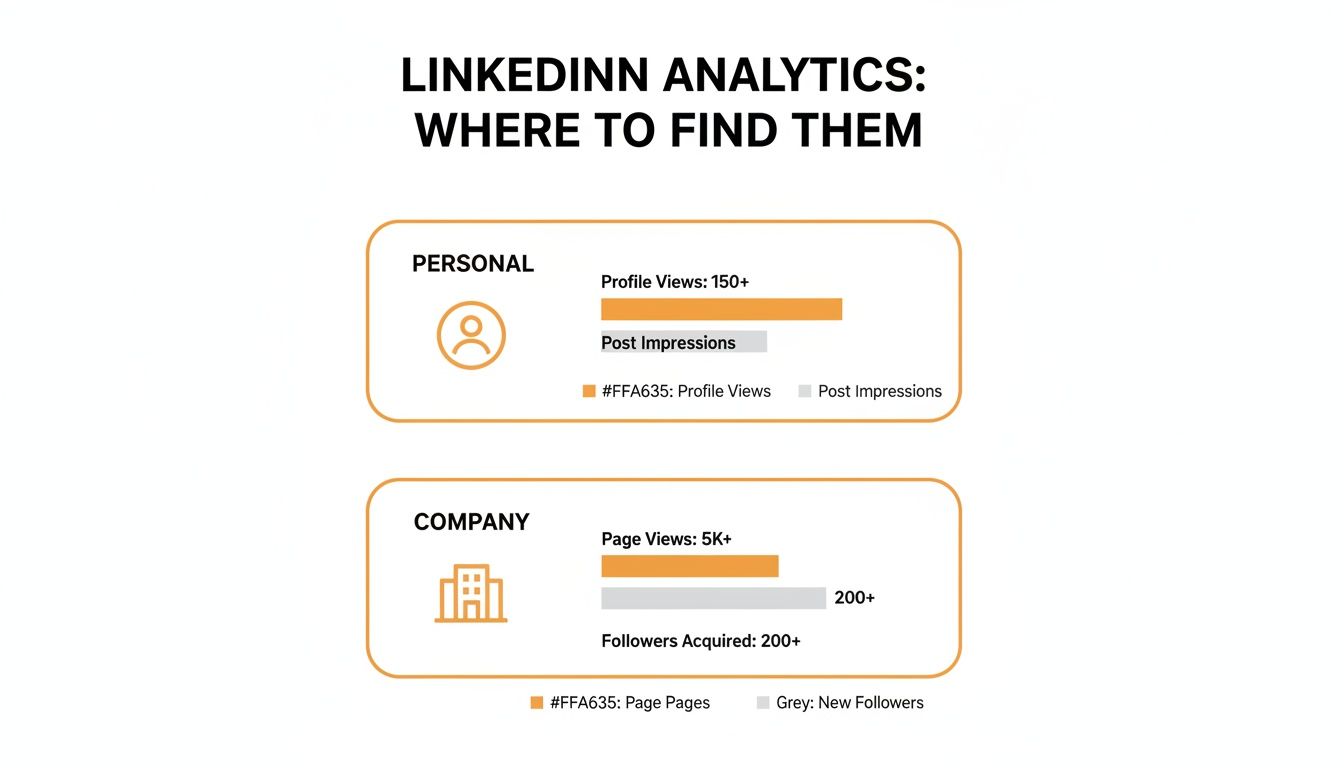
But what about your overall performance? To get a wider view, head to your personal profile page. Look for a section right under your headline called "Analytics & tools."
Click on "Post impressions" in that section, and you’ll get a chart showing how your content has performed over the last 7, 14, 28, 90, or even 365 days. This is where you can start to spot real trends in what's working and what isn't.
And for Company Pages?
The process is just as straightforward for a Company Page. Once you're on your page, just click the "Analytics" tab in the top menu. From there, you can dig into a few different areas:
- Updates: This is where you'll find the impressions and engagement stats for your page's posts.
- Followers: See who makes up your audience with handy demographic info.
- Visitors: Get the scoop on who's dropping by your page and how they found you.
Think of these dashboards as your mission control for content strategy. While LinkedIn’s native tools are surprisingly powerful, you can always go a step further. Pairing them with some of the best social media analytics tools can unlock even deeper insights into your professional impact.
What a Good Number of Impressions Looks Like
Okay, you've got your impression numbers. Now what? The big question on everyone's mind is, "Is this actually a good number?"
Honestly, it's not a simple yes or no answer. A "good" impression count is totally relative. It really depends on your industry, the size of your network, and what you’re trying to accomplish on the platform.
Benchmarking Your Performance
Think about it this way: someone in a super-niche field like quantum computing will naturally get fewer eyeballs on their content than a marketing guru talking about viral trends. Likewise, a user with 10,000 active connections is playing a different game than someone just starting out with 500.
To help you get a feel for where you stand, here are some general guidelines. These are just ballpark figures to give you a starting point—don't treat them as gospel.
Typical LinkedIn Impression Ranges by Network Size
| Number of Connections | Average Impressions Per Post |
|---|---|
| Under 500 | 50–250 |
| 500–1,500 | 250–1,000 |
| 1,500–5,000 | 1,000–3,000 |
| 5,000–10,000 | 2,000–8,000 |
| 10,000+ | 5,000–30,000+ |
As you can see, the potential for impressions grows significantly with your network size. But raw numbers are only part of the story.
Go Beyond Impressions: Focus on What Matters
While it’s tempting to chase a huge impression number, a far more telling metric is your impression-to-engagement ratio. This shows you how many people who saw your post cared enough to actually do something—like, comment, or share.
A post with 1,000 impressions and 100 engagements (a 10% ratio) is way more powerful than a post with 10,000 impressions and only 200 engagements (a 2% ratio). Why? Because the first one clearly resonated and built a much stronger connection with its audience.
When you shift your focus from just being seen to being impactful, something amazing happens. High engagement tells the LinkedIn algorithm your content is the real deal, which in turn gets you… you guessed it, more impressions. It’s a classic feedback loop where quality drives quantity.
How to Get More Impressions on LinkedIn
So, you want to get more eyes on your LinkedIn content? Let's get down to it. Boosting your impressions isn't some dark art—it’s about having a smart, repeatable strategy. Forget the theory; these are the tactics that actually get your content in front of more of the right people.
First things first: create content that genuinely helps someone. Think about the common headaches in your industry. Frame your posts around one of those problems, offer a clear-cut solution, and maybe even share the results you’ve seen. This simple formula provides immediate value and gets people talking, which is exactly what tells the LinkedIn algorithm to show your post to more people.
Timing is also a huge piece of the puzzle. You need to post when your network is actually online and scrolling. For most of us in the professional world, that means weekday mornings and around lunchtime. That first 60 minutes after you hit "post" is pure gold. Quick likes and comments tell the algorithm your content is a winner and deserves a wider audience. If you really want to nail this, check out our deep dive on finding the best time to post on LinkedIn.
Optimize Your Posts for Maximum Reach
Okay, so you've got quality content and you're posting at the right time. Now for the finishing touches that can make a massive difference. Hashtags are your friend—think of them as signposts that guide LinkedIn to show your post to people who are already interested in that topic.
Mix Your Hashtags: Don't just go for the biggest tags. Use 3-5 relevant hashtags, mixing broad terms like #Marketing with more focused ones like #B2BContentStrategy. This helps you capture both a wide audience and the true enthusiasts.
Tag People and Companies (When It Makes Sense!): If you mention a person or a company, tag them! They'll get a notification, which often nudges them to share your post with their own network. It’s a simple way to amplify your impressions, but keep it authentic—nobody likes a spammy, irrelevant tag.
And please, don't forget the visuals. We're all visual creatures. Posts with images, carousels, or short videos almost always do better than plain text. A good visual is a "scroll-stopper" that grabs attention and makes people linger on your post, another great signal for the algorithm.
The LinkedIn algorithm is always changing. What worked six months ago might not be the hot ticket today. The one thing that never goes out of style? Consistently providing value and sparking real conversations.
To really stay ahead of the curve, you have to keep up with how the platform is evolving. Reading up on resources about Mastering LinkedIn Algorithm Updates can give you that extra edge. When you combine great content with these smart optimizations, you're not just posting—you're building a system for growing your influence and getting your voice heard.
Got Questions About LinkedIn Impressions? We've Got Answers.
Let's tackle a few of the most common questions that come up when we talk about LinkedIn impressions. Think of this as a quick-fire round to clear up any lingering confusion and get you feeling confident about what your analytics are telling you.
Do My Own Views Count As Impressions?
Nope, your own eyeballs don't count. LinkedIn is smart enough to filter out your own views from your post's impression count.
This is a good thing! It means the number you see is a genuine reflection of how many times your content has been shown to other people in their feeds. It’s all about their visibility, not yours.
Help! Why Did My LinkedIn Impressions Suddenly Tank?
Seeing a sudden drop in impressions can be frustrating, but there's usually a logical reason. More often than not, it comes down to a few key culprits.
The LinkedIn algorithm may have shifted its priorities, your recent content might not be hitting the mark with your audience, or you could simply be posting at the wrong times. Dig into your analytics for your last few posts and look for a pattern—it's often the first clue.
If your impressions suddenly fall off a cliff, the first thing to suspect is an algorithm change. What worked last week might not work this week, which means staying flexible is the name of the game.
What's Better: High Impressions or High Engagement?
Ah, the classic question. The honest answer is you really want both, but they serve different purposes.
- High impressions are fantastic for building brand awareness. It means you're casting a wide net and getting seen.
- High engagement (likes, comments, shares) is proof that your content is actually connecting with people and building a real community.
If you have to prioritize, focus on creating content that sparks genuine engagement first. When people interact with your posts, the algorithm takes notice and often rewards you with a bigger boost in impressions. This creates a powerful cycle where great content naturally leads to greater reach.
Ready to create high-impact LinkedIn content without the guesswork? RedactAI helps you generate engaging post ideas, optimize your writing, and schedule everything in minutes—all while matching your unique voice. Start for free at RedactAI.



































































































































































