Sales reps waste up to a third of their day on admin instead of selling. One of the worst offenders? Manually copying prospect data from LinkedIn into HubSpot, one profile at a time.
With over 1 billion LinkedIn members and 228,000+ businesses on HubSpot, the demand for a reliable hubspot linkedin integration has never been higher. We tested and compared the 9 best options. Here is how they stack up.
Quick Comparison
| Tool | Type | From | Email Finder | Phone Finder | CRM Sync |
|---|---|---|---|---|---|
| AddToCRM | Chrome Extension | $29/mo | ✅ | ✅ | ✅ |
| Surfe | Chrome Extension | $23/mo | ✅ | ✅ | ✅ |
| Hublead | Chrome Extension | $32/mo | ✅ | ❌ | ✅ |
| LinkMatch | Chrome Extension | $9.99/mo | ❌ | ❌ | ✅ |
| Dux-Soup | Automation Tool | $14.99/mo | ❌ | ❌ | ❌ |
| Closely | Outreach Platform | $49/mo | ✅ | ✅ | ❌ |
| HubSpot + Sales Nav | Native | $250+/mo* | ❌ | ❌ | ❌ |
| HubSpot Lead Gen Forms | Native | Free** | N/A | N/A | ❌ |
| Zapier / Make | Middleware | $9/mo | ❌ | ❌ | ❌ |
* Requires Sales Navigator Advanced + HubSpot Sales Professional. ** Free integration, but requires LinkedIn Ads spend.
1. AddToCRM
Best for: Sales teams that want the fastest, cleanest way to add LinkedIn prospects to HubSpot.
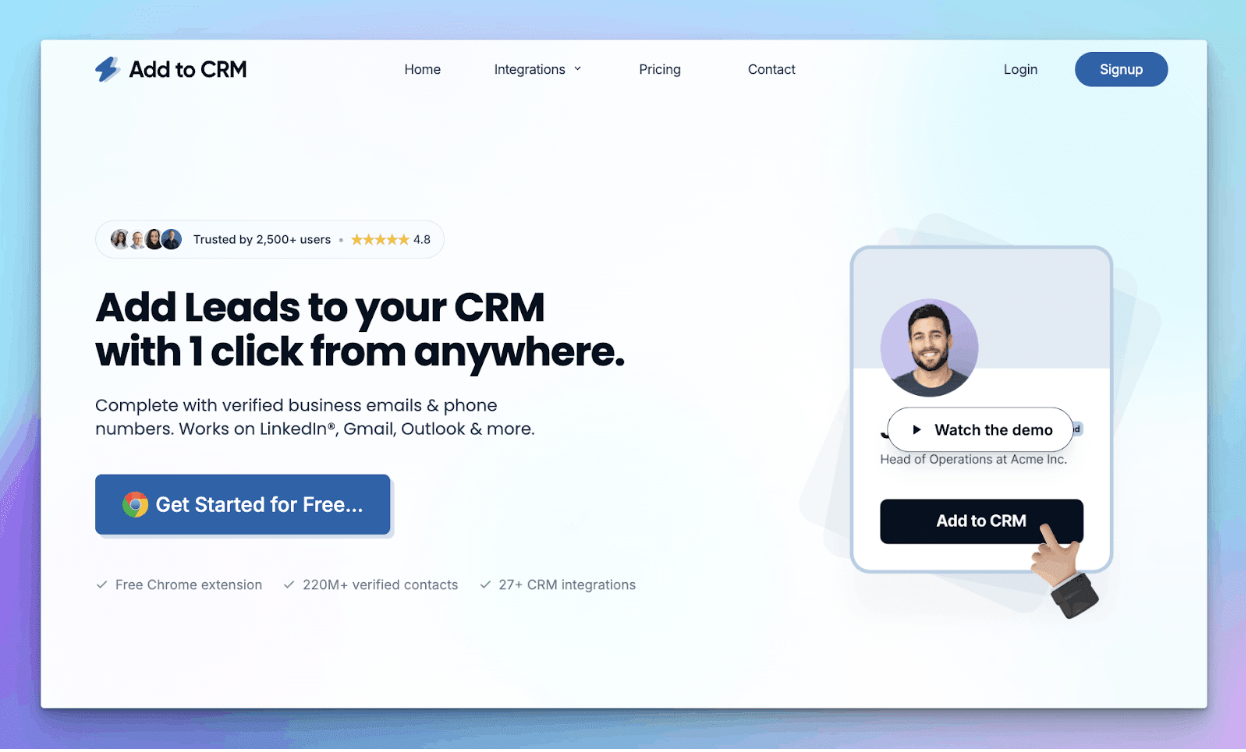
AddToCRM for HubSpot is a Chrome extension that creates fully enriched HubSpot contacts from any LinkedIn profile in a single click. It draws from a database of 220M+ verified contacts to find business emails and phone numbers, and works across LinkedIn, Gmail, Outlook, and company websites.
The standout feature is real-time duplicate detection. Before you click add, it scans your HubSpot database and flags existing records right on the LinkedIn profile. You also get custom field mapping so data lands exactly where you need it, and it works on free LinkedIn, Premium, and Sales Navigator. With 27+ CRM integrations, it is the most flexible option if your team ever switches CRMs.
Pricing
- Free: 10 credits/mo (email only)
- Standard: $29/mo (250 credits, email + phone, Sales Navigator support, custom field mapping)
- Pro: $99/mo (1,000 credits, dedicated account manager, priority support)
Pros
- Broadest CRM support (27+), future-proof if you switch
- Works across LinkedIn, Gmail, Outlook, and company websites
- 220M+ contact database for email and phone enrichment
- Duplicate detection prevents messy data
- Custom field mapping for clean CRM data
- Works with or without Sales Navigator
Cons
- Focused on contact creation, not outbound automation
- No LinkedIn message sequencing
2. Surfe
Best for: Teams wanting premium email enrichment with waterfall verification.
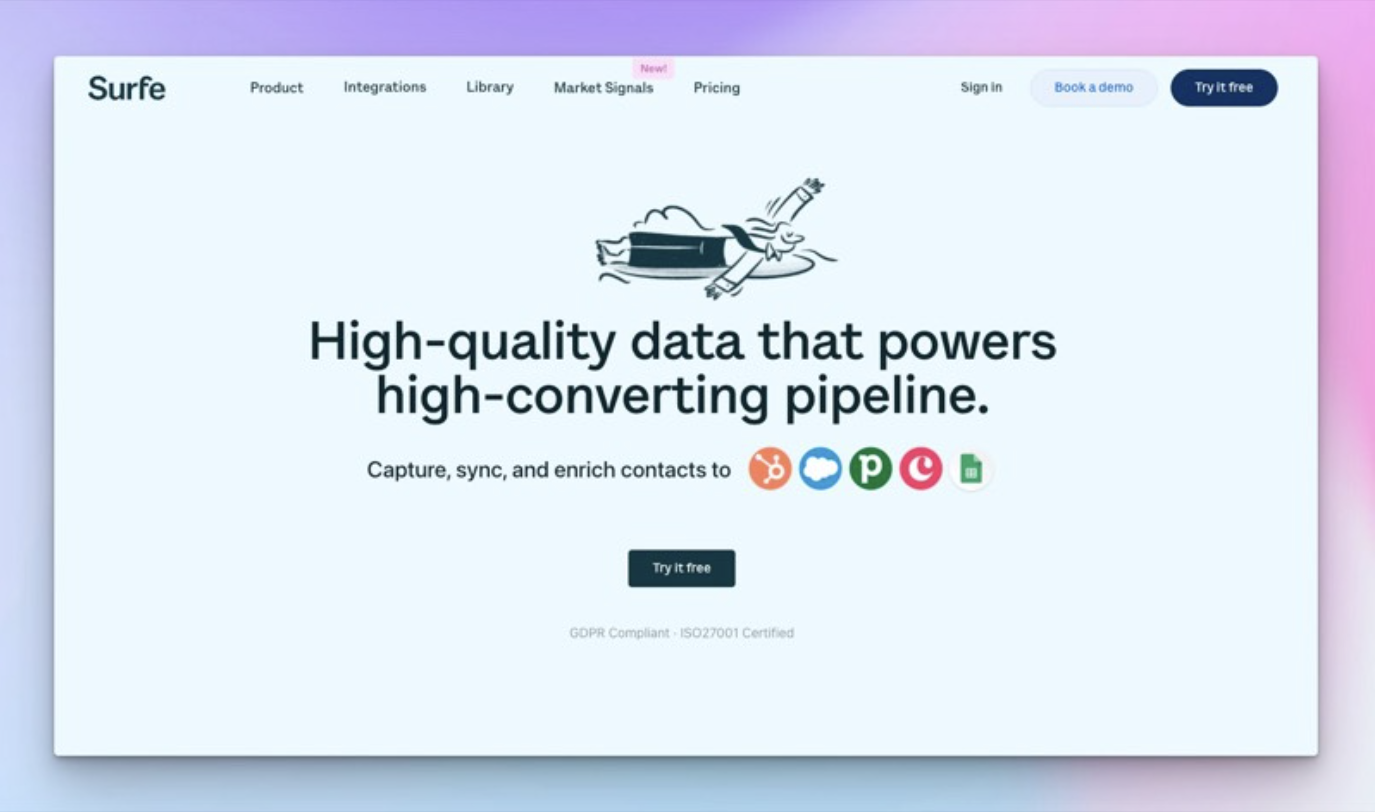
Surfe (formerly Leadjet) adds a CRM sidebar to LinkedIn with strong email enrichment. Its waterfall approach pulls from multiple data providers to maximize verified email hit rates. It also syncs LinkedIn messages to your HubSpot timeline and supports deal management from within LinkedIn. GDPR compliant and ISO27001 certified.
Pricing
- Free: 20 email credits/year (very limited)
- Essential: $23/mo per user (150 emails/mo)
- Pro: $59/mo per user (unlimited emails)
Pros
- Excellent waterfall email enrichment
- LinkedIn message sync to HubSpot
- Modern, polished interface
Cons
- Free plan barely usable
- Pro tier expensive for larger teams ($295/mo for 5 users)
- Limited to 4 CRMs only
3. Hublead
Best for: HubSpot-only teams wanting the deepest native integration.
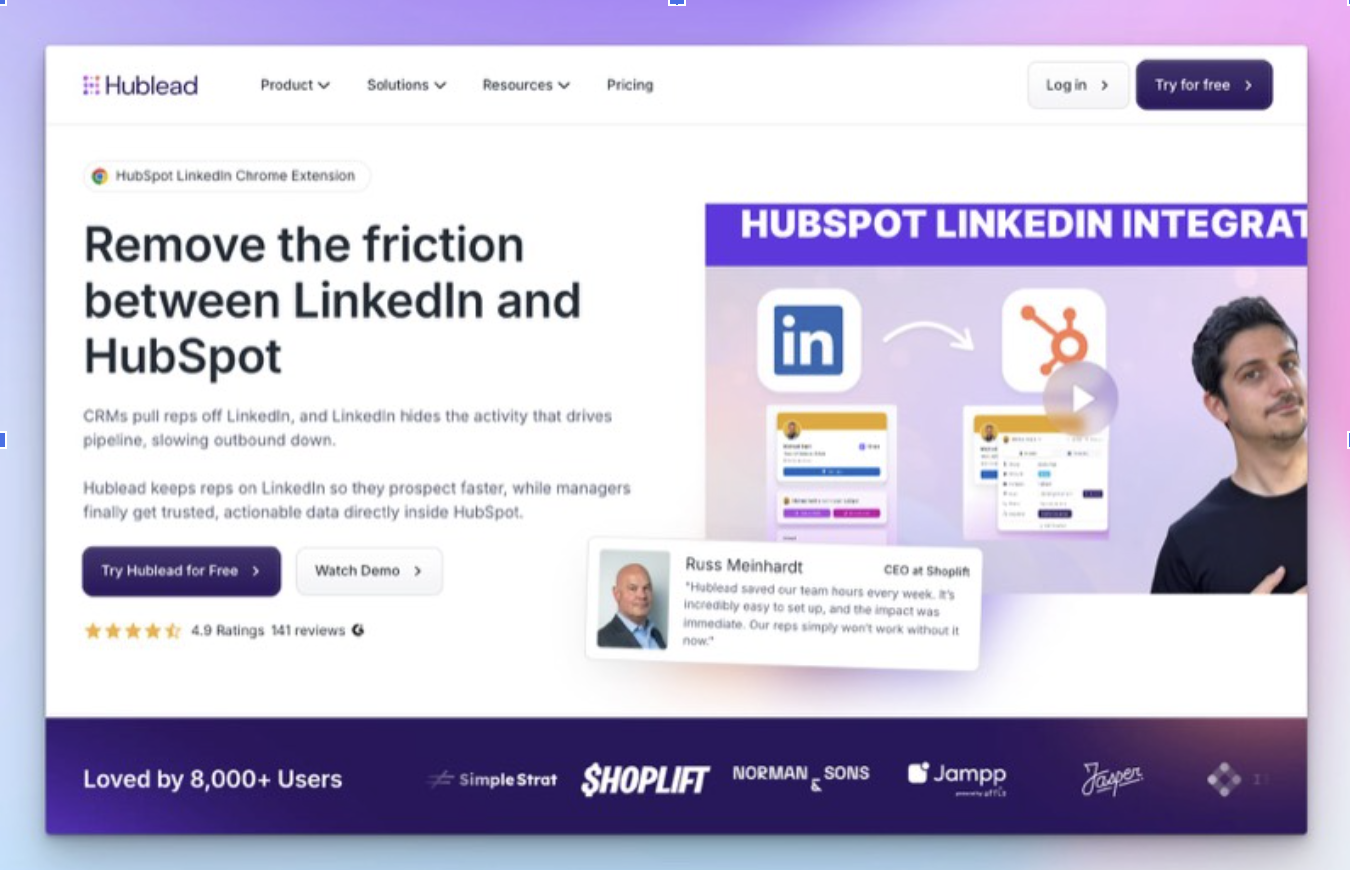
Hublead is built exclusively for HubSpot, and that focus shows. The standout feature is sequence enrollment from LinkedIn. Find a prospect, add them to HubSpot, and enroll them in a sales sequence without leaving the page. It also syncs LinkedIn messages and InMails to contact timelines. Over 8,000 users and a 4.9/5 G2 rating.
Pricing
- Free: Basic features, no email credits
- Starter: $32/mo per seat (600 email credits)
- Pro: $50/mo per seat (1,200 credits + phone numbers)
Pros
- Unique sequence enrollment from LinkedIn
- Deepest HubSpot-native experience
- Good free tier to get started
Cons
- HubSpot only. Switch CRMs and you need a new tool.
- Email credits capped per tier
- More expensive than AddToCRM and LinkMatch
4. LinkMatch
Best for: Budget-conscious teams needing basic duplicate detection across multiple CRMs.
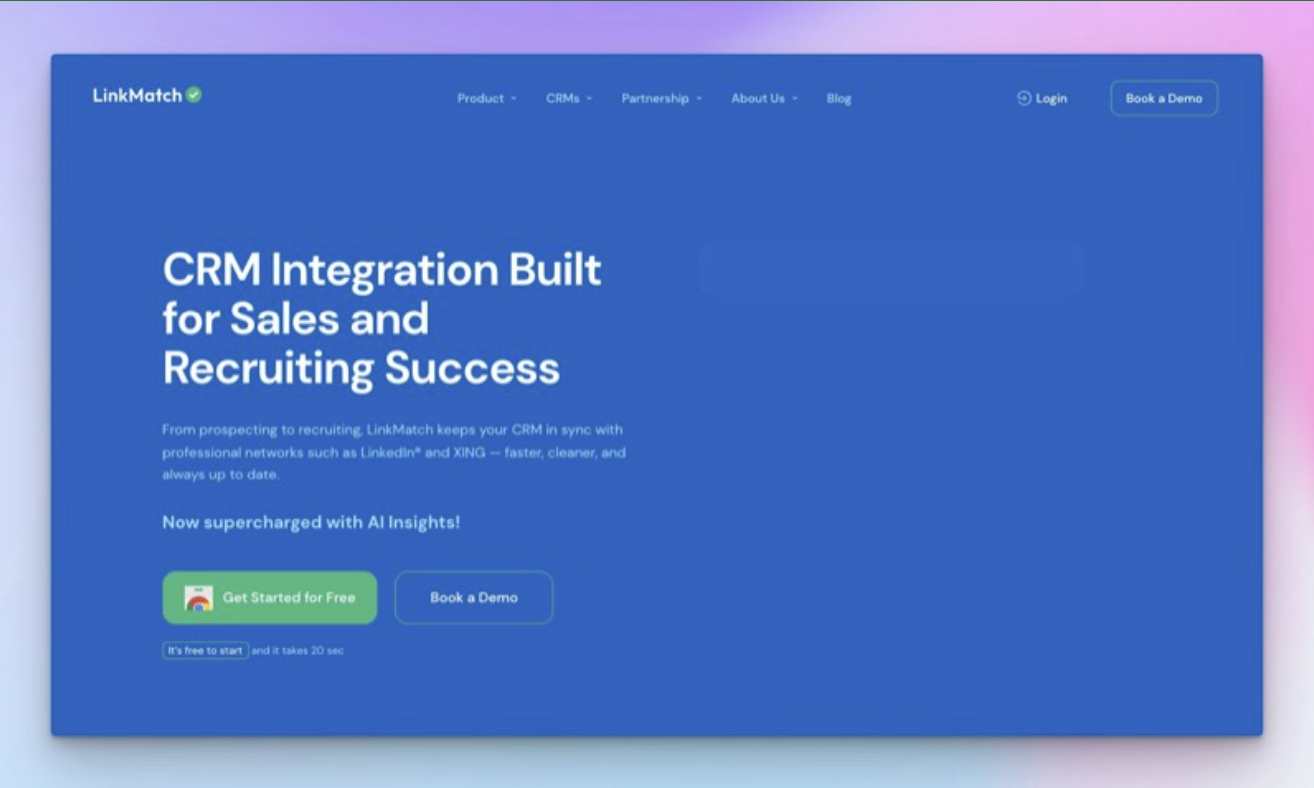
LinkMatch uses color-coded indicators on LinkedIn profiles to instantly show CRM match status: green (exists), red (new), yellow (partial match). Simple, fast, and effective. Supports 10+ CRMs including HubSpot, Salesforce, Zoho, and Pipedrive, plus XING for European markets. Recently added AI Insights for smarter prospect recommendations.
Pricing
- No free plan: 14-day trial only
- Standard: $9.99/mo per user
- Professional: Higher tier with message sync and bulk features
Pros
- Very affordable
- Excellent visual duplicate detection
- Wide CRM support (10+)
Cons
- No email finder or enrichment
- No free plan
- Standard tier lacks message sync and bulk export
5. Dux-Soup
Best for: Teams focused on LinkedIn outbound automation rather than CRM data quality.
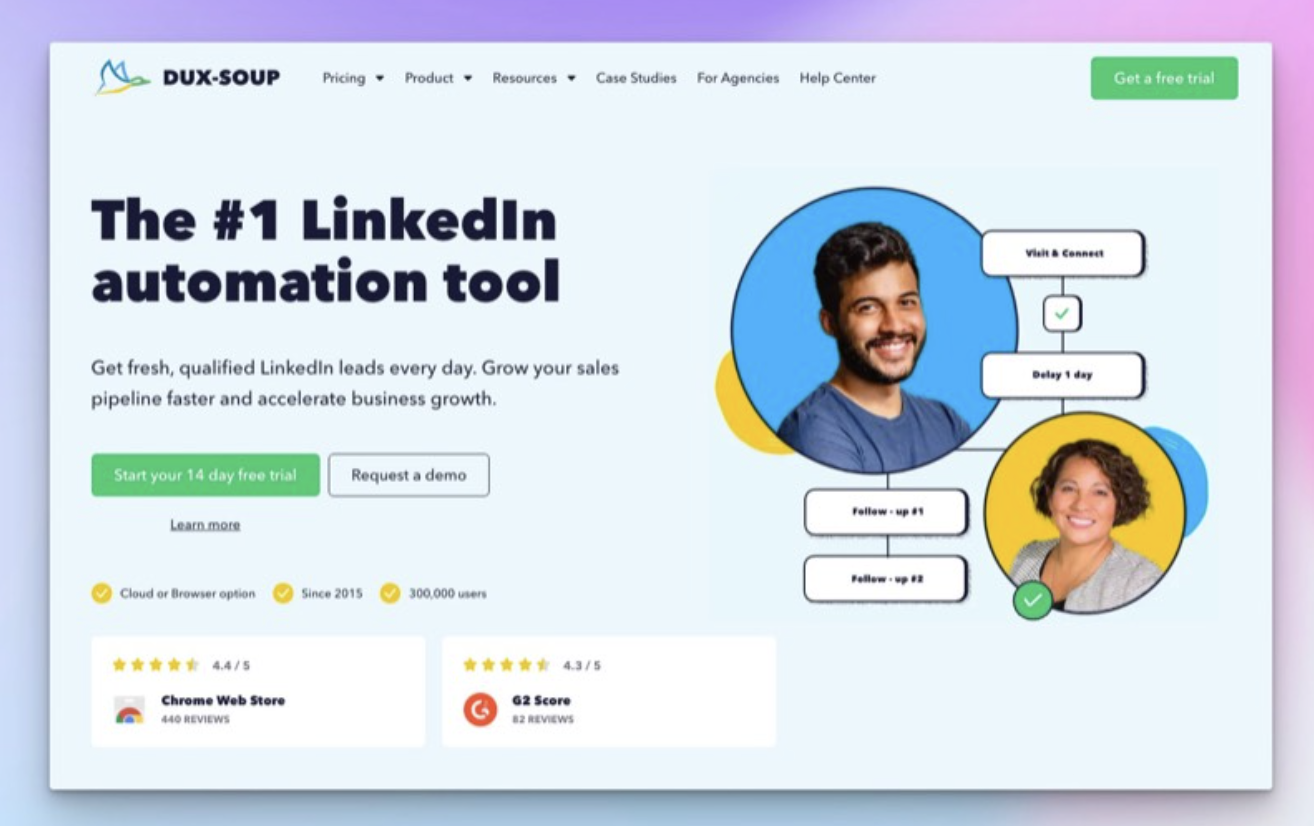
Dux-Soup is a LinkedIn automation tool first and a CRM integration second. It automates profile visits, connection requests, and multi-step drip campaigns. The Cloud tier runs campaigns without your browser open. Over 300,000 users since 2015, with 4.4/5 on the Chrome Web Store. HubSpot integration is available but requires the higher tiers or a Zapier connection.
Pricing
- Free: Limited profile visiting
- Pro Dux: $14.99/mo (connections + messaging)
- Turbo Dux: $55/mo (campaigns + CRM integration)
- Cloud Dux: $99/mo (runs without browser)
Pros
- Powerful LinkedIn automation and drip campaigns
- Affordable entry point
- Cloud option for hands-off operation
Cons
- HubSpot integration requires Turbo tier ($55/mo) or Zapier
- No email finder or duplicate detection
- LinkedIn automation carries account restriction risk
6. Closely
Best for: Teams wanting a full outreach platform with HubSpot sync built in.
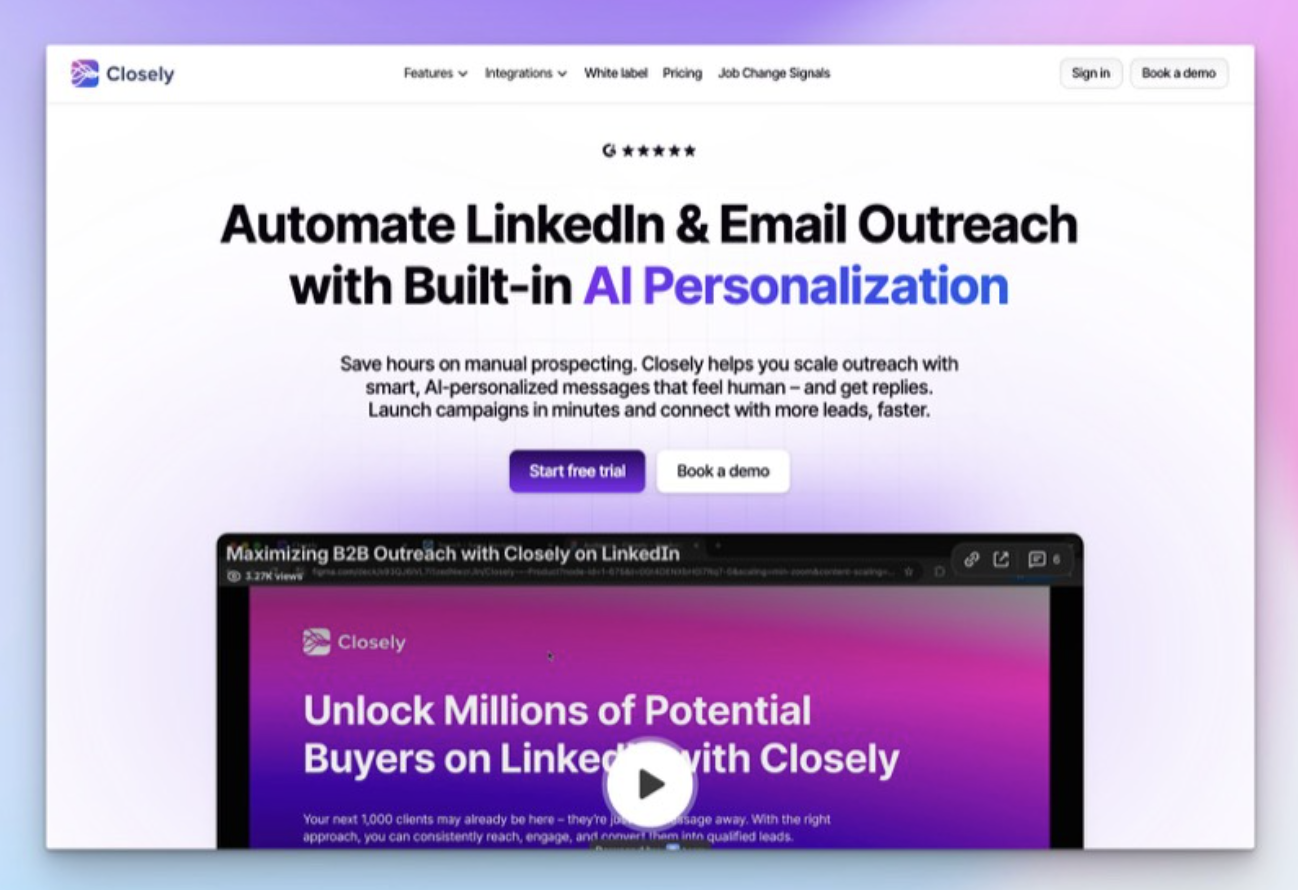
Closely is an all-in-one LinkedIn and email outreach platform with AI personalization. Unlike Chrome extensions, it runs campaigns cloud-side, so your browser does not need to be open. Multi-channel outreach (LinkedIn + email), lead scraping, email verification, and job change signals are all included. Supports multiple LinkedIn accounts per plan.
Pricing
- Starter: $49/mo (1 LinkedIn account, 1,000 credits)
- Growth: $127/mo (3 accounts, 3,000 credits)
- Pro: $197/mo (5 accounts, 5,000 credits)
Pros
- Full multi-channel outreach platform
- Cloud-based campaigns
- AI-powered personalization
Cons
- No free plan, expensive entry price
- No duplicate detection
- LinkedIn automation carries account restriction risk
- Overkill if you just need contact creation
7. HubSpot Native Sales Navigator Integration
Best for: Enterprise teams already paying for Sales Navigator Advanced Plus.
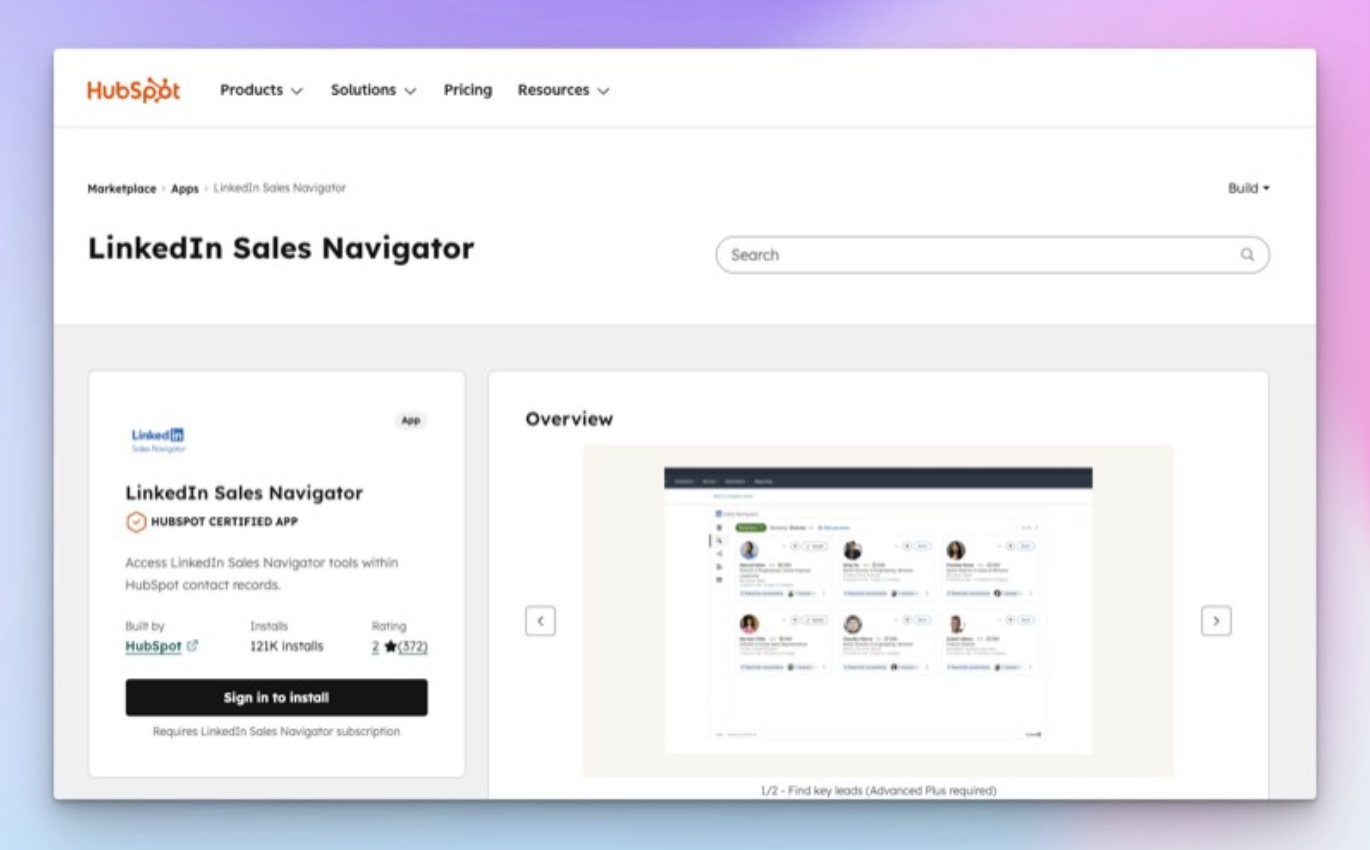
HubSpot's official Sales Navigator integration embeds a Navigator panel inside HubSpot records. View LinkedIn profile data, send InMails, see shared connections and icebreakers, and find related leads, all without leaving HubSpot. Reliable and officially supported by both platforms.
The critical limitation: it does not create new contacts. It only enriches existing HubSpot records. No email finder, no duplicate detection, no bulk operations, and it does not work with free LinkedIn. InMails sent from HubSpot do not auto-log to the timeline.
Pricing
- Sales Navigator Advanced Plus: $149.99+/mo per seat
- HubSpot Sales Professional: $100/mo per seat
- Combined minimum: $250+/mo per user
Pros
- Official, fully supported integration
- Reliable and secure
- Good for enriching existing records
Cons
- Cannot create new contacts
- Extremely expensive ($250+/mo per user minimum)
- Requires the most expensive tiers of both platforms
- InMails do not auto-log
8. HubSpot Native LinkedIn Lead Gen Forms
Best for: Marketing teams running LinkedIn ad campaigns.
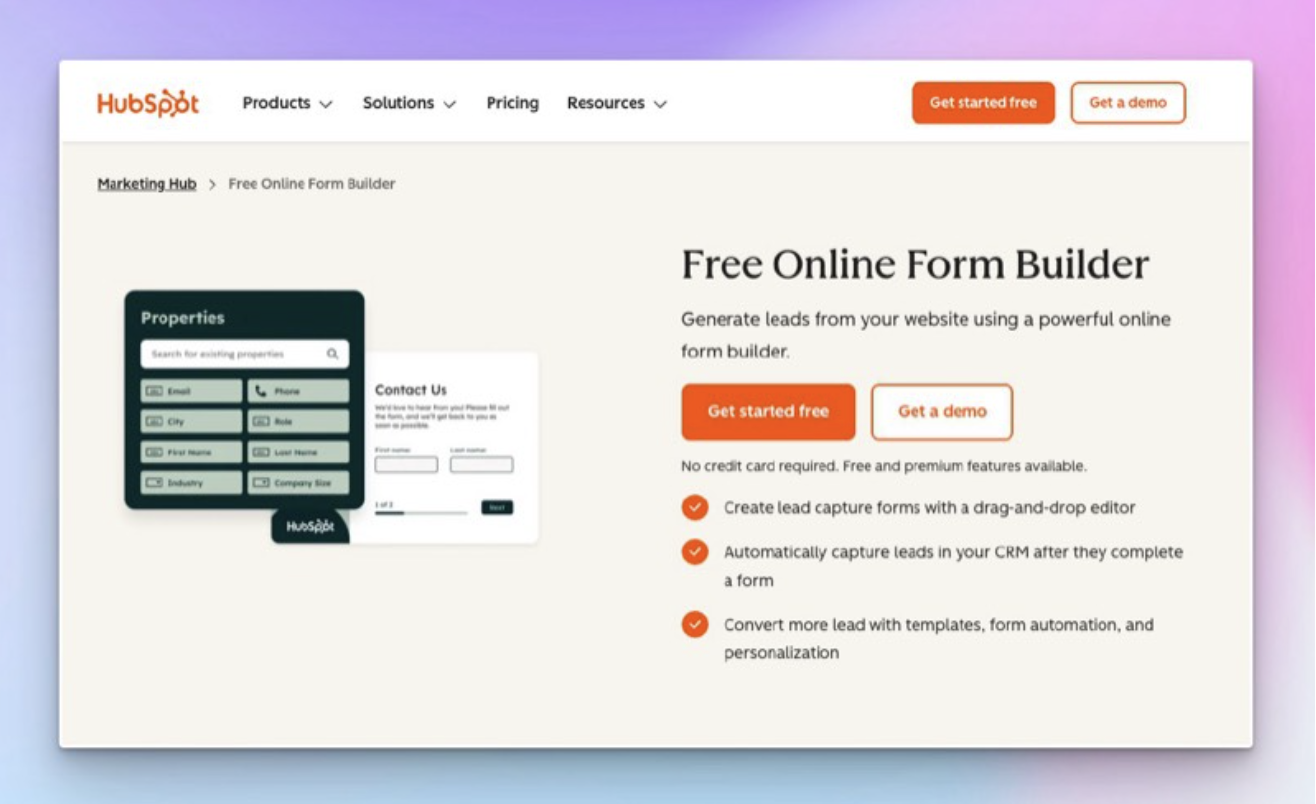
This integration connects LinkedIn Lead Gen Forms directly to HubSpot. When someone fills out a form on your LinkedIn ad, the lead data flows into HubSpot as a new contact automatically. Field mapping supports custom properties and hidden fields for lead source attribution. Works with HubSpot workflows for automatic follow-up sequences.
Pricing
- Integration is free
- Requires active LinkedIn Ads spend
- Requires LinkedIn Campaign Manager account
Pros
- Free to set up
- Eliminates manual CSV exports
- Clean, reliable data flow
- Great for lead attribution
Cons
- Only works with LinkedIn Ads, not organic prospecting
- No duplicate detection
- Useless for sales outbound
- Requires ongoing ad budget
9. Zapier / Make (Middleware)
Best for: Tech-savvy teams needing custom multi-app workflows.
Zapier and Make connect thousands of apps with custom automation recipes. Build workflows like: new LinkedIn connection → create HubSpot follow-up task, or Lead Gen Form submission → create contact and enroll in sequence. The flexibility is unmatched, with 5,000+ app integrations and conditional logic.
The critical limitation: neither can pull rich profile data from LinkedIn due to API restrictions. They route data between apps but cannot replace a Chrome extension for prospecting.
Pricing (Zapier)
- Free: 100 tasks/mo, single-step only
- Starter: $19.99/mo (750 tasks)
- Professional: $49/mo (2,000 tasks)
Pricing (Make)
- Free: 1,000 operations/mo
- Core: $9/mo (10,000 operations)
Pros
- Maximum flexibility and customization
- Connects virtually any app
- Great for complex multi-step workflows
Cons
- Cannot pull LinkedIn profile data (API restrictions)
- Requires technical setup and maintenance
- Not a direct prospecting tool
- Costs scale with usage
Browser Extensions Head-to-Head
| Feature | AddToCRM | Surfe | Hublead | LinkMatch |
|---|---|---|---|---|
| One-click contact creation | ✅ | ✅ | ✅ | ✅ |
| Duplicate detection | ✅ | ✅ | ✅ | ✅ |
| Email finder | ✅ | ✅ | ✅ | ❌ |
| Phone finder | ✅ | ✅ | Pro only | ❌ |
| Custom field mapping | ✅ | ✅ | ❌ | ❌ |
| Works on Gmail/Outlook | ✅ | ❌ | ❌ | ❌ |
| Works on company websites | ✅ | ❌ | ❌ | ❌ |
| CRMs supported | 27+ | 4 | 1 | 10+ |
| From | $29/mo | $23/mo | $32/mo | $9.99/mo |
Tips for Getting the Most from Your Integration
- Map your fields before syncing. Decide which LinkedIn data goes into which HubSpot properties before you start adding contacts.
- Enable duplicate detection from day one. Cleaning up thousands of duplicates later is painful and expensive.
- Track lead sources. Use a custom HubSpot property like "Lead Source = LinkedIn" to measure social selling ROI.
- Name lists consistently. Use a format like "LinkedIn - VP Sales - SaaS - Mar 2026" for easy segmentation.
- Invest in your LinkedIn presence. Your profile is your landing page. Tools like RedactAI can help you create consistent, engaging LinkedIn content that warms up prospects before you reach out.
- Audit monthly. Run a quick HubSpot report to catch contacts with missing emails, blank fields, or stale data.
Final Thoughts
A solid hubspot linkedin integration closes the gap between LinkedIn prospecting and CRM data entry, giving your team back hours of selling time every week.
For most sales teams, a Chrome extension like AddToCRM delivers the best combination of speed, data quality, and value. It works on any LinkedIn account, enriches contacts with verified emails and phone numbers, prevents duplicates, and supports 27+ CRMs if your stack ever changes.
Whatever tool you choose, the key is to stop copy-pasting and start selling.