It's Tuesday morning and you're already behind. You've got three half-written drafts in a doc, a client wants a carousel live by Thursday, and next week's calendar is completely blank. You don't have an ideas problem, you have a queue problem, and posting whenever you remember isn't fixing it.
That's the gap a scheduler is supposed to close. The right one turns scattered drafts into a steady, visible pipeline you can batch on Monday and forget about until the comments roll in. The wrong one becomes another login you ignore while you keep posting manually anyway.
Scale is part of why this matters now. Microsoft reported in its 2025 annual report that LinkedIn had reached 1.2 billion members globally, so your audience probably isn't sitting in one time zone or checking the feed at one predictable hour. A Best LinkedIn post scheduler pick has to handle that spread without making you babysit it.
This roundup covers ten tools, sorted by who needs them rather than who has the longest feature list. You'll get the lightweight queues for solo creators, the LinkedIn-only workspaces for people who live on the platform, and the heavier agency platforms for teams juggling client approvals. Each entry tells you where the tool stops being worth the money, because that's the part vendor pages skip.
1. RedactAI
Most schedulers assume you've already written the post. This one starts earlier, at the blank page, which is where solo creators and busy executives often get stuck. It builds a personalized writing model from your LinkedIn profile, your last 100 posts, and your own experiences, then generates complete drafts from just a few keywords in your voice instead of generic AI filler.
You get three versions of each post to choose from, plus niche specific idea suggestions and access to live viral posts when you need a starting point. From there you can refine the copy for engagement, schedule it, and recycle your top performers later instead of reinventing angles that already worked. It can also turn YouTube videos or blog posts into LinkedIn posts in seconds, which is handy if your best thinking lives somewhere else first.
Where It Fits Best
The sweet spot is a professional, consultant, recruiter, or small team posting several times a week who wants drafts, scheduling, and analytics in one place. The Essential plan includes post scheduling, post preview and styling, an unlimited idea generator, and statistics and insights, while real time stats show you your best posts so you know what to recycle. There's also a Done For You service with 3 to 4 posts per week written and scheduled at peak engagement times if you'd rather hand the whole thing off.
- Personalized drafts: Built from your profile and history, not a stock tone
- Free starting point: You can start free, with a 7 day trial for new clients
- Proven usage: It has generated +366,295 posts for 44,160 professionals around the world
The trade-off is focus. It's built specifically for LinkedIn, so if you mainly post to Instagram or X, you'll still need something else. Personalization also depends on having enough profile detail and past posts to learn from, so a brand new account gets less out of it on day one. Check it out at RedactAI if writing the post is your bottleneck, not just timing it.
2. Buffer
If you just want to load a queue and stop thinking about it, Buffer is still the easiest on ramp. It schedules to LinkedIn profiles and Pages, handles text, images, GIFs, PDFs, videos, and carousels, and gives you a calendar, drafts, and an ideas board without burying you in settings. Paid plans add a scheduled first comment and post level performance tracking.
The free plan covers up to three channels with 10 queued posts per channel, which is enough to test whether a routine sticks. Consistency is the whole point of that test. A 2025 benchmark of 1 million LinkedIn posts from 9,000 active business pages found an average engagement rate of 5.00% by impressions, and businesses posting weekly achieved roughly twice the engagement of businesses posting inconsistently. Treat that figure as directional for Pages, not a personal target.
- Simple workflow: Connect, fill the queue, set your times
- Unlimited scheduling per channel: Available once you move to a paid plan
- Low learning curve: Good for individuals who don't want a suite
The catch is per channel pricing. It's cheap for one person with two accounts and more expensive when an agency adds a fifth client. It's also less LinkedIn specific than creator tools, so you won't get deep inspiration libraries or profile level coaching. For a solo creator posting three times a week, it's great value. Past a handful of channels, do the math before you commit.
3. Taplio
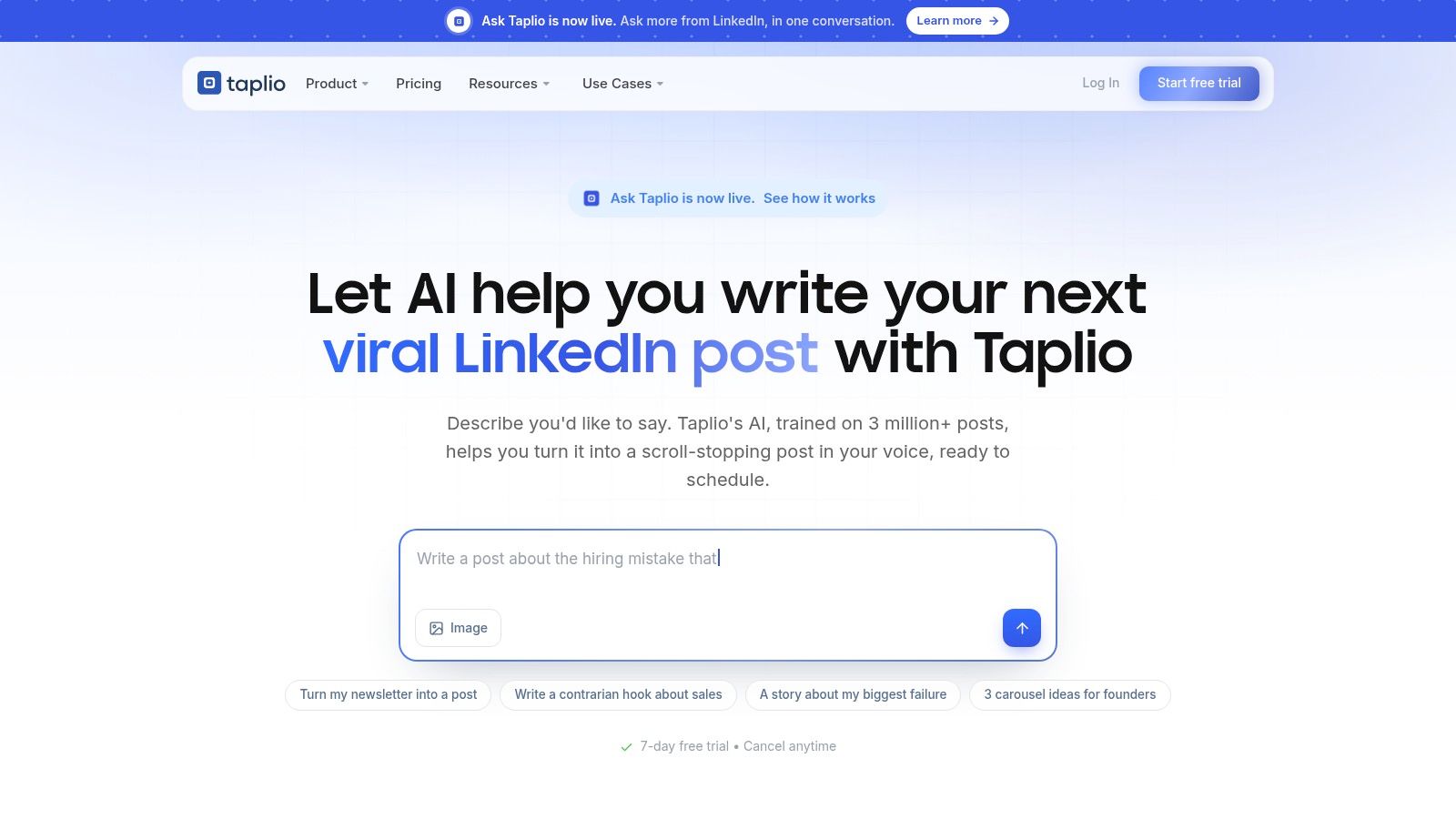
Taplio isn't really a scheduler with extras. It's a LinkedIn creator toolkit where scheduling is one piece alongside a post editor, a library of proven posts for research, AI writing help, and analytics covering followers, profile views, and individual post performance. The queue, calendar, drafts, and post preview are all solid, but you're paying for the content engine around them.
That research angle matters because LinkedIn results are wildly uneven. A 2025 study of 991 LinkedIn posts found an average of 121 reactions per post but a median of only 10 reactions, with more than half of posts receiving zero comments. Studying what's already worked, then tracking your own medians instead of chasing averages, is a smarter way to improve than guessing.
- LinkedIn first design: Planning and scheduling built for one platform
- Inspiration library: Useful when you're developing hooks and formats
- Seven day trial: Gives access to the Pro feature set, plus a free Chrome extension
Here's where it stops being worth it. It's pricier than general schedulers, feature access and AI credits shift by plan, and if all you need is a cheap queue for finished posts, you're subsidizing tools you won't open. I'd pick it for executives and creators who treat LinkedIn as a primary channel and want help ideating, not just publishing.
4. AuthoredUp
Writers tend to like AuthoredUp because it feels like it was built inside LinkedIn rather than bolted onto it. The editor gives you formatting controls with desktop and mobile previews, hooks and reusable snippets, and a scheduling calendar with reminders, drafts, and full post history. You can see exactly how a post will look before it goes out, which saves a lot of awkward line break surprises.
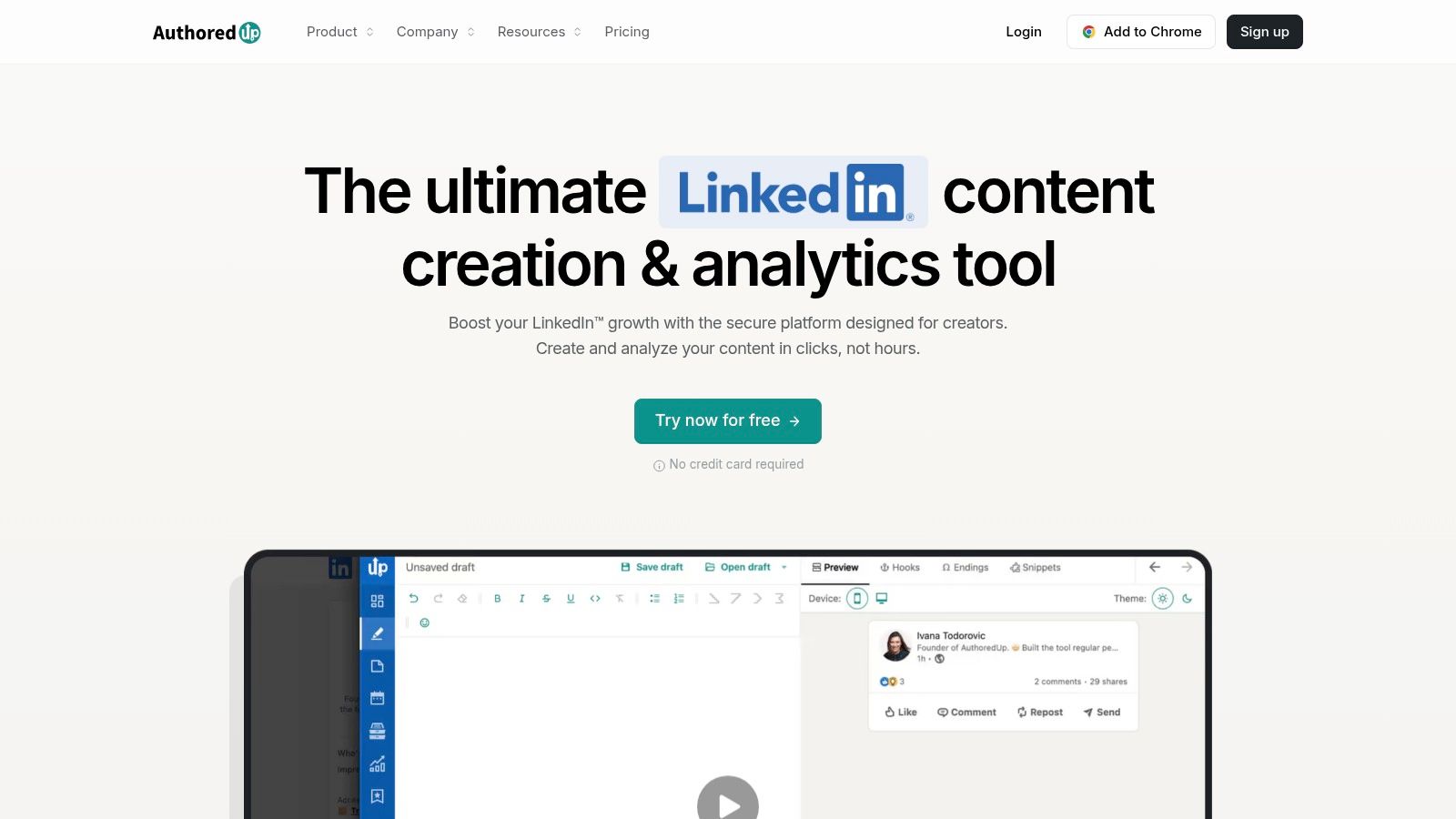
The post history and analytics feed suggestions for reusing past content, so a strong post from three months ago doesn't just disappear. That pairs well with a broader LinkedIn marketing tool strategy where you're building on proven themes instead of starting fresh every week. The Business plan adds collaboration, team analytics, and multiple profiles.
- Company Page management: Included without a separate page fee, according to the company
- Collaborators: The Business plan doesn't charge for each invited person
- Draft review flow: Handy for ghostwriters sending posts to clients
Pricing needs a close read. The Individual plan covers one LinkedIn profile, and teams pay per connected profile, so an agency with ten clients should model that cost early. Some AI writing features are in beta with separate credit limits, and there's no multi network calendar. For an executive and ghostwriter pair, it's excellent. For a team posting everywhere at once, look elsewhere.
5. Metricool
Metricool is the pick when LinkedIn is one channel among several and you want planning and analytics in a single dashboard. It schedules posts, polls, PDFs, images, videos, and document carousels, supports CSV bulk scheduling, and connects both profiles and Pages. It's also a LinkedIn Marketing Partner, which counts for connection stability.
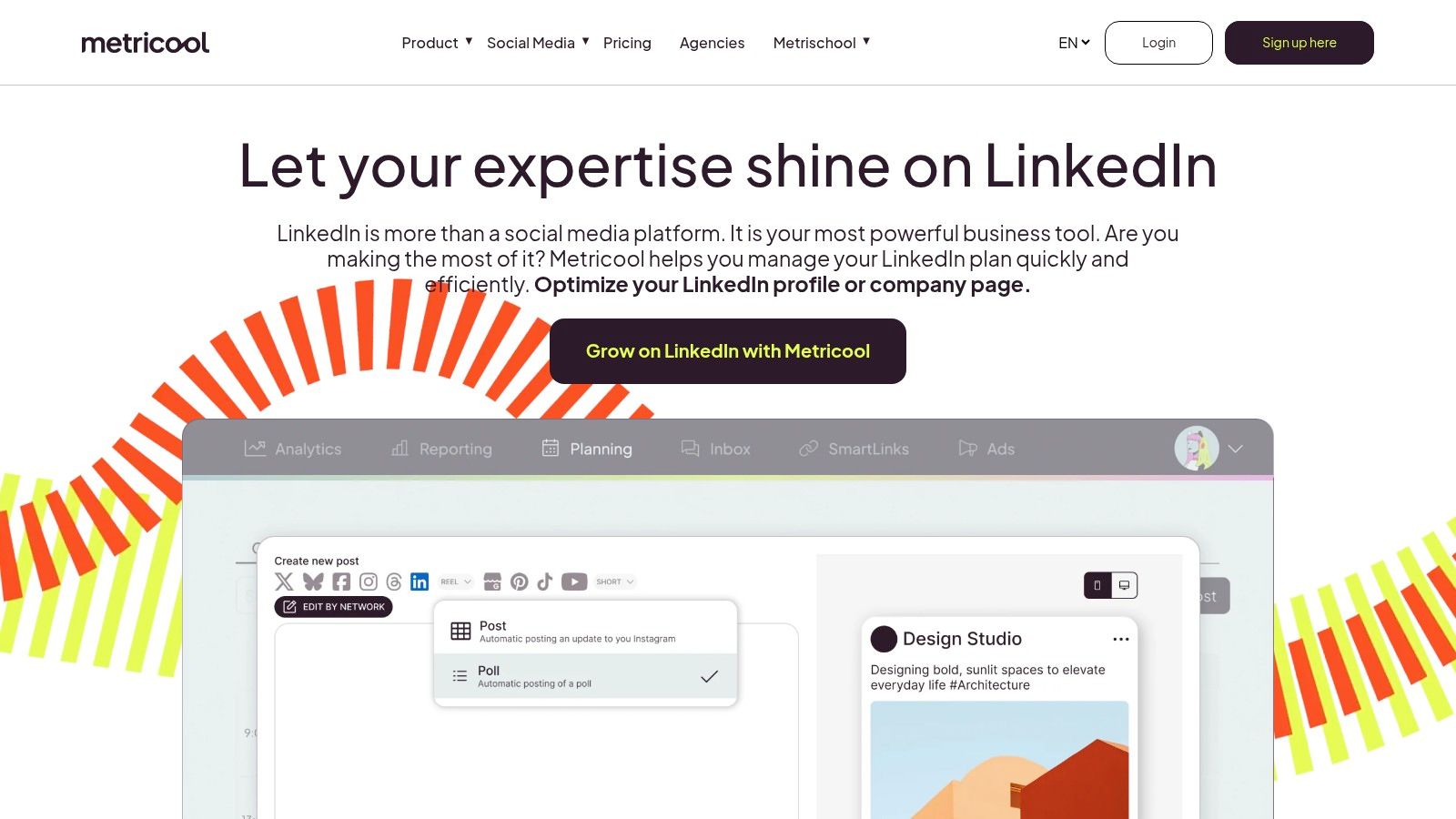
Its best time to post tools deserve a skeptical but fair look. Generic timing advice only gets you so far, since one analysis of 4.8 million LinkedIn posts identified Wednesday at 4 p.m. as a strong aggregate slot, yet results vary a lot by audience size, geography, and content type. Use aggregate slots as a starting hypothesis, then test against your own impressions, and dig into your LinkedIn post analytics before locking a schedule in.
Practical rule: A best time suggestion is a test to run for four weeks, not a fact about your audience.
The limits are real. LinkedIn connections aren't included in the Free plan, personal profile post level analytics only cover content published through the tool itself, according to the company, and you may need separate brands to manage a profile and a Page. The plan and add on maze takes time to sort out. For an in house marketer juggling organic reporting across networks, it's strong. For a free LinkedIn only queue, it isn't.
6. Publer
Budget is the headline with Publer. It's a cross platform scheduler for LinkedIn profiles and Pages with a queue, calendar, drafts, and bulk scheduling, and the free tier includes up to three social accounts and 10 scheduled posts per account. That's a low risk way for a solo professional to find out whether batching content fits their week.
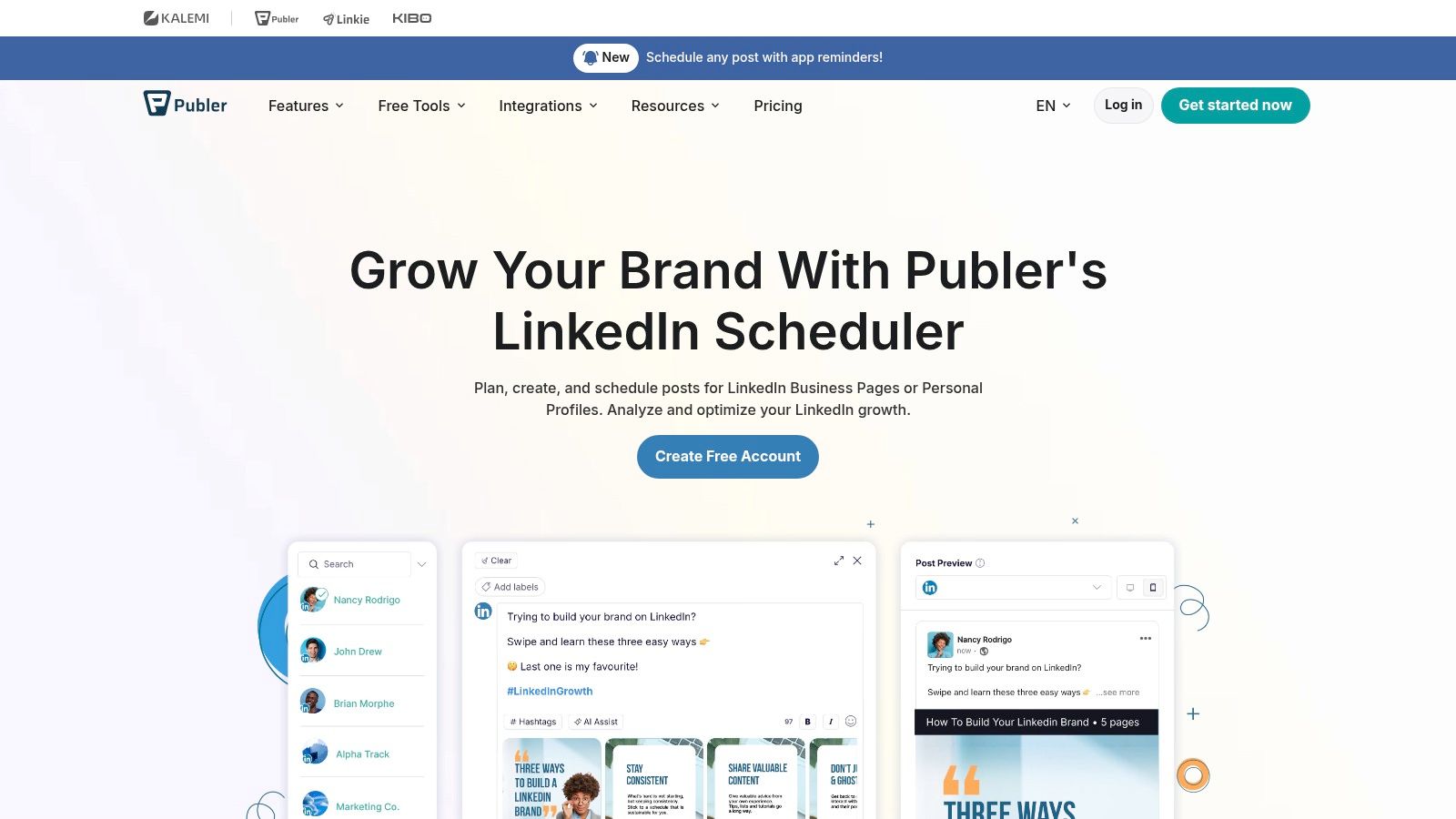
Paid entry plans stay relatively inexpensive and provide the features that make scheduling compound over time, including analytics, best time suggestions, competitor analysis, and evergreen post recycling. Team members and workspaces are there when you outgrow posting alone. Nothing here is flashy, and that's fine. The basics work and the interface doesn't fight you.
- Cheap entry point: Good for testing a publishing routine
- Multi platform reach: Useful if LinkedIn isn't your only channel
- Recycling on paid plans: Keeps proven posts in rotation
The free limits bite fast if you post daily, and pricing moves with every social account and team member you add, so the bargain can fade as you scale. You also won't get a LinkedIn only workspace with creator focused writing help. I see it as a starter scheduler you might happily outgrow, and outgrowing a cheap tool beats overpaying for an enterprise one you never needed.
7. SocialPilot
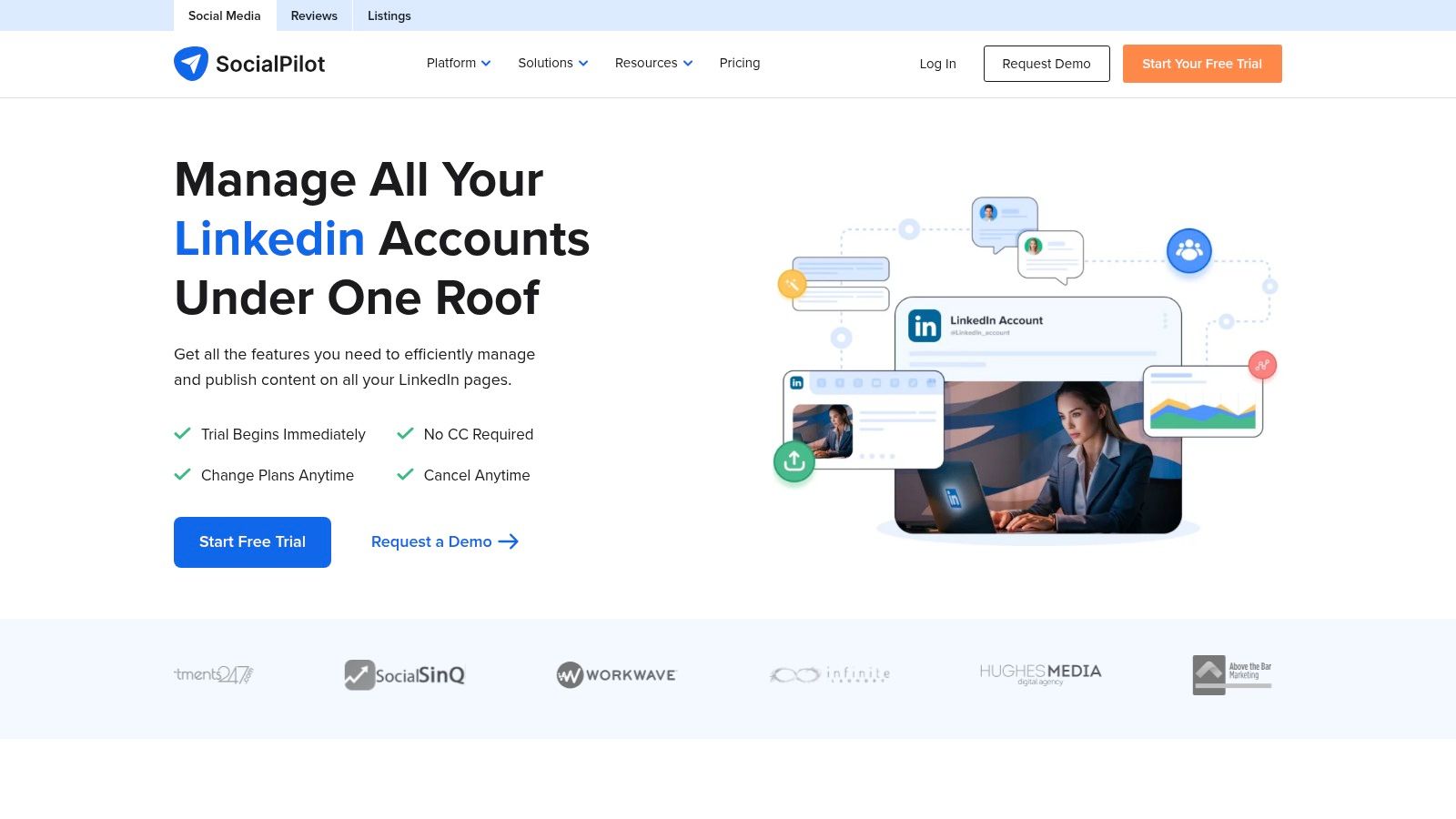
When one person becomes three people and two accounts become twelve, SocialPilot starts to make sense. It schedules LinkedIn profile and Page content with bulk publishing, a content library, and a shared social calendar, then layers on analytics, reporting, and team collaboration. LinkedIn lists it as a Marketing Partner, and there's a 14 day trial without a credit card, according to its pricing page.
Volume is where setups like this earn their keep. Benchmark data reported in a roundup of LinkedIn statistics put accounts with more than 100,000 followers at an average of 43.48 posts per month, compared with 0.98 posts per month for accounts with up to 1,000 followers. Don't read that as a posting target. Big accounts post more partly because they have bigger teams, which is exactly why queue management and approvals matter more than raw frequency.
Who Should Skip It
Lower tiers cap your users and accounts, and the agency friendly features like client approvals and white label reporting sit on higher plans. A solo poster will pay for collaboration plumbing they'll never touch. But for a small agency that needs clients to sign off without endless email threads, this is a sensible middle ground between a basic queue and a full enterprise suite.
8. Hootsuite
Hootsuite is the heavyweight here, and you should only pay heavyweight prices if you have a heavyweight problem. It schedules LinkedIn posts including video, runs a shared calendar across networks, and lets your team monitor and respond to LinkedIn comments from the same dashboard. LinkedIn identifies it as a Marketing Partner, and recommended publishing times are built in depending on your plan.
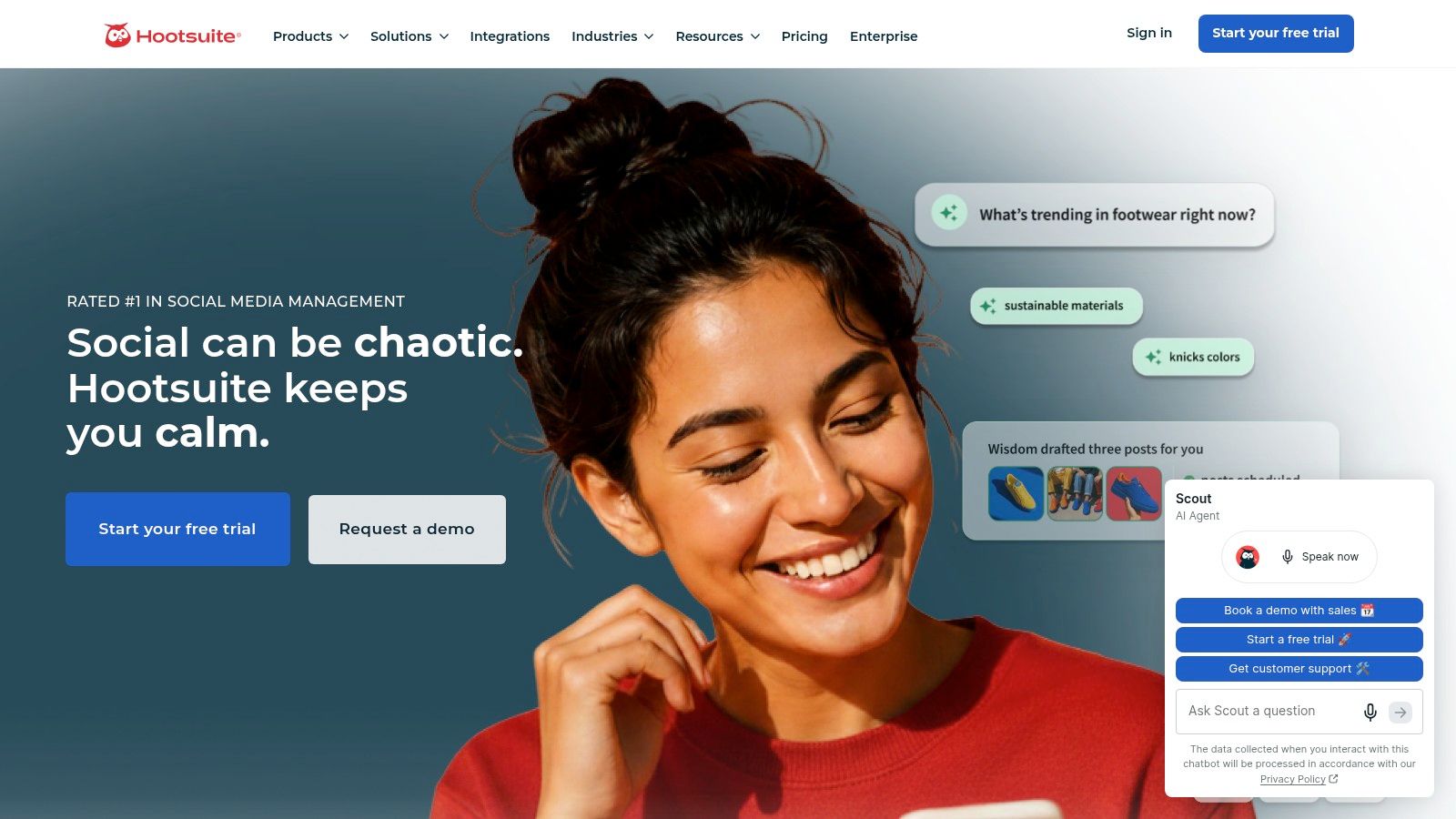
For a company page team already managing five networks, consolidating scheduling and engagement in one tool can cut tab switching and missed replies. If that price tag makes you wince, it's worth scanning some free Hootsuite alternatives before signing anything, because plenty of teams discover they only ever used the calendar.
If nobody on your team needs approvals, shared inboxes, or multi network reporting, you're paying rent on rooms you never enter.
The downsides are predictable. Pricing sits well above lightweight schedulers, features and limits vary a lot by plan, and the interface carries years of accumulated functionality that a new user has to wade through. For an individual who needs a simple LinkedIn queue, it's overkill, full stop. For an established social team with budget and volume, it's a safe, boring, defensible choice, and sometimes that's exactly what procurement wants.
9. Later
Later built its reputation on visual planning, and LinkedIn rides along inside that system. You get a visual content planner, drafts, and saved captions, multi profile scheduling from one interface, and a mobile app for adjusting things away from your desk. If your content starts as images and short video for Instagram or TikTok and LinkedIn gets an adapted version, this workflow feels natural.
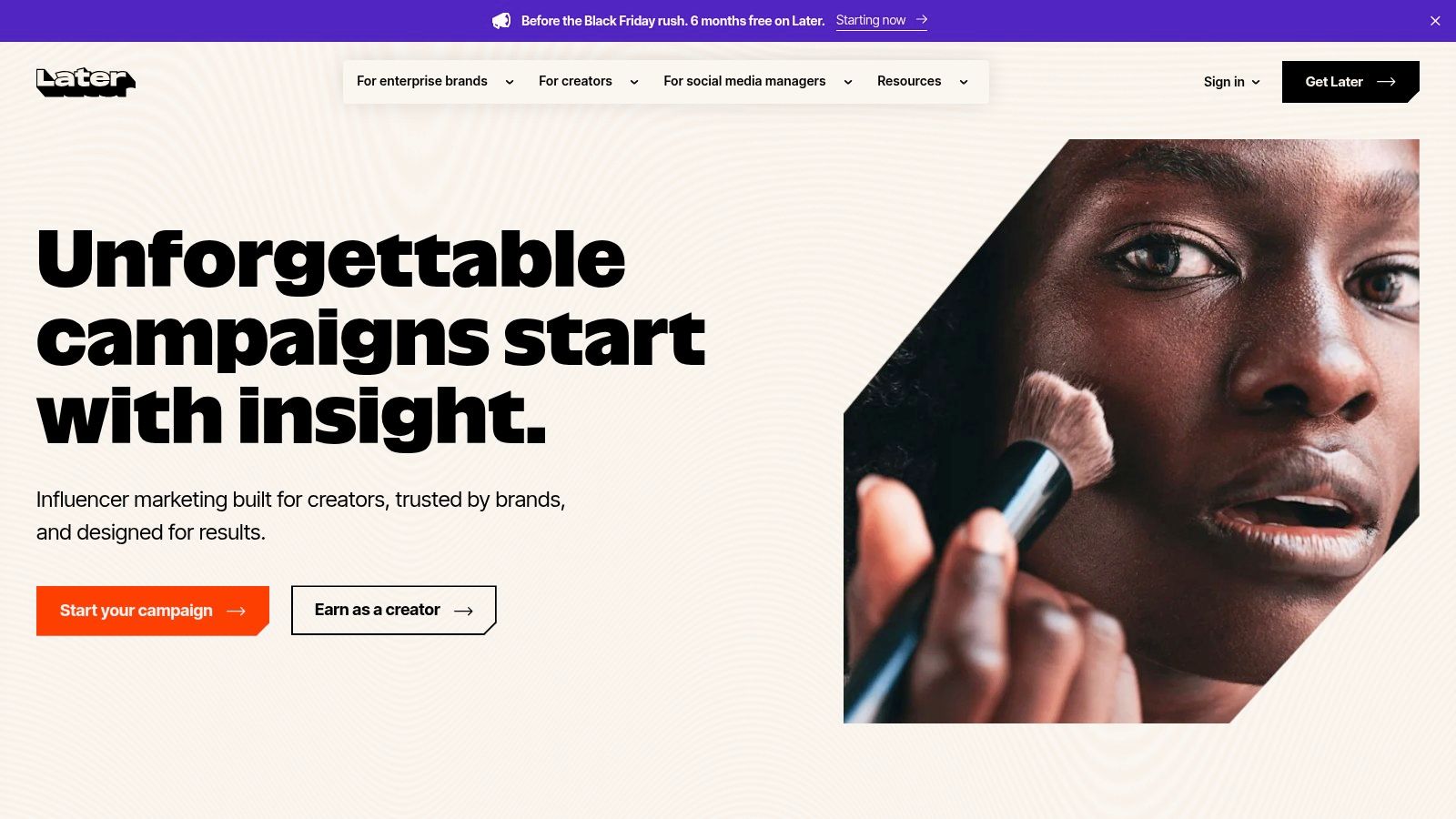
The shared calendar is pleasant for a small brand team coordinating a week of posts across channels. You can spot gaps at a glance and drag things around without opening five separate composers. Saved captions help when you reuse hashtag sets or calls to action regularly.
- Visual first calendar: Easy to scan a full week quickly
- Multi profile scheduling: One interface for several networks
- Mobile app: Handy for quick reschedules on the move
Just don't buy it for LinkedIn depth. Monthly post allowances vary by plan and profile, so check whether your cadence fits before you commit, and confirm exactly which LinkedIn metrics you get, since some analytics lean toward other platforms. You won't find the LinkedIn specific writing, preview, or inspiration tools that AuthoredUp or Taplio offer. It's a good home for visual brands that also post on LinkedIn, not for creators whose main event is a text post.
10. Sendible
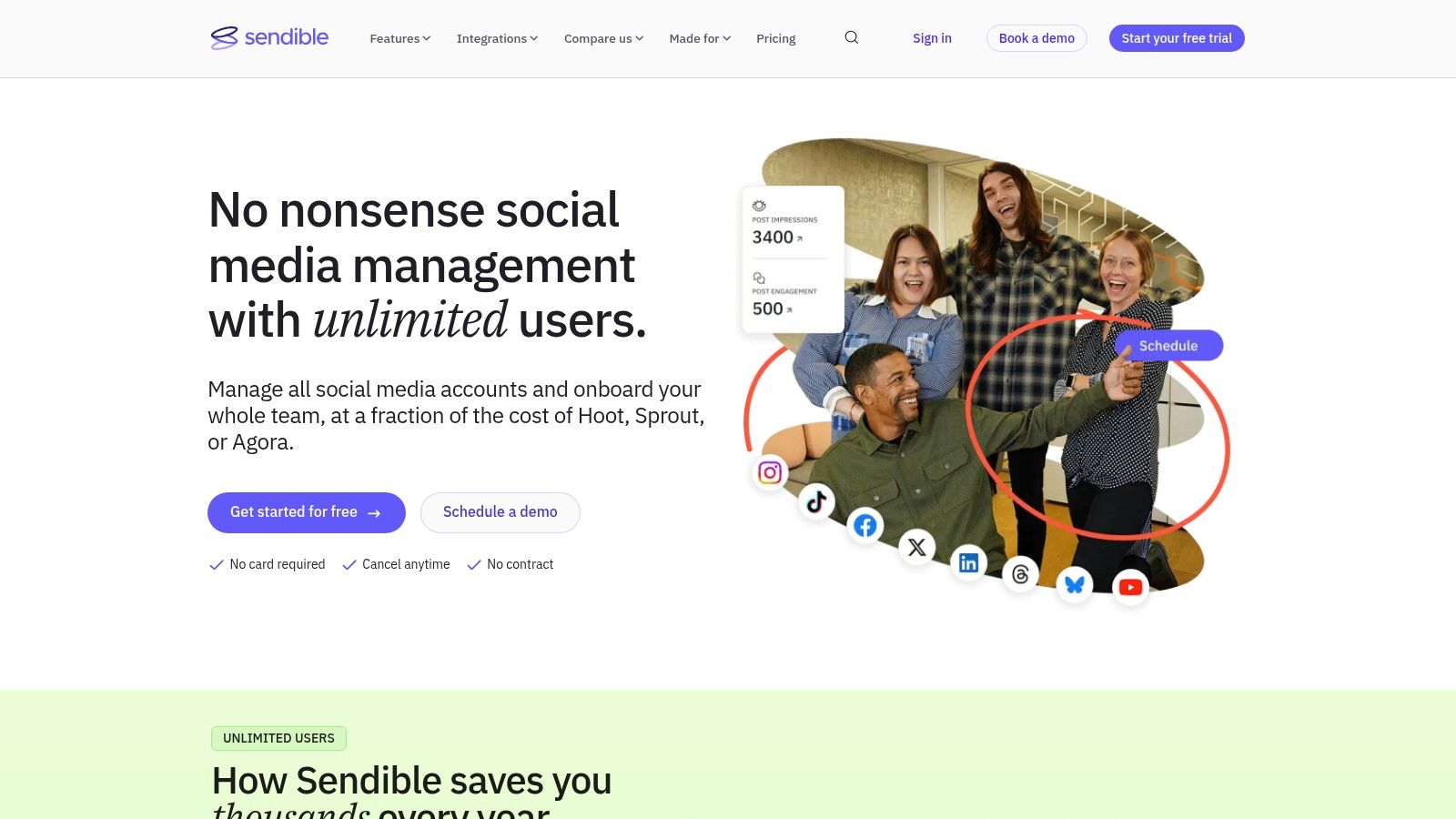
Sendible is aimed squarely at brands and agencies running several clients at once. It schedules to LinkedIn profiles and Company Pages, handles bulk scheduling with CSV uploads, and offers smart queues with recurring evergreen content so proven posts cycle back without manual rescheduling. Team workflows, approvals, reports, and Page comment replies round out the client service picture.
Governance is the part agencies can't skip, and it's often glossed over in tool roundups. A guide to LinkedIn scheduling tools notes that LinkedIn prohibits bots or unauthorized automated methods used to create inauthentic engagement, and that official Page scheduling documentation limits scheduled publication to a window of up to three months. So ask any vendor how approvals work without sharing client credentials, what happens when authorization expires, and whether there's an audit trail and an emergency pause.
- Unlimited users on listed plans: Helps agency teams avoid per seat creep
- Smart queues: Recurring content without rebuilding posts each time
- Client reporting: Publishing and reports live in one system
The trade off is complexity. A solo creator will spend more time learning workspaces than writing posts, the best collaboration and branded report features sit on higher tiers, and you'll want to confirm workspace, profile, and send limits for your exact plan. For an agency managing approvals and recurring content across clients, that complexity is the product. For everyone else, it's overhead.
How the 10 Best LinkedIn Post Scheduler Options Stack Up
| Item | Free plan | Best for | AI writing | Team features |
|---|---|---|---|---|
| RedactAI (Recommended) | Free starting option; limits not specified | LinkedIn creators seeking personalized content and scheduling | Generates drafts tailored to your voice and helps refine copy | Supports teams and agencies; collaboration details not specified |
| Buffer | Up to 3 channels and 10 queued posts per channel | Individuals who want a straightforward LinkedIn scheduler | AI writing not specified | Team features not specified |
| Taplio | No ongoing free plan specified; 7-day Pro trial and free Chrome extension | LinkedIn creators and executives seeking an all-in-one toolkit | AI content features; access varies by plan | Team features not specified |
| AuthoredUp | Free plan not specified | LinkedIn writers, executives, and ghostwriters | Some AI writing features are in beta | Business plan includes collaboration, team analytics, and multiple profiles |
| Metricool | Free plan does not include LinkedIn connections | Professionals and teams managing multiple social networks | AI writing not specified | Collaboration and approvals on eligible plans |
| Publer | Up to 3 social accounts and 10 scheduled posts per account | Solo users seeking a budget-friendly cross-platform scheduler | AI writing not specified | Team members and workspaces available |
| SocialPilot | 14-day trial; credit card not required | Businesses and agencies managing multiple accounts | AI writing not specified | Collaboration, client approvals, and white-label reports on higher plans |
| Hootsuite | Free plan not specified | Teams managing LinkedIn alongside other social networks | AI writing not specified | Shared publishing workflows and engagement management |
| Later | Free plan not specified | Brands coordinating visual content across multiple platforms | AI writing not specified | Supports team coordination across channels |
| Sendible | Free plan not specified | Brands and agencies managing multiple channels and client workflows | AI writing not specified | Team workflows, approvals, and reports; listed plans include unlimited users |
Pick the Scheduler That Fits How You Actually Post
Start with your real rhythm, not the feature grid. Say you're a solo creator posting three times a week and your bottleneck is staring at a blank composer on Monday. A LinkedIn focused tool that helps you draft, format, and recycle posts will save you more time than a multi network suite with an inbox you'll never open. You need a queue you trust, a preview you can eyeball, and light analytics that tell you which topics earned comments.
Now say you're an agency or ghostwriter juggling six client profiles. Your bottleneck isn't writing speed, it's approvals, credential juggling, and proving what went out when. Prioritize workspaces, client sign off that doesn't require sharing passwords, per profile pricing you can realistically model, and reporting you can hand over without screenshots. A cheap per channel plan that doubles with every new client isn't cheap anymore.
Company page teams sit somewhere else again. You probably post less often but with more stakeholders, more formats, and a brand voice to protect. Look for document carousel and video support, a shared calendar, and engagement monitoring, and check whether Page analytics are included on the plan you're eyeing. Don't accept a universal best time as gospel either, because your followers' workdays decide that, not an industry average.
Run this test: Load one real week of posts into your top two candidates, including a carousel, a link post, and a reschedule. Whichever tool makes you swear less wins.
Pay attention to the exit costs while you test. What happens to your scheduled queue if you cancel, can you export your content library, and does the price change when you add one teammate or one more account? Those answers matter more after three months of use than any launch week discount. Also confirm the basics still work on your phone, because you'll eventually need to pull a post from an airport.
Whatever you choose, give it four consistent weeks before judging it. Post on the same cadence, watch median impressions and comments rather than one lucky outlier, and recycle only the posts that earned a second run. A scheduler can't fix weak ideas, but the right one removes every excuse between a good idea and a published post. Pick the tool that fits the setup you have today, with a pricing path you can live with when it grows.
If your real problem is the blank page and not just the clock, give RedactAI a look, since it drafts posts in your own voice from your profile and post history, then schedules, tracks, and recycles your best performers in one place. You can start free, queue your first week of content, and see whether a steadier cadence moves your engagement before you spend anything.