You write a few solid LinkedIn posts on Sunday, ready to get ahead of the week. Then you spend Monday configuring a dashboard that wants you to manage a dozen social channels, assign teammates you don't have, and build reports nobody asked for.
By Friday, your drafts are still sitting in a document.
Most LinkedIn schedulers aren't bad products. They're built for different jobs. A consultant needs somewhere to turn ideas into credible posts. A ghostwriter needs approvals. An agency needs account separation. A marketing manager needs reporting that explains what happened after publication.
The right LinkedIn post scheduling tool removes your actual bottleneck, not the one its feature page makes sound important.
There's a reason to take consistency seriously. Buffer's analysis of LinkedIn publishing frequency found that accounts publishing two to five times weekly received approximately 1,182 additional impressions per post compared with accounts posting once weekly. That's an association, not proof that filling a queue causes better results.
Buy a scheduler to support useful publishing, not to automate having something to say.
For the broader workflow, a content creator's guide to scheduling provides useful context. For choosing software, start with the job: pure scheduling, LinkedIn-specific drafting, multi-network management, or analytics-first reporting.
1. RedactAI
Best for LinkedIn-specific drafting and planning. Starting cost: free entry point; paid subscription amounts aren't stated here.
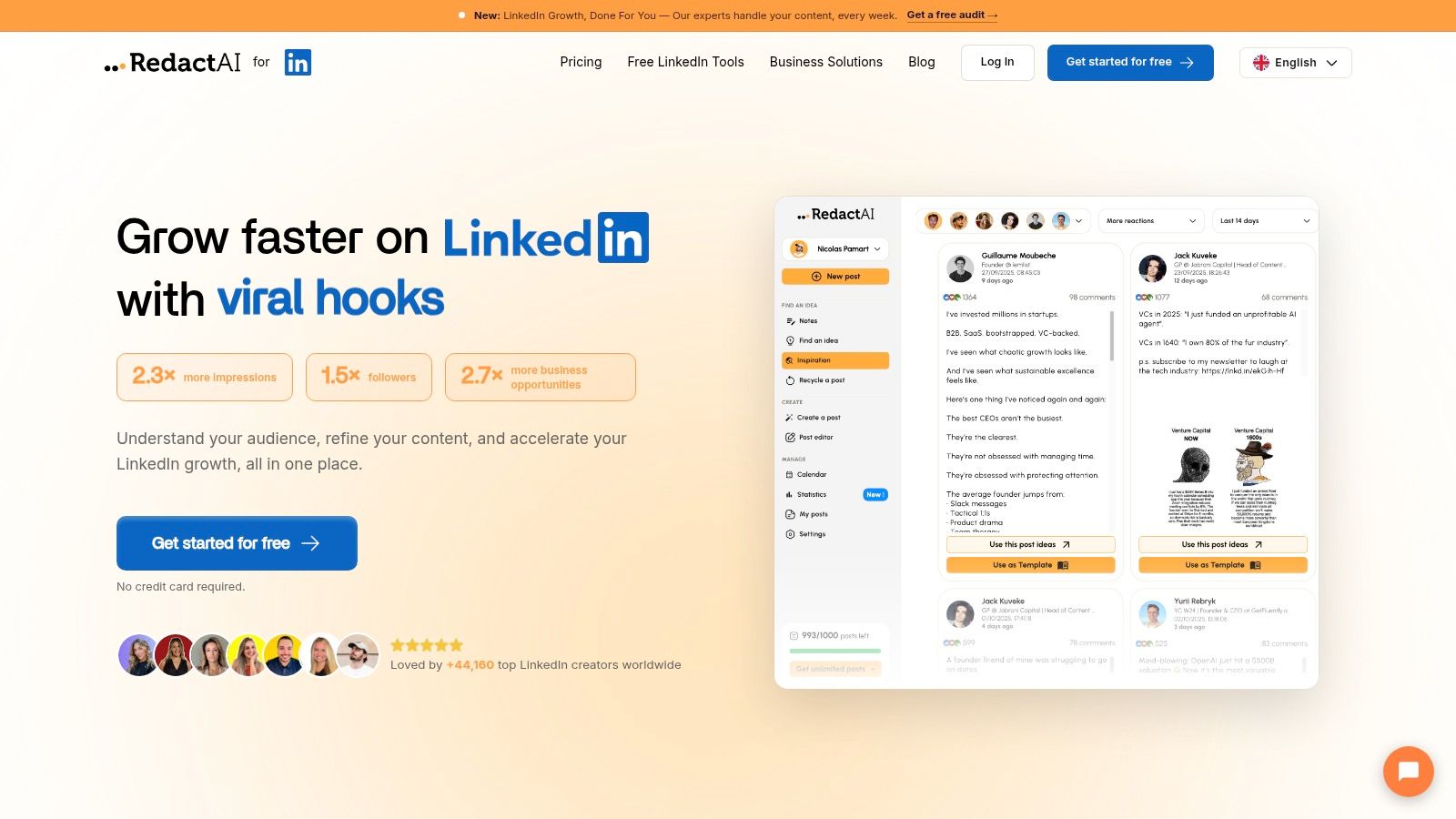
If your biggest problem is an empty draft rather than an empty calendar, our workflow starts in the right place. We use your LinkedIn profile and posting history to create a personalized writing profile, then generate drafts from keywords, notes, and industry insights.
That matters for consultants and executives whose posts need to reflect a recognizable point of view. Instead of repeatedly explaining your background to a general-purpose writing assistant, you start with your professional context already included. You still need to supply the judgment, examples, and opinions that make the post yours.
What you're actually getting
Our Essential plan includes scheduling, post preview and styling, an unlimited idea generator, and statistics and insights. The wider workflow also supports content recycling, repurposing, and reviewing your best-performing posts.
- Drafting support: Generate alternative versions, then edit the strongest direction rather than starting from a blank composer.
- Content reuse: Turn material from a blog post or YouTube video into a LinkedIn draft.
- Editorial control: Review claims, remove generic phrasing, and add details that only you could contribute.
The practical advantage is keeping writing, planning, and performance review together. Our guide to scheduling posts explains how scheduling fits into that publishing routine.
The limit most reviews skip: personalization isn't a substitute for original thinking. An accurate imitation of your style can still produce a post with nothing distinctive to say, and we don't guarantee virality.
I'd choose this workflow when writing consistently is the hard part. If your copy is already finished and you only need delayed publication, a simpler queue may be enough.
2. Buffer
Best for pure scheduling. Starting cost: a free plan is available through Buffer; paid plans scale by channel.
Buffer makes sense when you already know what you want to publish. It supports LinkedIn profiles and Pages alongside other networks, with drafts, a publishing calendar, and a queue.
The appeal is straightforward: write the post, choose its place in the schedule, and move on. You don't need an elaborate content operation to benefit from that workflow.
Simple publishing, with a scaling catch
For a solo consultant, channel-based pricing can be convenient. For a ghostwriter managing executive profiles alongside company Pages, the billing unit deserves more attention than the headline plan name.
- What works: A lightweight calendar and queue for turning finished drafts into scheduled posts.
- What needs checking: Queue capacity, analytics access, and whether your selected plan includes approvals.
- What you won't get by default: The same depth of LinkedIn-specific inspiration and voice development you'd expect from a specialist writing product.
Our walkthrough for scheduling LinkedIn posts is useful if you're still separating the writing process from the publishing process.
The overlooked limit is per-channel billing. Price the accounts you'll connect, including client profiles and Pages, rather than comparing subscriptions as though every plan covers the same workload.
I'd shortlist Buffer when you want less software, not more. It's a weaker fit when your main challenge is developing differentiated LinkedIn content.
3. SocialPilot
Best for multi-account agency publishing. Starting cost: a paid subscription; a verified starting amount isn't available here.
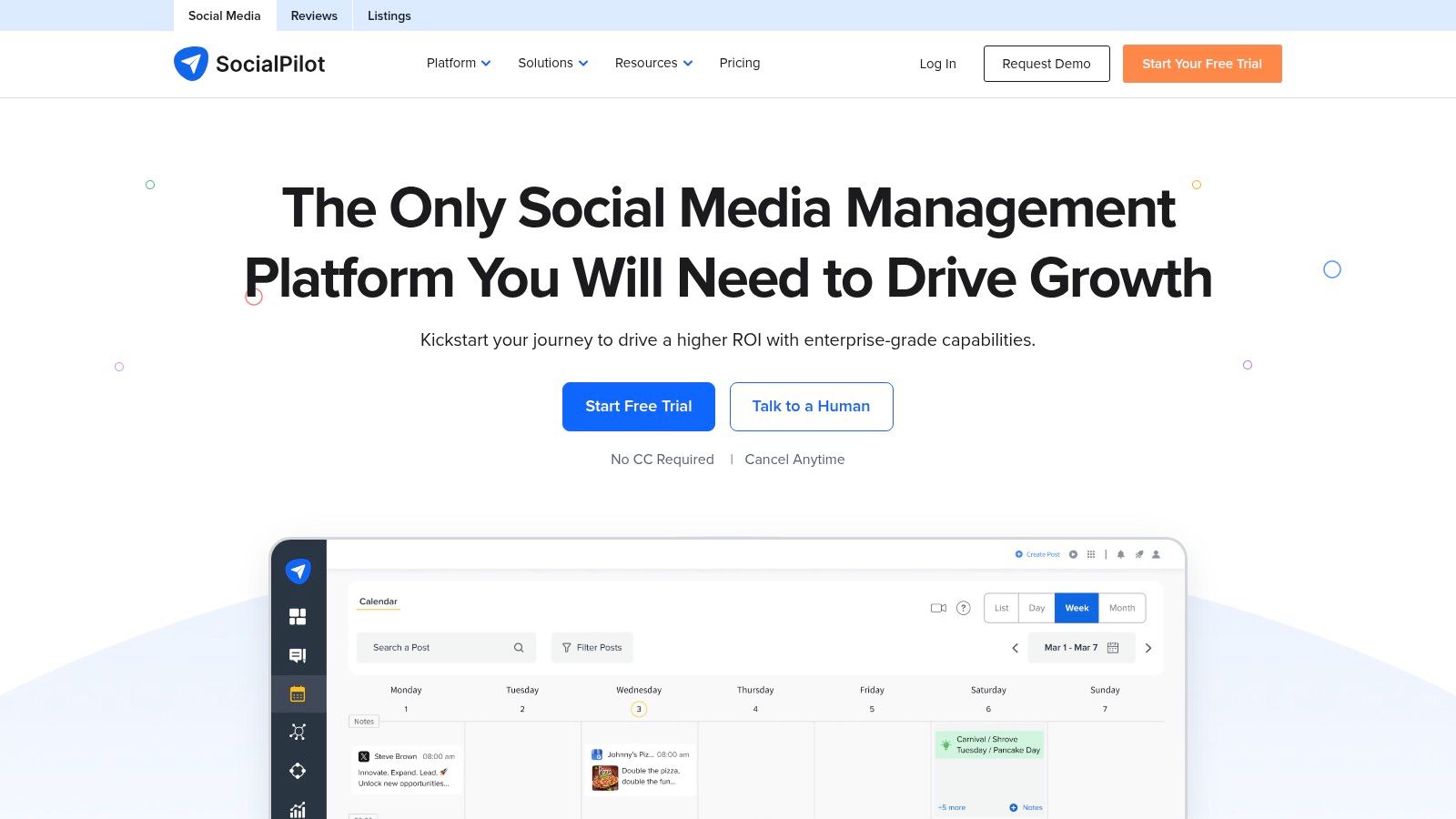
Say you're coordinating a client's company Page, an executive's profile, and campaign content for other networks. Your problem isn't choosing a publication time. It's knowing which account owns the draft and who can approve it.
SocialPilot is a stronger candidate for that job than a personal writing assistant. Its broader account-management workflow includes scheduling, collaboration, and bulk publishing options on eligible plans.
- Agency advantage: Keep client publishing work inside an organized management process.
- Campaign advantage: Use bulk scheduling and CSV uploads when the selected plan supports them.
- Editorial caution: Review account destinations and approval status before loading a campaign into the queue.
Bulk uploading is useful for approved campaign assets. It's less useful when clients are still changing the message, because importing unfinished content just moves the editing problem into another interface.
The limit most reviews skip: bulk publishing, collaboration, and account capacity depend on the plan. Don't assume that seeing a feature on the product website means it's included in the subscription you're considering.
Before committing, test a real client handoff: draft, request approval, revise, approve, and schedule. If those steps feel cumbersome, a larger feature list won't fix the daily friction.
4. SocialBee
Best for evergreen content and recurring themes. Starting cost: a paid subscription with a trial available; the starting amount isn't verified here.
SocialBee suits creators who think in content categories: practical advice, customer questions, service explanations, and founder perspectives. You organize material into categories and recurring queues rather than treating every post as an isolated calendar entry.
That approach works well when you already have a useful content library. A recruitment consultant, for example, might rotate interview advice, hiring-manager guidance, and explanations of common recruitment mistakes.
Recycling needs an editor
The advantage is a more deliberate mix of topics. You can reuse evergreen material without rebuilding your calendar from scratch, while re-queue and expiration controls help manage what returns.
The risk is assuming evergreen means permanently accurate.
Editorial rule: Recycle the useful idea, but review the claim, example, and call to action before you republish it.
A post about your services may remain useful while its availability, positioning, or supporting example has changed. Posts about industry developments need even closer review.
The overlooked limit is workflow complexity. Categories and recurring queues introduce setup work that an occasional poster may not need. Account capacity and collaboration requirements also affect the subscription you'll need.
I'd choose SocialBee for a business with repeatable educational themes and a maintained content library. I wouldn't build an elaborate category system just to schedule a handful of unrelated announcements.
5. Publer
Best for flexible scheduling with a free starting point. Starting cost: a permanent free plan is available through Publer.
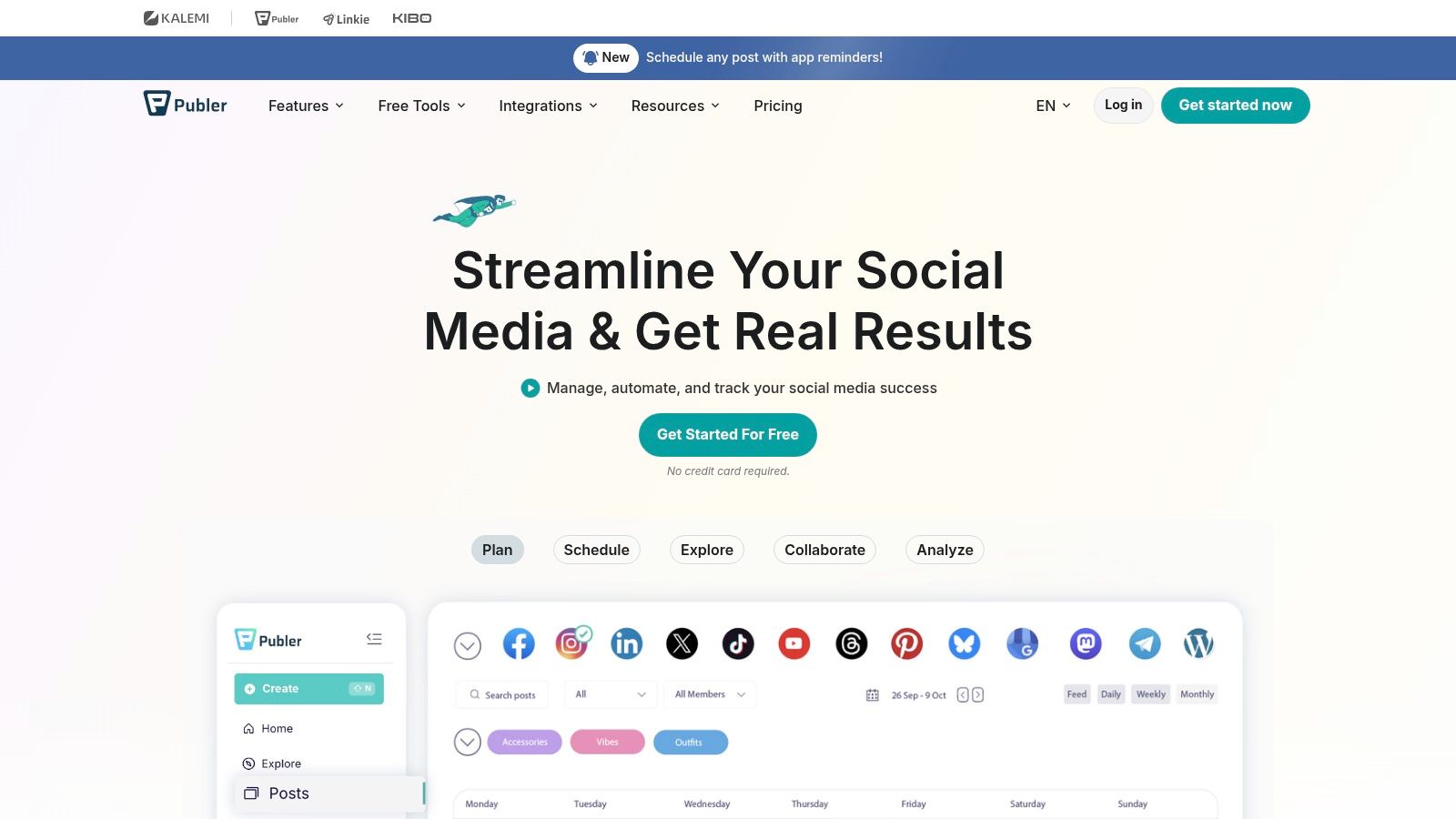
Publer belongs on your shortlist if you want a calendar, drafts, previews, and a queue without immediately committing to a larger management suite. It supports LinkedIn profiles and Pages, plus other social networks.
Its support for LinkedIn PDF carousel publishing is useful if your content includes explainers, frameworks, or document-led posts. Test your actual files during evaluation rather than relying on a generic format-support label.
- Good starting job: Move finished LinkedIn content out of scattered documents and into a publishing calendar.
- Useful expansion: Add other networks without immediately changing your whole workflow.
- Paid-plan consideration: LinkedIn analytics, best-time features, and recycling require closer attention to plan eligibility.
Free publishing isn't free reporting
The limit most reviews skip is the gap between scheduling access and LinkedIn insight. A free queue may solve publication while leaving you without the reporting you expected.
Final cost also depends on connected accounts and additional members. Compare the configuration you need, not merely the entry point.
I'd use the free plan to test daily usability: editing drafts, previewing content, changing publication times, and finding scheduled posts again. Upgrade only when you can name the missing capability you'll use, rather than paying for a bundle of possibilities.
6. Metricool
Best for analytics-first planning and reporting. Starting cost for LinkedIn: a paid plan is required through Metricool.
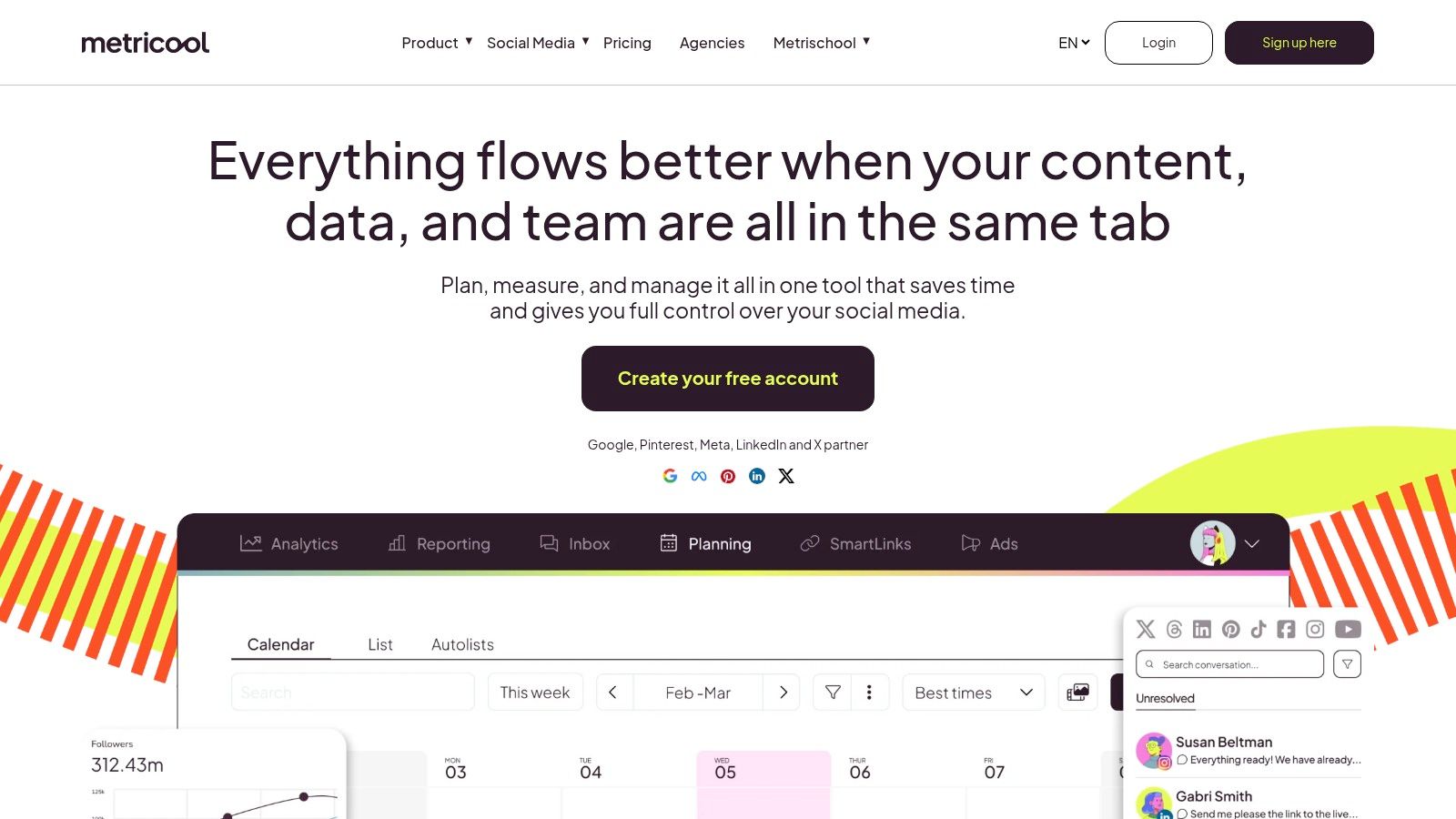
If your client's first question is whether the content worked, Metricool deserves attention. It pairs scheduling with performance analysis, competitor analysis, and reports rather than treating publication as the endpoint.
That's useful for consultants who must explain why they're changing the content plan. A calendar shows what you published. A useful report helps you decide what to repeat, revise, or stop.
Measure the outcome you're hired for
Carlos Alba Media's engagement measurement guide provides context for choosing meaningful engagement measures. For LinkedIn, separate broad visibility from responses that matter commercially, such as relevant buyer comments or recruiting conversations.
Don't treat best-time recommendations as instructions to ignore content quality or your own availability. Publishing when you can participate in the discussion can be a sensible operational choice.
- Strong fit: Marketers who need scheduling and client-facing performance reporting together.
- Weaker fit: Solo creators who won't use competitor analysis or downloadable reports.
- Pricing detail: Evaluate the brand-based structure against how you organize client accounts.
The easily missed limit is that LinkedIn isn't included in the free plan. Trying the product with another network can help you assess the interface, but it doesn't establish that the LinkedIn workflow meets your needs.
7. Taplio
Best for a LinkedIn-focused content and engagement workflow. Starting cost: a paid subscription with a trial available through Taplio.
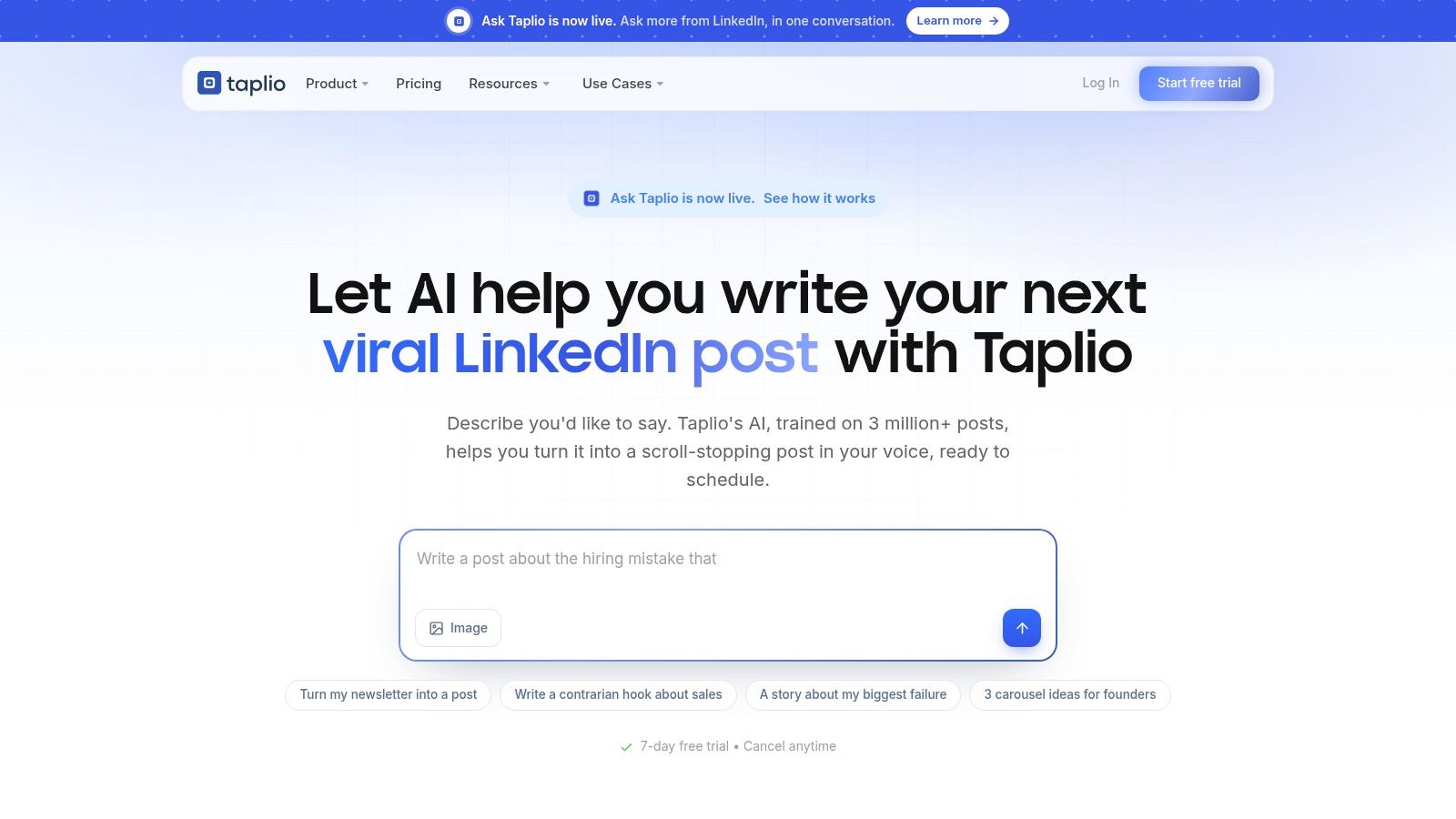
Taplio makes more sense when LinkedIn is your main channel and you want help beyond putting finished posts on a calendar. Its workflow combines scheduling, analytics, content inspiration, and writing or engagement features, depending on the tier.
For a founder developing a regular publishing habit, that specialization can be useful. You're working inside a LinkedIn-focused environment rather than adapting a general social calendar to your needs.
But buy the plan, not the product's overall feature list.
- Scheduling need: Establish whether the entry tier covers your publishing and analytics requirements.
- Writing need: Starter doesn't include AI writing, so don't assume the lowest-priced subscription provides the drafting workflow.
- Commercial need: Evaluate higher-tier engagement and lead-oriented features separately from basic content planning.
The tier distinction matters because someone shopping for AI-assisted writing can otherwise compare the wrong subscriptions. A scheduling-only plan isn't an equivalent alternative to a drafting-and-scheduling package.
The overlooked limit is paying for a growth workflow you won't maintain. Inspiration libraries and engagement tools require deliberate use. They won't help much if you only open the platform to paste in approved copy.
I'd consider Taplio when LinkedIn content development is an ongoing part of your job. For occasional announcements, start with a simpler scheduler.
8. AuthoredUp
Best for polishing and previewing LinkedIn posts. Starting cost: a paid subscription with a trial available through AuthoredUp.
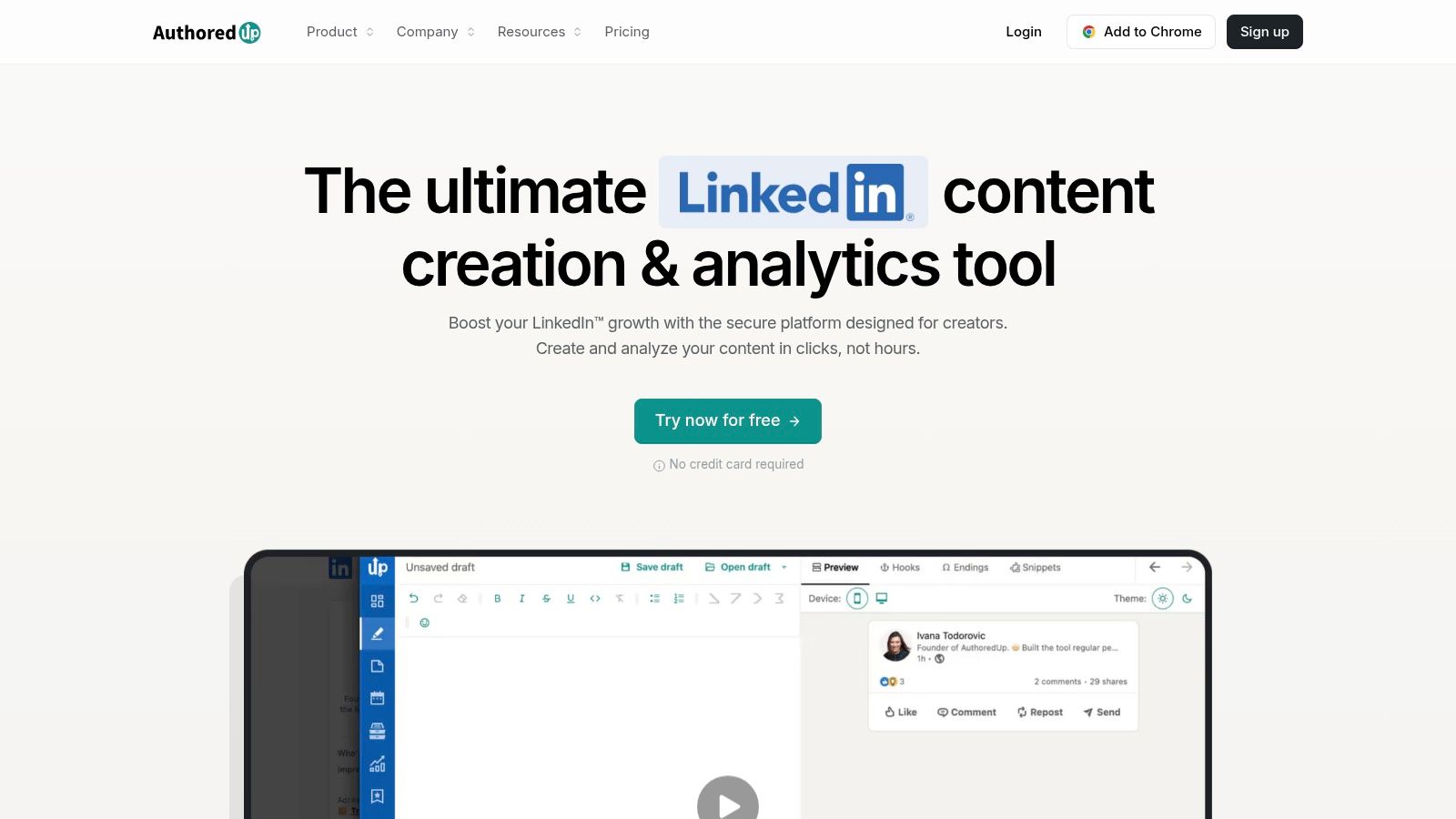
AuthoredUp is the option to examine when the draft already exists but needs better presentation. Its editor, formatting tools, feed previews, snippets, and planning features suit text-heavy LinkedIn publishing.
That's a different job from generating an entire content strategy. A ghostwriter might care more about inspecting the opening, paragraph breaks, and final call to action than receiving another collection of AI suggestions.
The scheduling distinction matters
AuthoredUp surfaces LinkedIn's native scheduling functionality rather than operating an independent scheduling system. That distinction should influence how you evaluate it.
You're choosing an editing and planning environment around LinkedIn's publishing capability. You aren't necessarily replacing that underlying publishing workflow.
Don't compare an improved LinkedIn editor with an agency publishing platform as though they're interchangeable.
During a trial, take a real draft through editing, preview, scheduling, and subsequent revision. Check the specific post formats you use, because availability can depend on LinkedIn's native functionality.
The business offering adds collaboration and analytics across profiles, but this still isn't a broad multi-network management suite. That focus is a strength if your work stays on LinkedIn and a limitation if clients expect centralized publishing elsewhere.
I'd shortlist AuthoredUp for creators who enjoy writing their own posts and want more control over how those posts appear.
9. Agorapulse
Best for teams that manage publishing and responses together. Starting cost: a limited free plan is listed by Agorapulse; paid plans use per-user pricing.
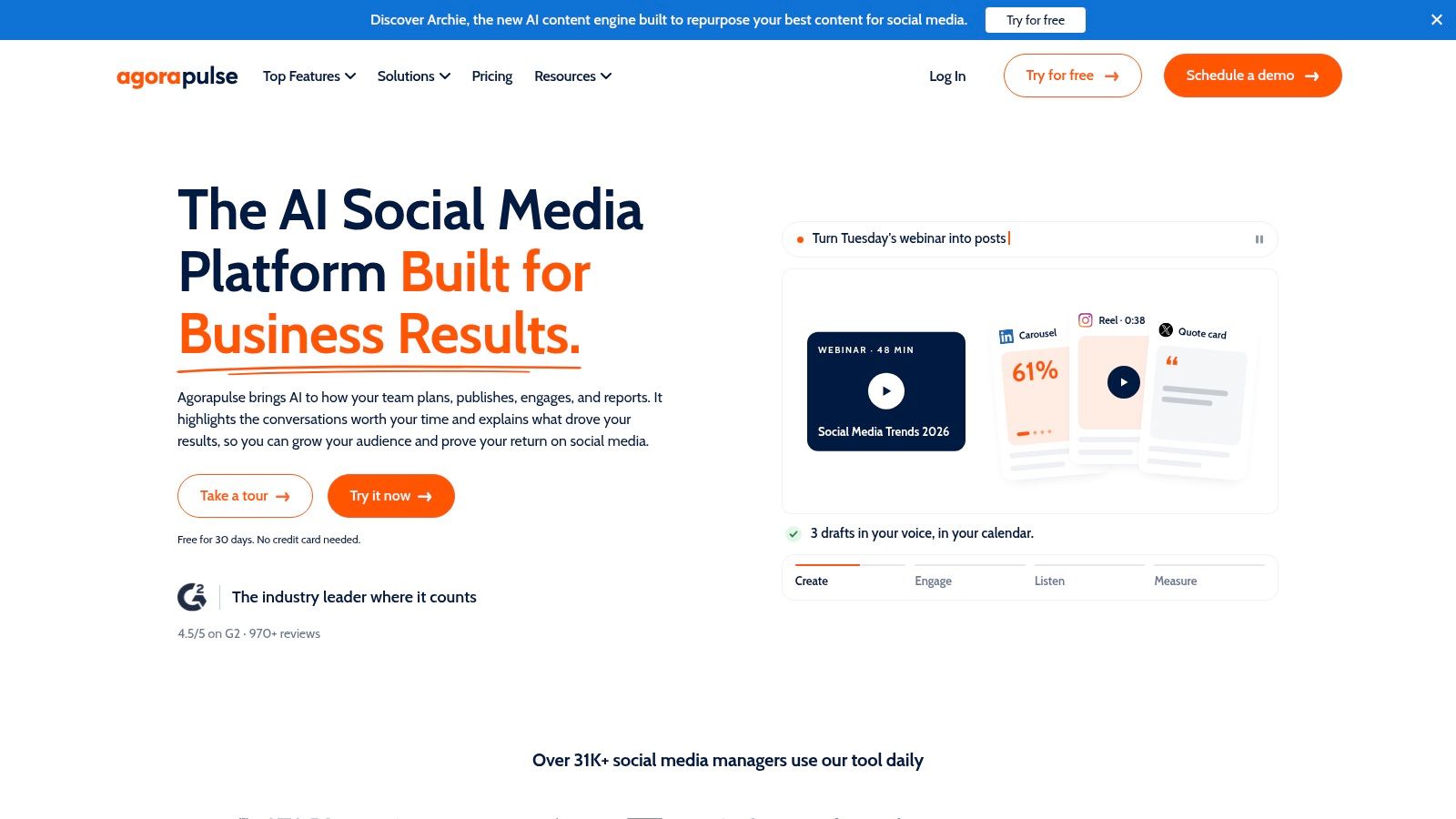
Scheduling isn't the whole job when someone also needs to monitor comments, assign follow-up, and report results. Agorapulse combines LinkedIn publishing with a broader inbox, reporting, and team-management workflow.
That makes it relevant to marketing teams and agencies where publication triggers more work. An approved post goes live, someone watches for responses, and another teammate may need to handle the conversation.
- Publishing strength: A shared calendar helps teammates coordinate planned content.
- Operational strength: Assignments and inbox management support responsibility after publication.
- Plan restriction: Recommended publishing times are limited to selected higher-tier plans.
Don't assume that a unified inbox means every LinkedIn interaction type is available in the way you expect. Test the exact profile, Page, and comment workflows your team needs before making it central to client delivery.
The cost detail most reviews underplay is per-user pricing. Include the people who must actively use the platform when calculating the subscription, then establish which approval and reporting features they need.
I'd choose Agorapulse when response management and team ownership justify a wider suite. If you're a solo professional who replies directly on LinkedIn, much of that operational capability may be unnecessary.
10. Hootsuite
Best for established multi-network teams. Starting cost: a paid subscription through Hootsuite; a verified starting amount isn't available here.
Hootsuite belongs in the conversation when LinkedIn is part of a wider social operation. It supports publishing for profiles and Pages alongside shared planning, collaboration, reporting, and broader management capabilities.
For an organization already coordinating several networks, centralization can be useful. For an individual consultant, it can mean paying for infrastructure that doesn't improve the actual LinkedIn task.
Evaluate the handoffs, not just the calendar
Test who can draft, who can approve, and who can publish. Then check how those responsibilities map to account limits, seats, and the selected plan.
Operational reliability deserves attention too. LinkedIn's API versioning announcement documents changes to versioned endpoints and request requirements. For any connected scheduler, evaluate failed-publication alerts, reconnection handling, and whether drafts remain accessible when publishing is interrupted.
That's an evaluation criterion, not a claim that a particular plan provides every safeguard.
The overlooked limit is organizational cost: both subscription seats and the effort of maintaining permissions and workflows. Our comparison of free Hootsuite alternatives is useful if your requirements are narrower.
I'd keep Hootsuite on the shortlist for shared, multi-network operations. I wouldn't choose it only because it's familiar when the job is publishing your own LinkedIn posts.
How the 10 LinkedIn post scheduling tool options compare on free access, best use, and main limits
| Item | Free option | Best for | Main limit |
|---|---|---|---|
| RedactAI | Free entry; no credit card required | LinkedIn posts tailored to your voice, plus scheduling and analytics | Drafts need review; paid pricing is not provided |
| Buffer | Free plan: up to 3 channels and 10 scheduled posts per channel | Simple scheduling for individual creators | Free scheduling is limited to 10 queued posts per channel |
| SocialPilot | Free option not specified | Agencies managing multiple accounts and client workflows | Bulk publishing and team features depend on the plan |
| SocialBee | 14-day trial; no credit card required | Recurring content themes and evergreen post recycling | Category-based workflow may be elaborate for occasional posting |
| Publer | Permanent free plan; up to 10 scheduled posts per account | Low-cost scheduling across multiple platforms | LinkedIn analytics and best-time features require a paid plan |
| Metricool | Free plan available, but LinkedIn requires a paid plan | Scheduling with performance reporting and competitor analysis | LinkedIn is not included in the free plan |
| Taplio | 7-day trial; no permanent free plan listed | LinkedIn-focused writing, planning, and scheduling | Starter does not include AI writing |
| AuthoredUp | Free trial; no credit card required | LinkedIn post editing, formatting, and previews | Scheduling relies on LinkedIn's native functionality |
| Agorapulse | Limited free plan and 30-day trial | Publishing combined with inbox, reporting, and team workflows | Paid plans are priced per user |
| Hootsuite | Free option not specified | Teams managing LinkedIn alongside multiple social networks | Per-user plans can become costly as teams grow |
Pick Your Scheduler by the Job, Not the Logo
Start with the work you need to finish. If you have approved drafts but keep forgetting to publish, choose a simple queue. If you struggle to turn expertise into posts, prioritize drafting and planning. If clients and teammates create approval bottlenecks, buy collaboration rather than more writing features.
For pure scheduling, Buffer and Publer are sensible starting points. SocialBee makes more sense when recurring themes and evergreen material drive your calendar. Its category structure is useful only if you'll maintain the library behind it.
For LinkedIn-specific content work, consider our workflow alongside Taplio and AuthoredUp. They aren't identical: personalized drafting, content inspiration, and detailed editing solve different problems. Choose according to where your drafts get stuck.
- Agency coordination: Examine SocialPilot's account-management workflow.
- Publishing plus responses: Evaluate Agorapulse's team and inbox capabilities.
- Multi-network operations: Consider Hootsuite when shared management justifies the extra scope.
- Reporting-led decisions: Look at Metricool when explaining performance is part of the deliverable.
Test with real content, not sample text. Use a document post if that's what you publish, request approval if clients need it, and revise something after scheduling. Those small tasks reveal more than a product tour.
Check how the bill changes with channels, seats, brands, and LinkedIn-specific features. Where a starting subscription amount isn't verified, it's better to leave it unstated than make a misleading price comparison. Also distinguish a permanent free plan from a trial that converts into a subscription.
Our Essential plan includes 15 posts per month, alongside scheduling, previews, styling, ideas, and insights. New clients receive an initial 7-day free trial, after which the subscription begins automatically unless they give notice. Put the trial deadline in your calendar before you start.
Keep separate jobs separate. If you're also producing advertising creative, the ShortGenius AI ad generator addresses a different need from maintaining a LinkedIn publishing schedule. Don't let an unrelated production requirement dictate your scheduler.
Finally, leave room to change your mind before publication. Review scheduled content when industry news changes, and reserve time to respond when a post generates a useful conversation. The best LinkedIn post scheduling tool helps you publish deliberately without outsourcing your judgment.
Turn your notes and expertise into editable LinkedIn drafts, schedule approved posts, and use performance insights to improve what you publish next. Visit RedactAI to try a LinkedIn-focused workflow that connects writing, planning, and scheduling without adding a multi-network management project.