You pitched a founder on Tuesday. By Thursday they still haven't replied, but LinkedIn shows they viewed your profile. That view is the whole sale. If the page reads like a résumé for "writer," they close the tab and your pitch dies in the inbox.
Why a Writer Profile Works as Your Storefront
Clients are scattered. Editors, agency leads, founders, and recruiters sit in different countries, and many of them open your profile before they answer a pitch. Expanded Ramblings puts the network at more than 1 billion members across over 200 countries and territories. Your next buyer can be anywhere in that crowd, and they will judge the page in the time it takes to scroll a phone screen.
Treat the writer LinkedIn profile as a storefront, not a scrapbook. It has three jobs, in this order.
- Earn the click. Search results and the feed only show a photo, a name, and the start of the headline. If that line is vague, nobody opens the page.
- Name the niche fast. A stranger should know who you write for within a few seconds.
- Prove the work. In under a minute they need a sample, a result, or a recommendation they can trust.
The usual failure is a headline that only says "writer," paired with an About section that lists every genre you've touched. That page looks busy and sells nothing. A ghostwriter for SaaS case studies and a newsletter editor for fintech brands should not share the same first line.
By the time you finish this, you'll have a section-by-section checklist, a headline and About workflow, a way to show samples, and a simple check for whether the page produces conversations.
The Profile Checklist Every Writer Needs
Work top to bottom. Each row is one part of the page, the job it has to do, wording that would make a buyer pause, and the fix when the line is weak.
| Profile section | What to write | Strong example | Fix if weak |
|---|---|---|---|
| Headline | Role, niche and outcome in one line | Ghostwriter for B2B SaaS founders: case studies and LinkedIn thought leadership | Replace "Writer and Storyteller" with your niche and client type |
| About | Who you write for, what changes for them, one proof point | I help fintech teams turn product updates into articles that get read, with 40+ bylined pieces | Cut adjectives and add a number or a named outcome |
| Featured | Three to five strongest samples with captions | Case study PDF: onboarding guide that cut support tickets by 30 percent | Swap generic blog links for bylined work with a one-line caption |
| Experience | Each engagement as problem, deliverable and result | Rewrote a product launch series for a Series B SaaS team: three articles shipped in two weeks, two placed in a trade newsletter | Rewrite duty lists as project outcomes |
| Skills | Ten to fifteen terms clients search for, strongest pinned | Technical writing, API documentation, ghostwriting | Remove vague skills like "communication" and pin the top three |
| Contact | How to reach you and what you take on | Open for two new retainer clients per quarter, email or booking link | Add a clear call to action instead of only a job title |
Fix the headline and Featured first. Those two carry almost all of the weight in a first glance, and the rest of the page only matters after someone stays.
Practical rule: If a line could sit on any writer's profile, it isn't selling yours.
How to Write a Headline and About Section That Sells
A headline that says "content professional" loses to one that says who pays you and what they get. Search and comment threads truncate the line, so the niche has to sit at the front.
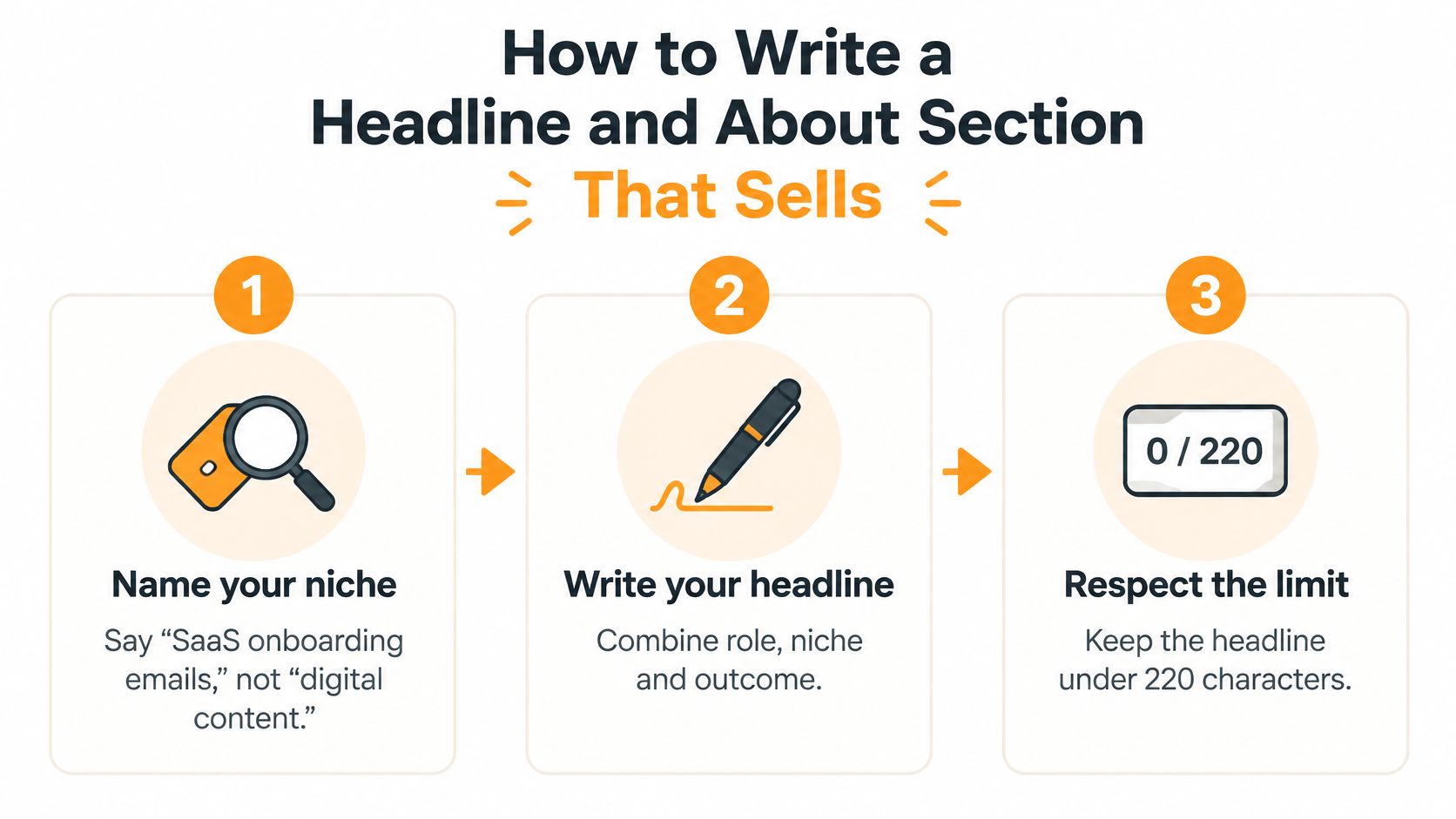
- Name the niche in plain words. "SaaS onboarding emails" beats "digital content." A buyer types the job, not your self-image.
- Write the headline as role, niche, and outcome. Front-load the niche. Keep the whole line inside LinkedIn's headline field, which caps out around 220 characters, and don't waste the opening on adjectives.
- Open About with the buyer's problem. One sentence. Not your degree, not the year you started freelancing.
- Use two or three short paragraphs after that. Who you help, what they receive, and the project types you usually take. Put a number in wherever you have one, such as articles shipped or newsletters edited.
- Add one proof line. A result, a publication, or a count of finished projects. One is enough. A pile of unnamed logos is not proof.
- Close with one next step. Email, a booking link, or "message me with the brief." Don't offer three doors.
- Read it aloud and cut every word a competitor could claim. "Passionate" and "creative" go first.
The ten second test
Show the headline and About to two people who don't already know your work. Give each person ten seconds. Ask what you write and for whom. If they can't answer, the niche is still hidden and you rewrite before you touch anything else.
Terms buyers actually type
List the phrases a client would type into LinkedIn search and place them in the headline and the first half of About. Useful ones look like ghostwriter, B2B SaaS content, and case study writer. Add your city or "remote" in contact details so a search by market can still find you. A profile that only ranks for "writer" competes with everyone and converts almost no one.
How to Show Writing Samples and Credibility
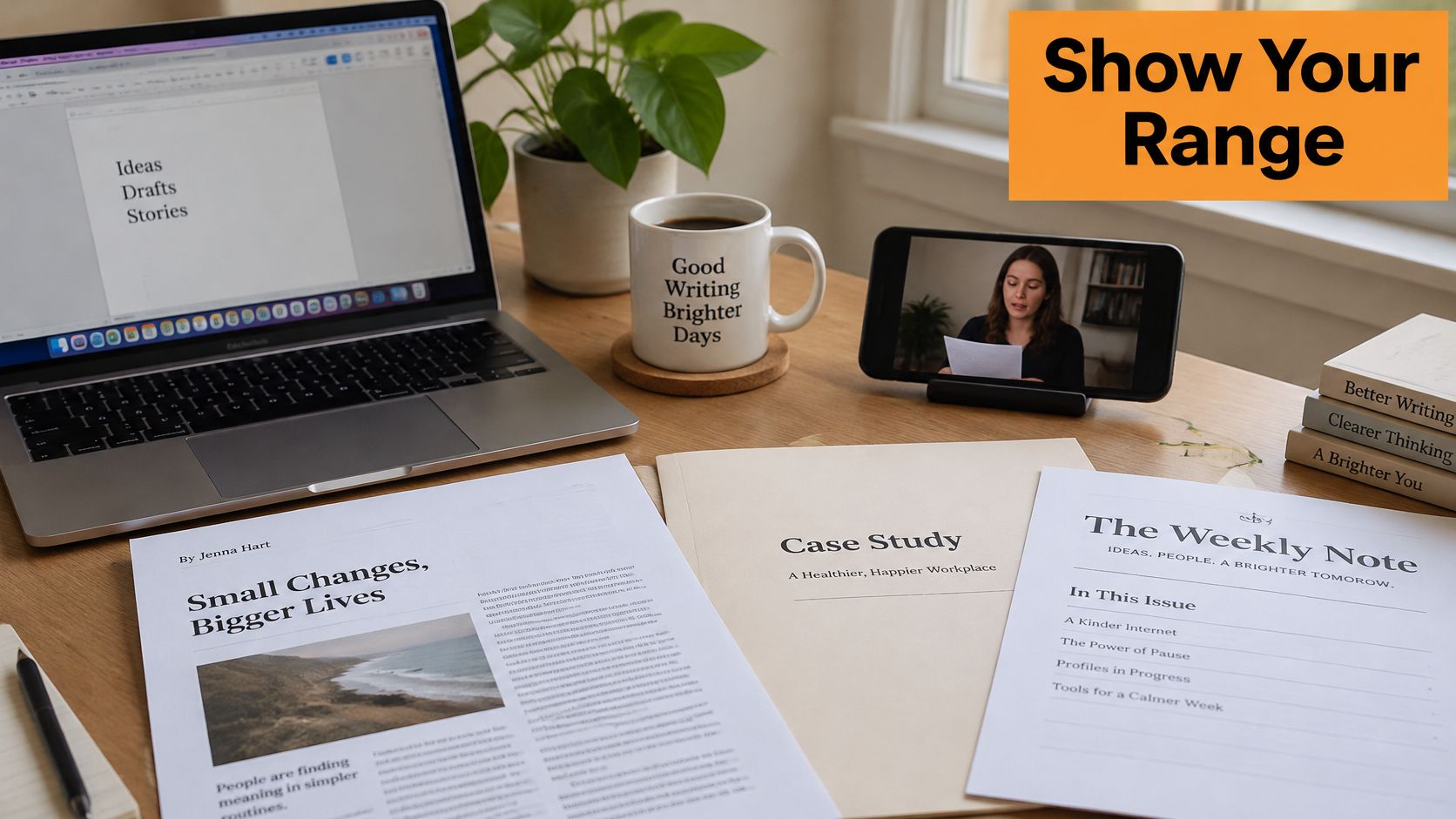
Featured is the shelf. Pick three to five items that show range without wandering off your niche: a bylined article, a case study PDF, a newsletter issue, and a short reading or video of your work if you have one. Caption each item with the client type, the format, and the result. "Onboarding guide for a Series B SaaS team, support tickets down after launch" tells a stranger why the file is there. A naked URL does not.
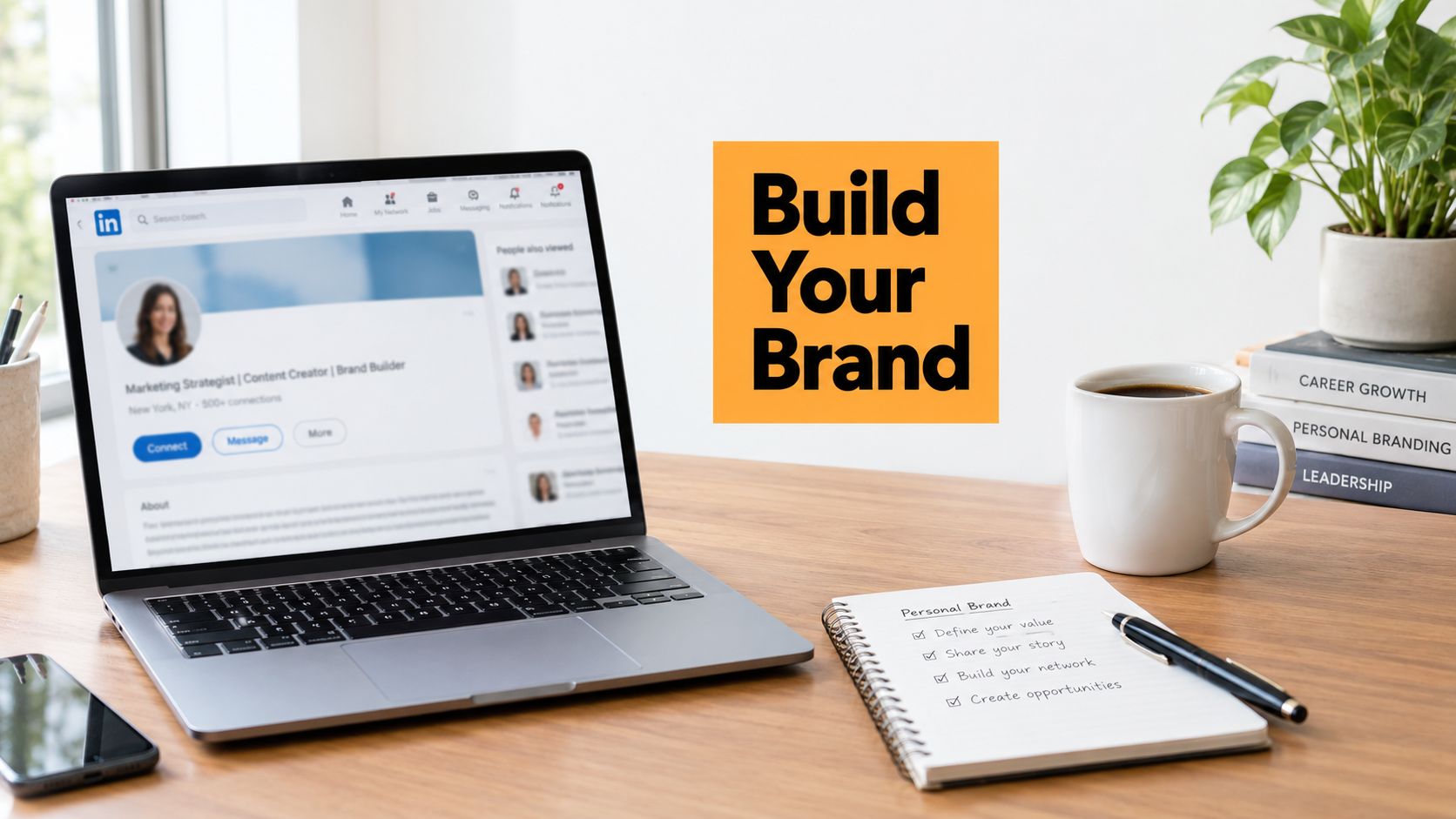
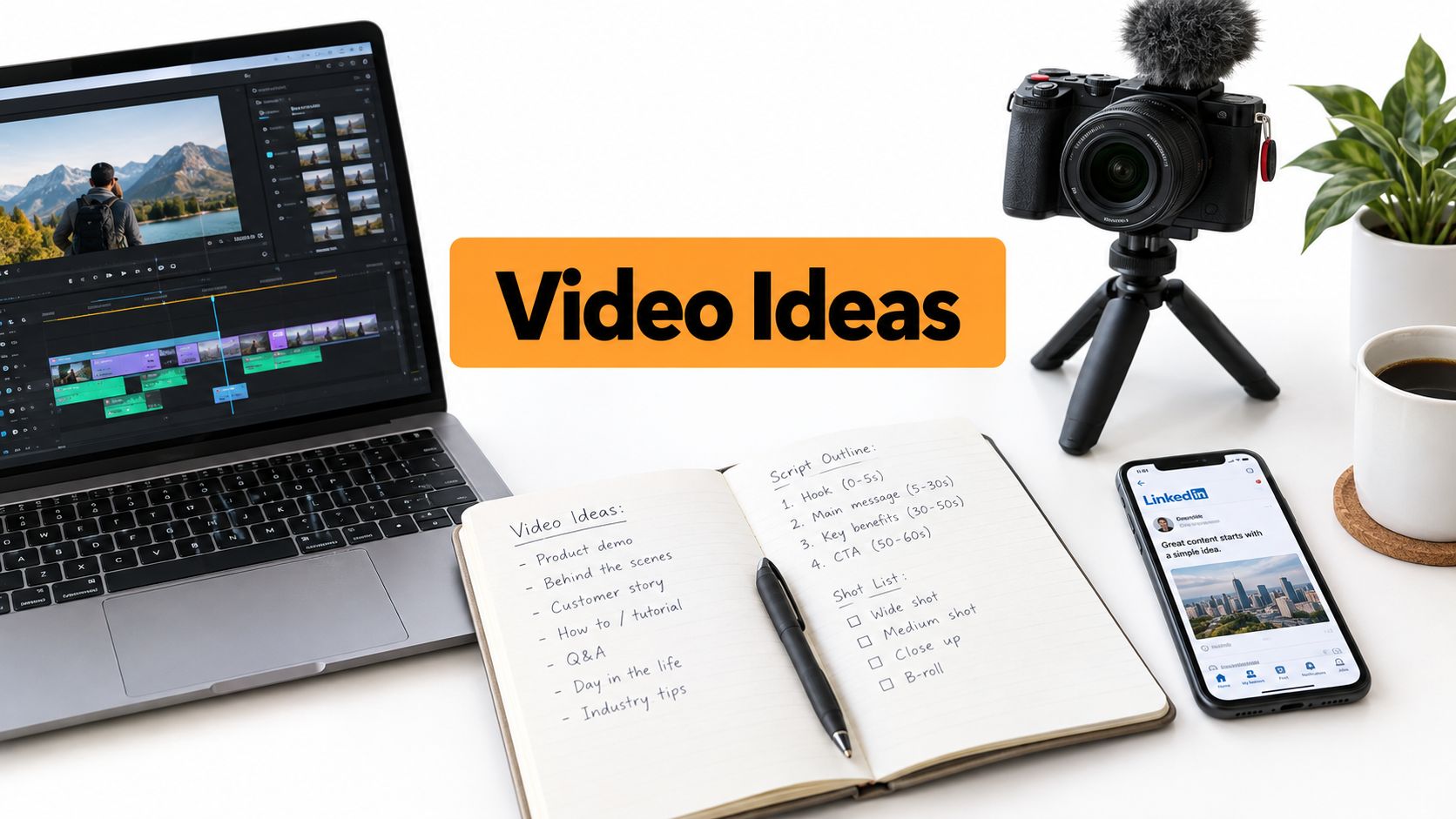
A clean desk shot is a reminder of what buyers are really scanning for, finished work rather than a mood.
Experience, skills, and the same niche everywhere
In Experience, write each engagement as the problem, the deliverable, and the outcome. Attach media only when the client has cleared it. Duty lists ("wrote blog posts, edited copy") read like a job ad you answered, not a result you produced.
Keep ten to fifteen skills that match search terms your buyers use. Pin the strongest three. The week a project closes, ask the client for a recommendation and name the piece you want them to mention. A vague "great to work with" helps less than "rewrote our launch series."
Then check alignment. The same niche should appear in the headline, About, Featured, Experience, and Skills. A page that drifts from poetry to API docs to travel essays looks less trustworthy, not more versatile. If you need models for how finished samples are framed, these freelance writing portfolio examples show captions that name the assignment instead of the vibe. The same standard applies when you build out longer freelance writer portfolio examples off the platform.
What incomplete pages cost you
Completeness is a trust signal, not a search trick. A controlled research program on APA PsycNet assessed 460 participants in the first study, 32 in follow-up interviews, and 363 in a third study. Profiles with only basic information and little detail drew lower hireability ratings, and people reported more suspicion toward incomplete profiles. The hit was strongest when LinkedIn was the main screening surface. The work does not hand you a universal hireability percentage, and no single keyword guarantees a hire. It does say a thin page makes strangers wary.
"Creative storyteller" fails a thirty-second read. A named client result passes it.
Ask two readers who don't know you whether they can say what you write, for whom, and why they should trust you after half a minute. If they stall, add evidence, don't add adjectives.
A short walkthrough of how a profile reads to a stranger is worth ten minutes before you publish the next sample.
Turn Posts into Proof Without Sounding Like AI
Posts are not a content calendar you owe the algorithm. They're ongoing proof that you can think on the problems you sell.
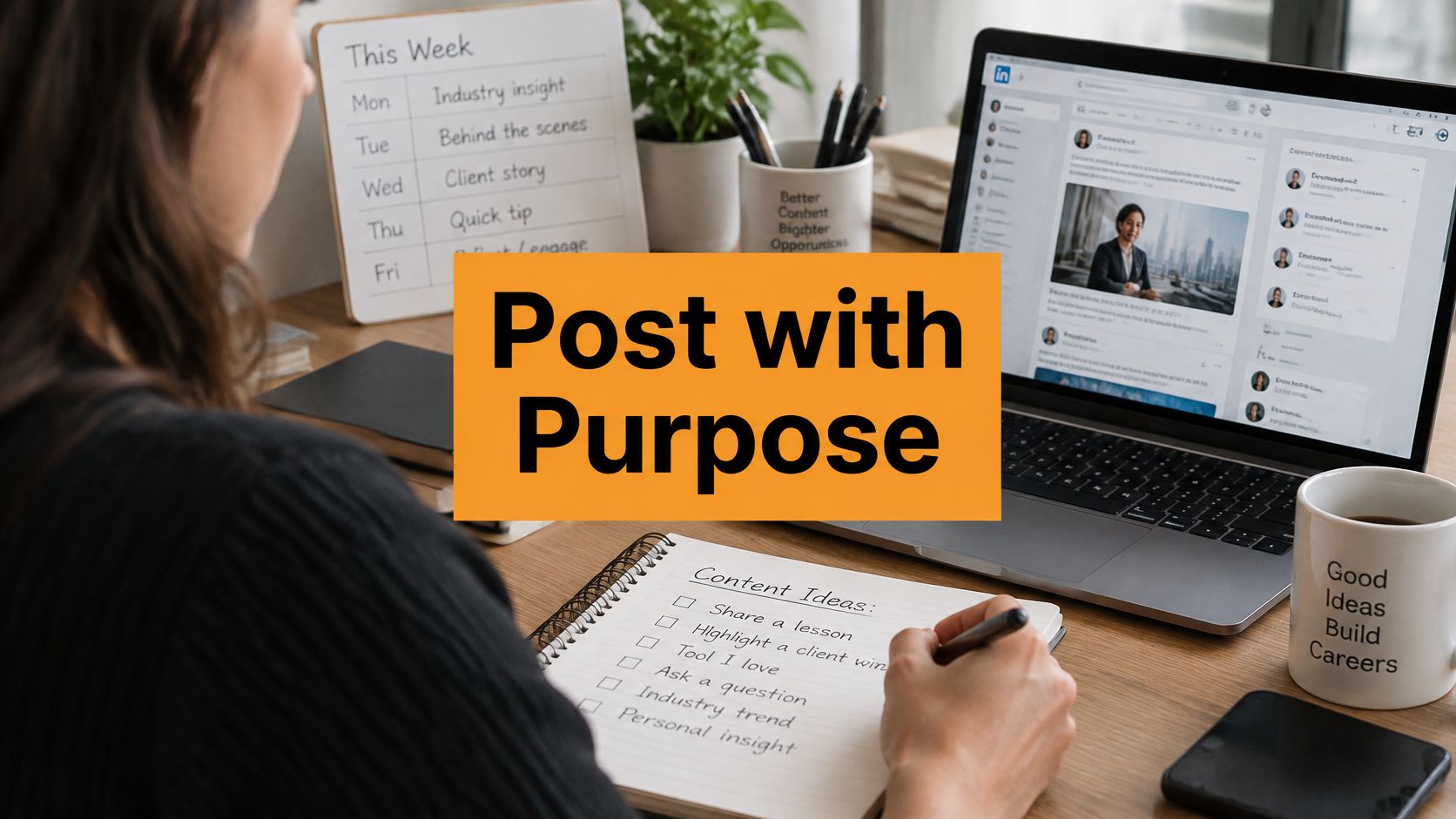
Three formats earn inquiries for writers.
- A client-result post. The number and what changed, with the client type named and the confidential bits left out.
- A process breakdown. A before-and-after of a headline or lede you rewrote, so the reader sees the edit, not a slogan about editing.
- A short opinion. One trend in your niche and a stance you would defend in a sales call.
Plenty of feeds are already machine-written. An analysis covered by PPC Land classified 53.7% of 3,368 long-form posts from 99 influential profiles as likely AI-written. In that same sample, human-written posts generated 73% higher engagement, while AI did better in some leadership and inspirational categories. Drafting with a model is normal. Shipping the draft untouched is how you sound like everyone else. If you want a reference for lines that still sound like a person, compare them with these writing voice examples.
Three things only you can add
If a model drafted the post, put back a specific memory from a project, a real number, and a judgement you would stand behind. Then run one check. If you can't name the client type, the rough date, or the result, the draft is still generic and it shouldn't go up.
If AI wrote most of a post, say so when your audience would care, and never drop a client name or a private detail to make the story sharper.
Pick a disclosure rule and keep it. Two or three posts a week is a realistic pace for a solo writer. The aim is visible judgement, not a full feed.
Track What Your Profile Actually Delivers
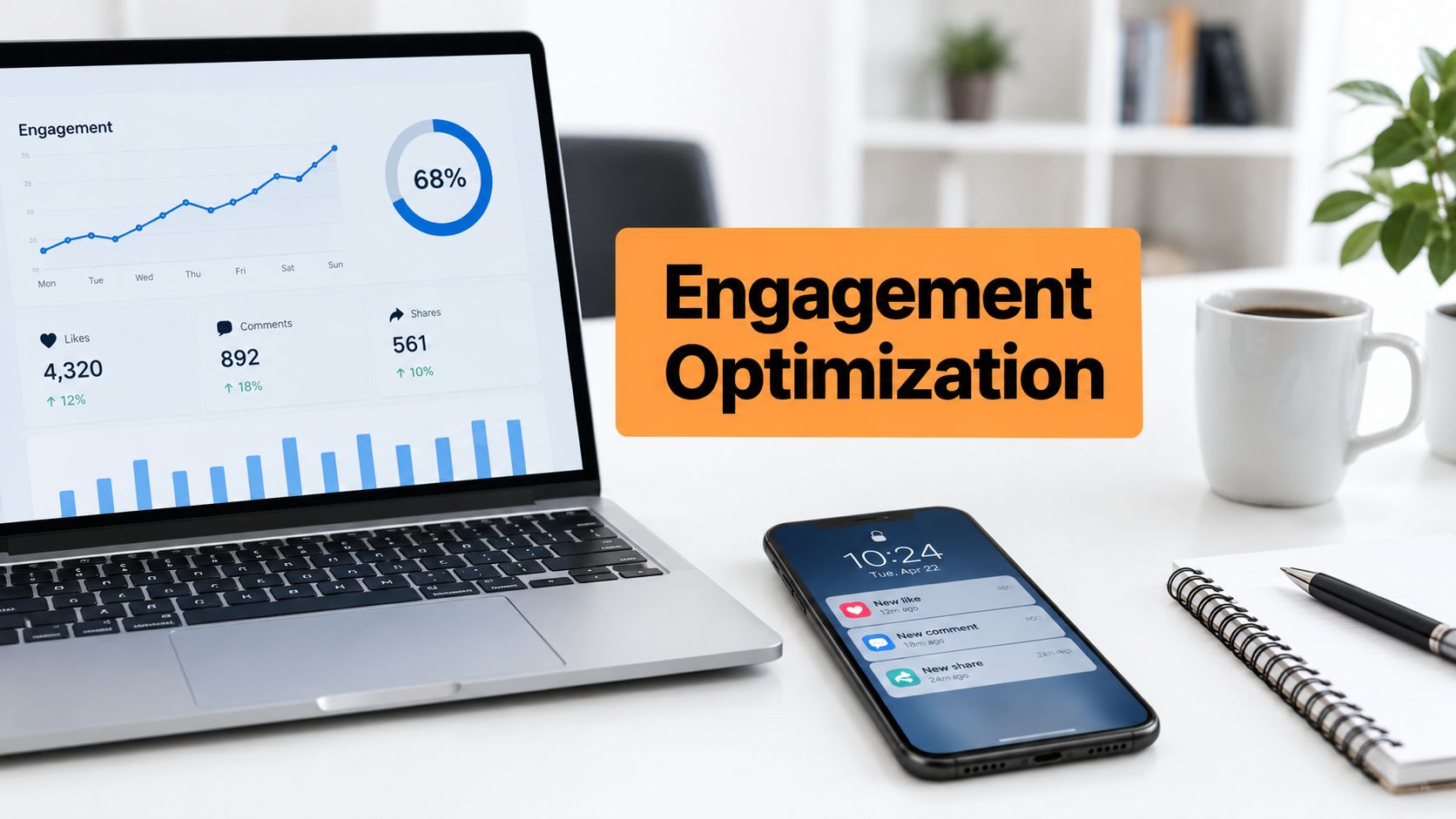
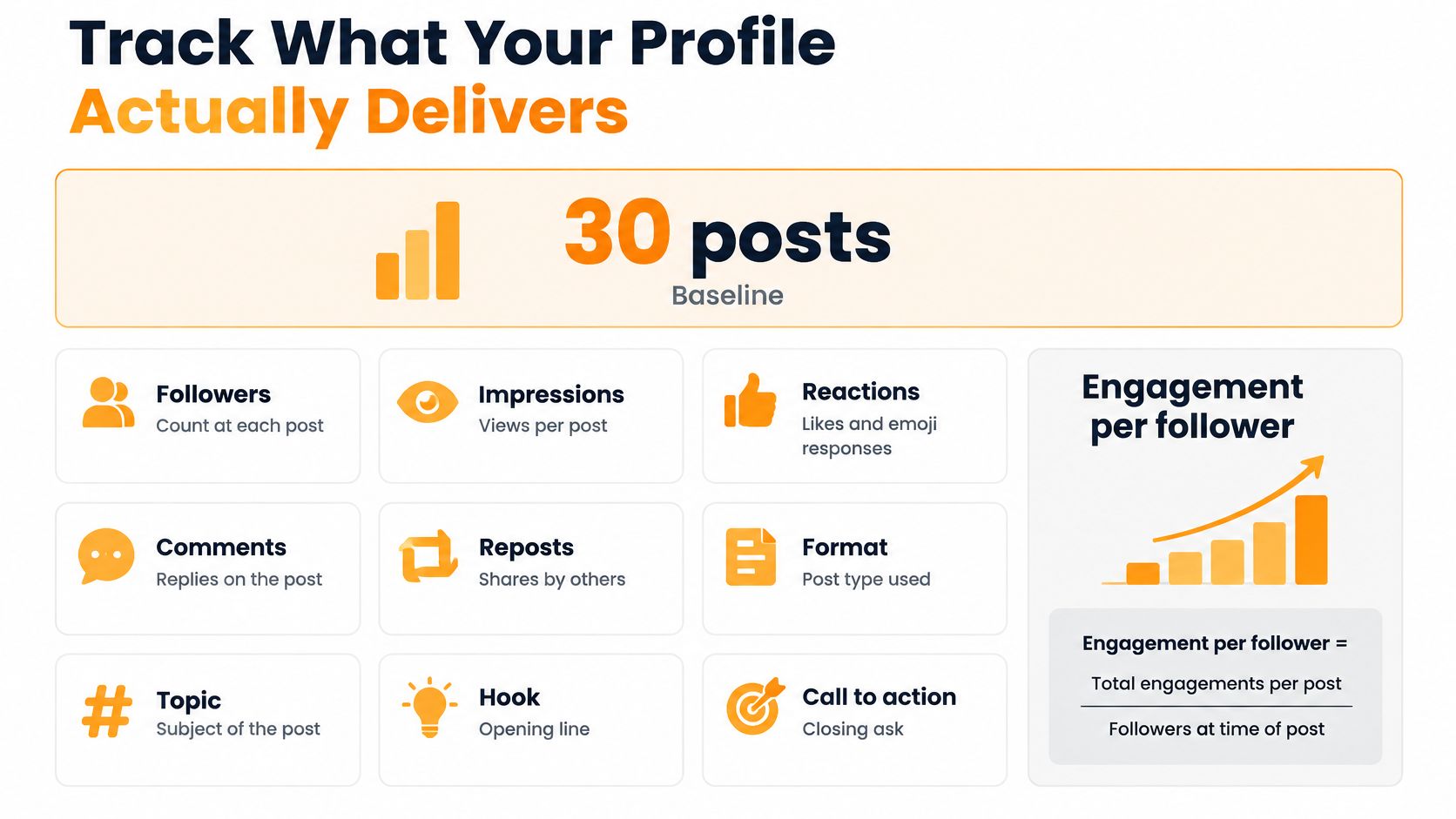
Likes are a weak proxy for paid work. Separate engagement per follower from engagement per impression, because the two denominators answer different questions. One tells you how hard the audience worked. The other tells you what happened among people who saw the post.
Ligo Social's State of LinkedIn 2026 looked at 134,522 posts from 1,499 real profiles. A typical post had 10 total engagements and one comment. Median engagement per follower fell from 0.96% for authors under 1,000 followers to 0.12% for authors over 10,000. Against the same author's text-only posts, images did 36% more, documents 22% more, video 17% more, link previews 15% less, and polls 50% less. These are observational benchmarks, not promises.
| Author or format | Reported benchmark | How to use it |
|---|---|---|
| Authors under 1,000 followers | 0.96% median engagement per follower | Your starting reference if your audience is still small |
| Authors over 10,000 followers | 0.12% median engagement per follower | Expect lower per-follower rates as audience size grows |
| Images versus text-only posts | 36% more engagement | Test a simple image or screenshot on your next three posts |
| Documents versus text-only posts | 22% more engagement | Try a short carousel on a process breakdown |
| Video versus text-only posts | 17% more engagement | Use only if you can record cleanly without delay |
| Link previews versus text-only posts | 15% less engagement | Place links in comments or a later post |
| Polls versus text-only posts | 50% less engagement | Avoid polls unless they answer a real question for your audience |
A 30-post baseline you can actually keep
For each of the next 30 posts, log follower count, impressions, reactions, comments, reposts, format, topic, hook, and call to action. Calculate both rates. Compare formats inside your own account, not against a company page or a creator with a different audience.
Change one variable at a time. Hold the topic and the audience steady, then swap only the opening line, the image or document, or where the external link sits. Don't crown a winner off one viral post, and don't chase reactions while ignoring comments and profile visits from the job titles you want.
What counts as a win
The outcome that pays rent is inbound messages, profile visits from target titles, and followers gained from a specific post. LinkedIn's own post analytics surfaces profile viewers and followers gained, so you can tie a piece of writing to a conversation instead of a vanity total. Editors who plan the next assignment from performance, not from gut feel, already use a similar habit. These metrics for editors planning next pieces are a useful parallel when you decide which sample deserves the Featured slot. If you want the click-path inside LinkedIn's own panels, this walkthrough of LinkedIn analytics on a personal profile maps the fields worth exporting.
Skip company-page benchmarks. They measure a brand account, not a freelancer trying to book a retainer.
Start With a Profile Review This Week
A perfect page is a stall. One clear page that matches the work you want will outperform a polished page that still says "writer."
- Run the headline through three questions. Does it name a niche, a client type, and an outcome? If any answer is no, rewrite that line before you touch About.
- Swap weak Featured items. Put up three bylined or client-approved samples, each with a one-line caption that names the format and the result.
- Pin the skills buyers search. Keep the top three they hire for, and delete vague terms such as communication.
- Rewrite the first sentence of About. Open on the prospect's problem, not your bio.
- Use a second set of eyes on the draft. Our free AI LinkedIn Profile Review flags gaps that are easy to miss on your own page, and the free LinkedIn Summary Generator with AI can produce a first About draft. Edit that draft in your own voice before it goes live. The generator is a starting point, not the published version.
- Publish one client-result post this week. A number, what changed, and no confidential names.
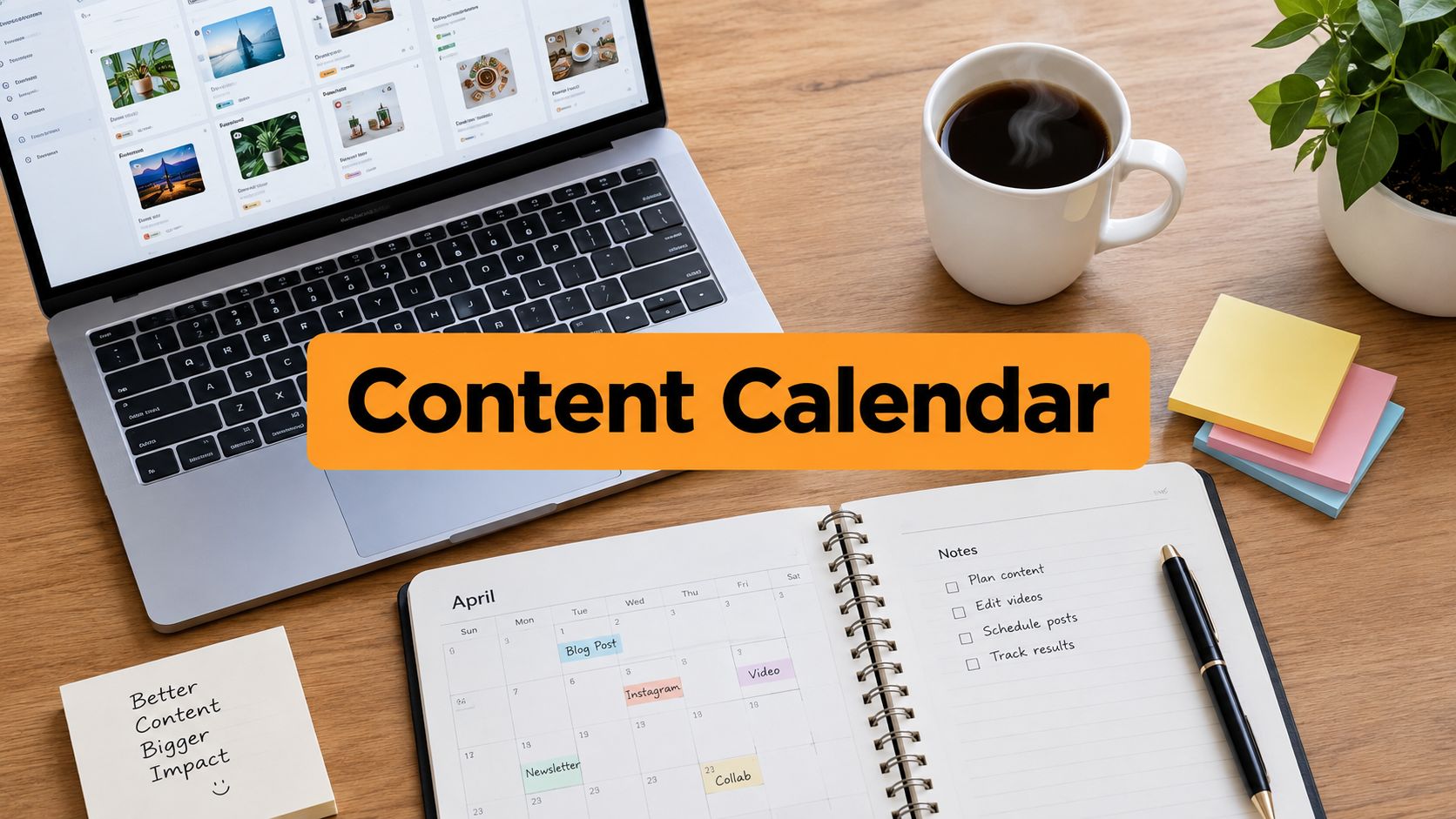
- Put a thirty-day check on the calendar. Count inbound messages and profile visits from people who match your client titles. Keep the posts that led to those visits. Drop the ones that only collected reactions.
I would start with the headline and the three Featured items. Those two changes alter what a stranger believes in the first minute, which is the only minute most of them will give you.
If you want the profile and the posts to sound like the same person, RedactAI drafts LinkedIn posts from your own profile, history, and voice, then lets you schedule and recycle the ones that already bring conversations. Use it to turn a client result into a post without sanding off the judgement that makes buyers write back. Open the free profile review, fix the headline, and publish one proof post before the week is over.